Taxes included.
SPECIFICATIONS
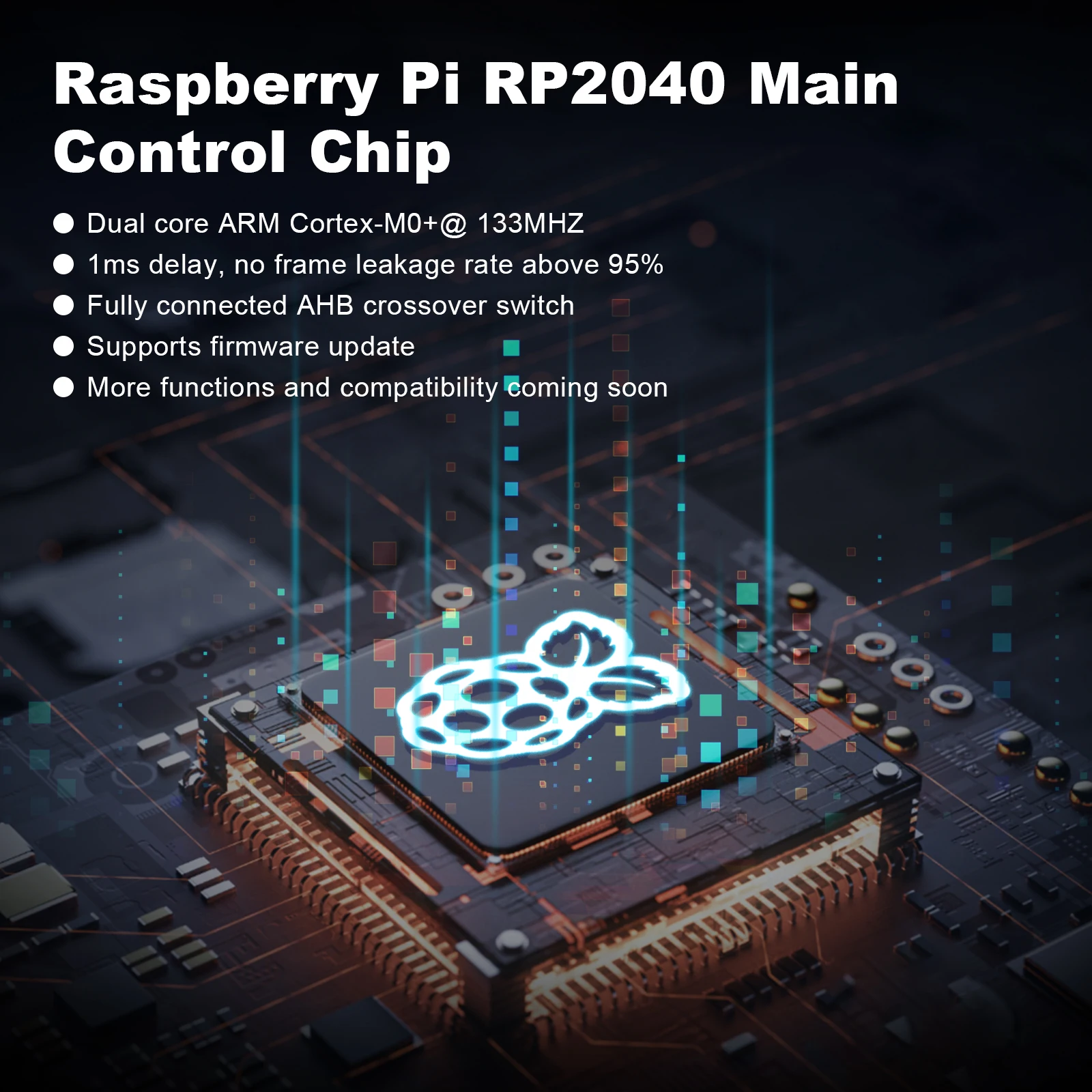
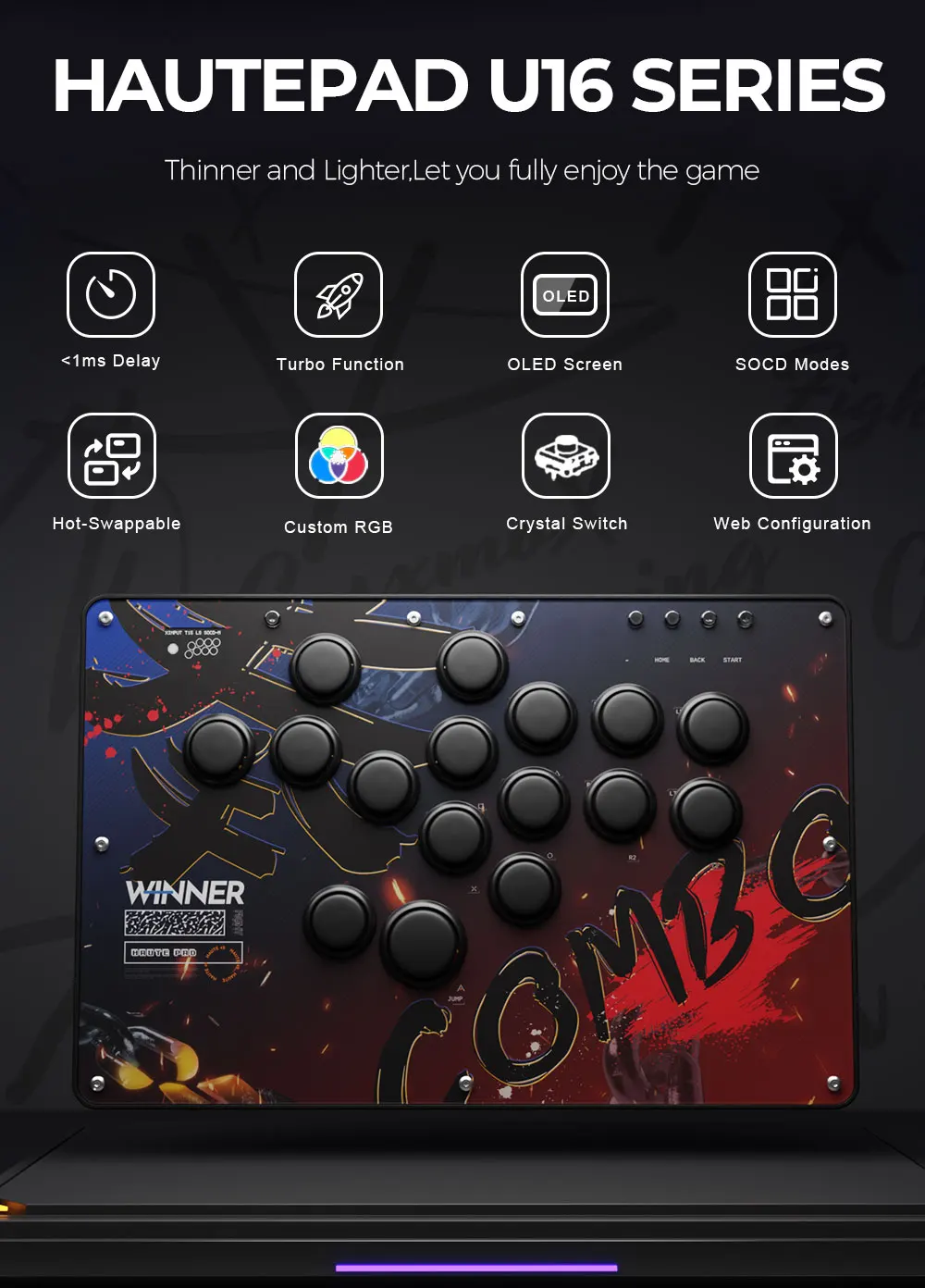
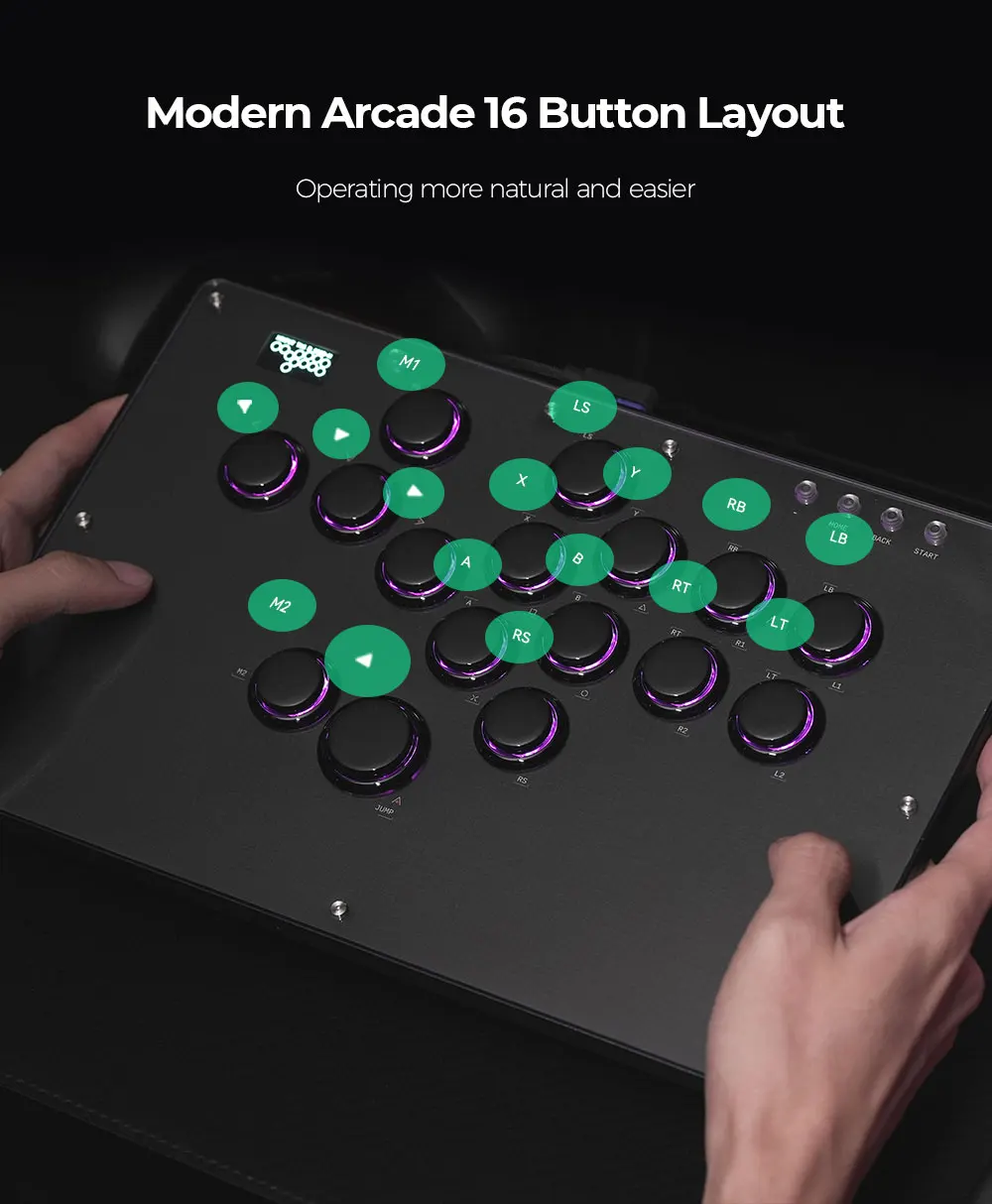
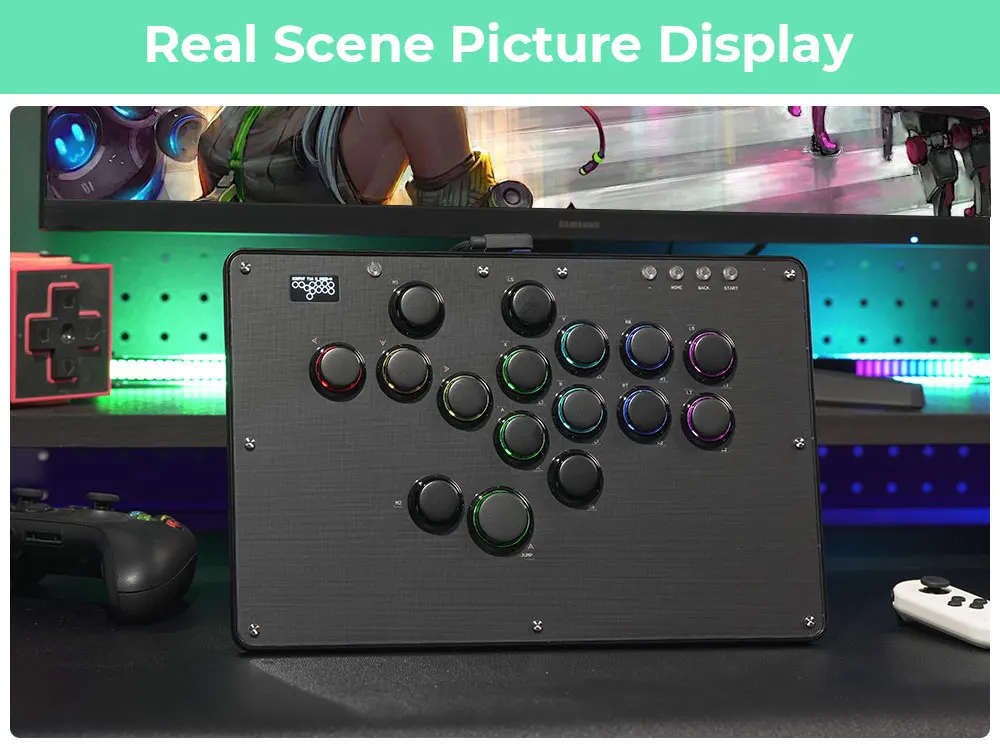
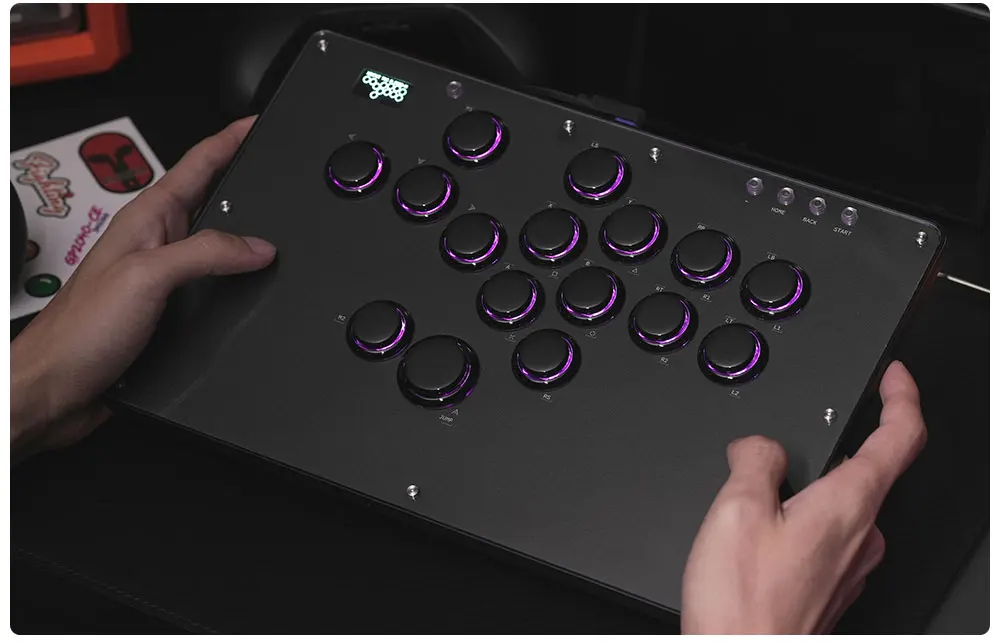
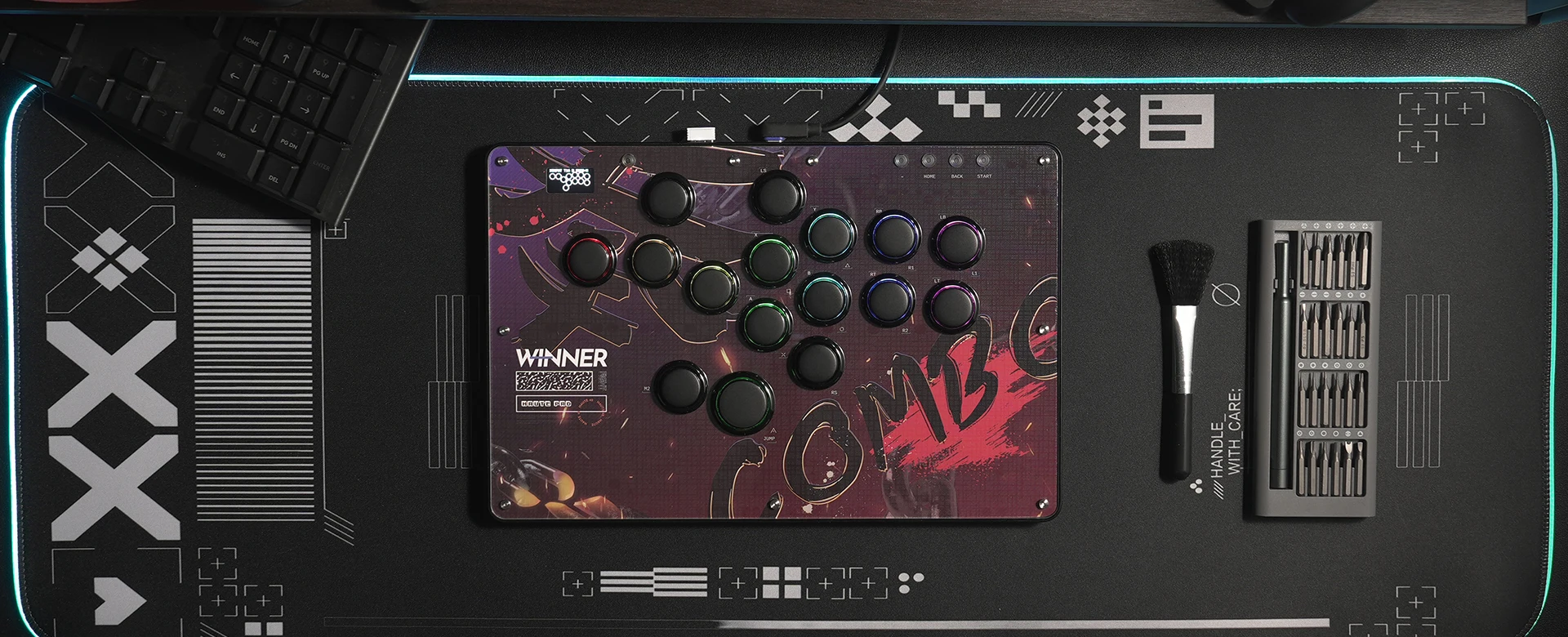
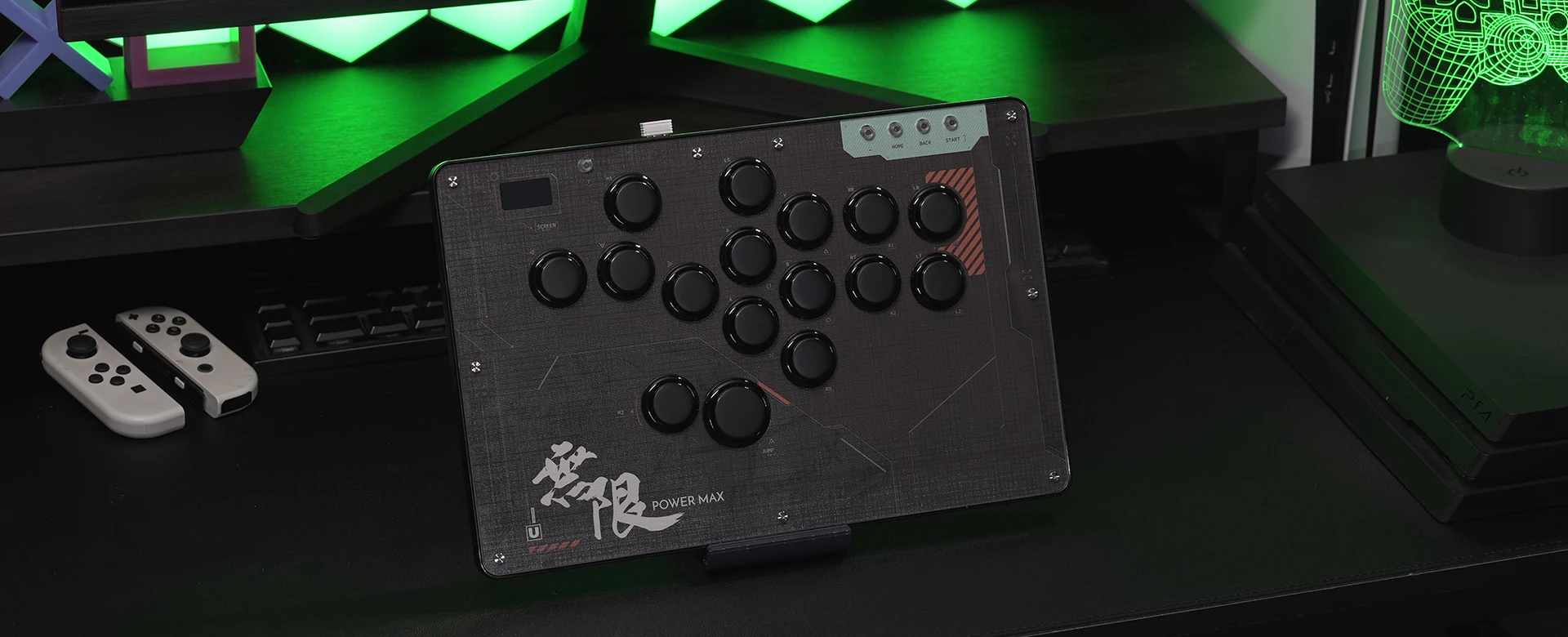
The Haute42 U16 is designed for players who want a lightweight, travel‑ready leverless controller without sacrificing responsiveness or customisation. With 16 total inputs, dual‑layout support, and a modern RGB‑lit design, it offers a flexible and competitive experience across PC, Switch, Android, and more. Its RP2040 main chip ensures fast, consistent input processing, while the OLED display gives instant feedback on modes and settings.
A clean, modern option for players who want speed and portability in one compact unit.
⭐ Key Features:
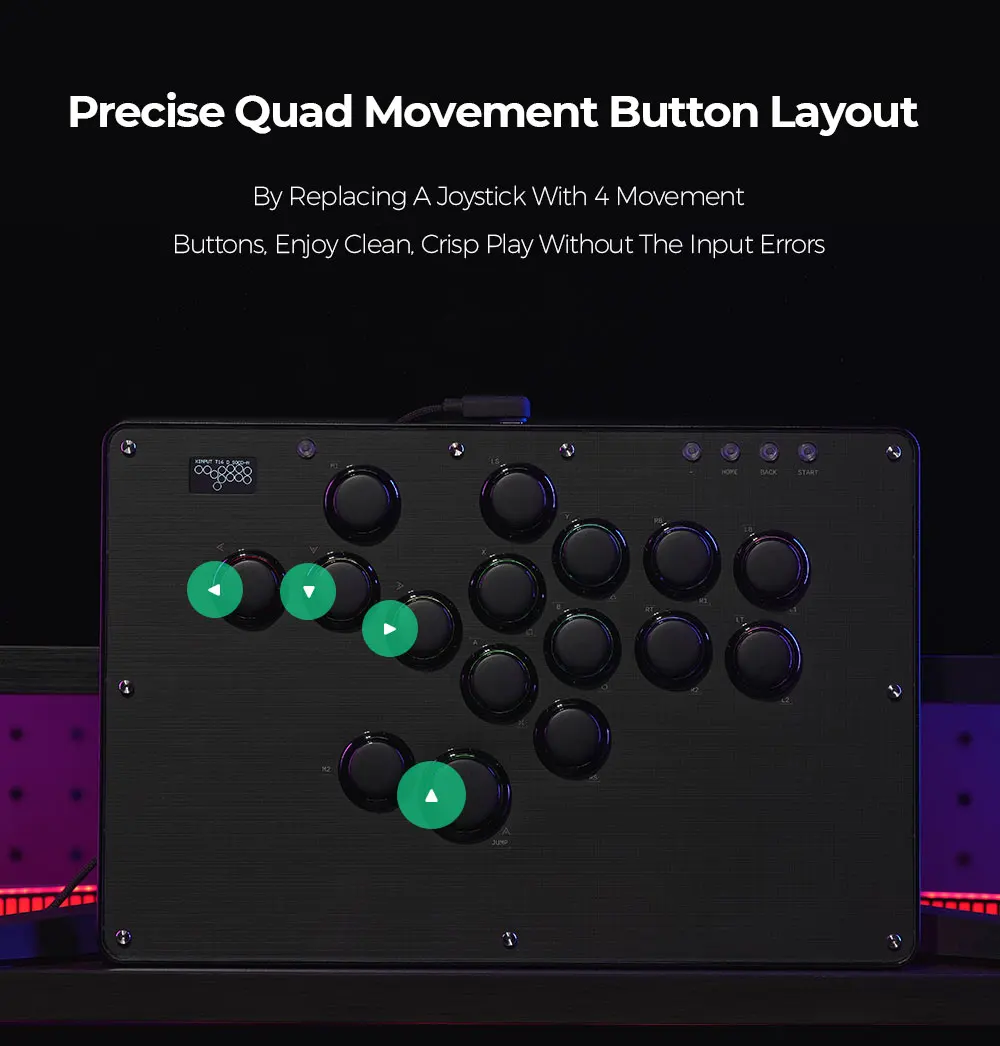
🔲 Dual‑Layout Leverless Design
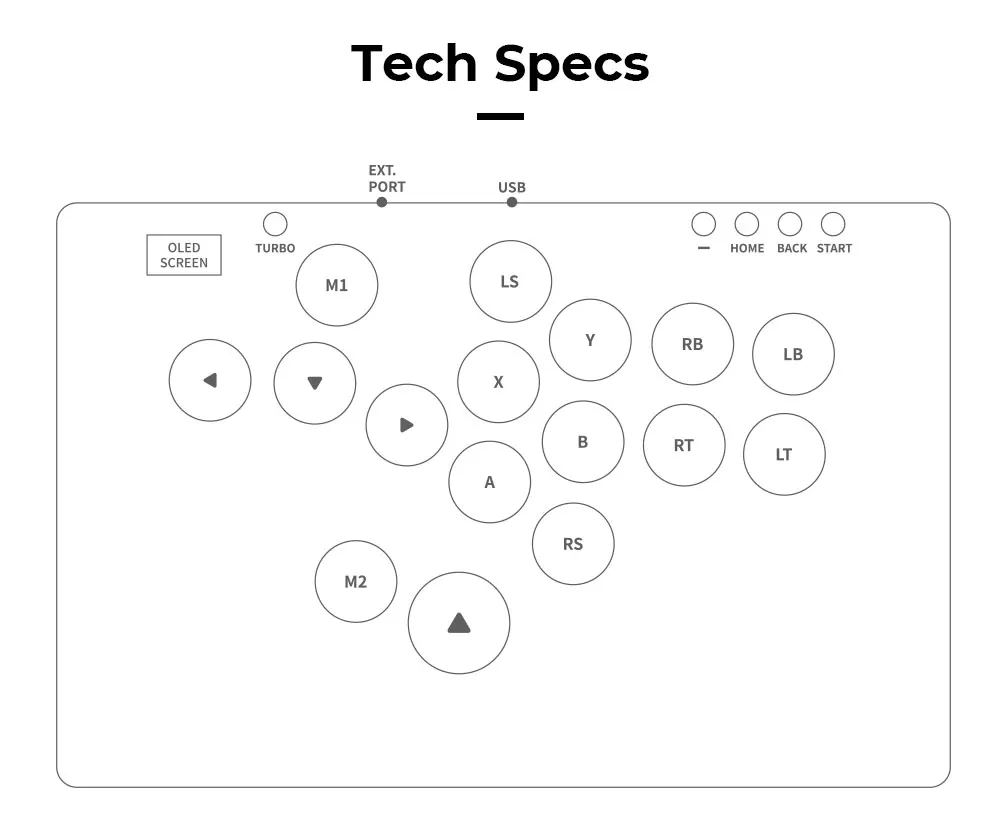
The U16 supports both classic hitbox‑style and WASD‑style directional layouts.
• Ideal for players transitioning from keyboard or leverless
• Flexible ergonomics for different hand positions
• 16 total inputs for full control
⚡ RP2040 High‑Speed Processor
A modern microcontroller ensures fast, consistent input handling.
• Low‑latency performance
• Stable across all supported platforms
• Smooth directional and action input processing
🧼 Multiple SOCD Modes
Switch between directional cleaning modes depending on game or tournament rules.
• Standard
• Neutral
• Mode indicators shown on the OLED screen
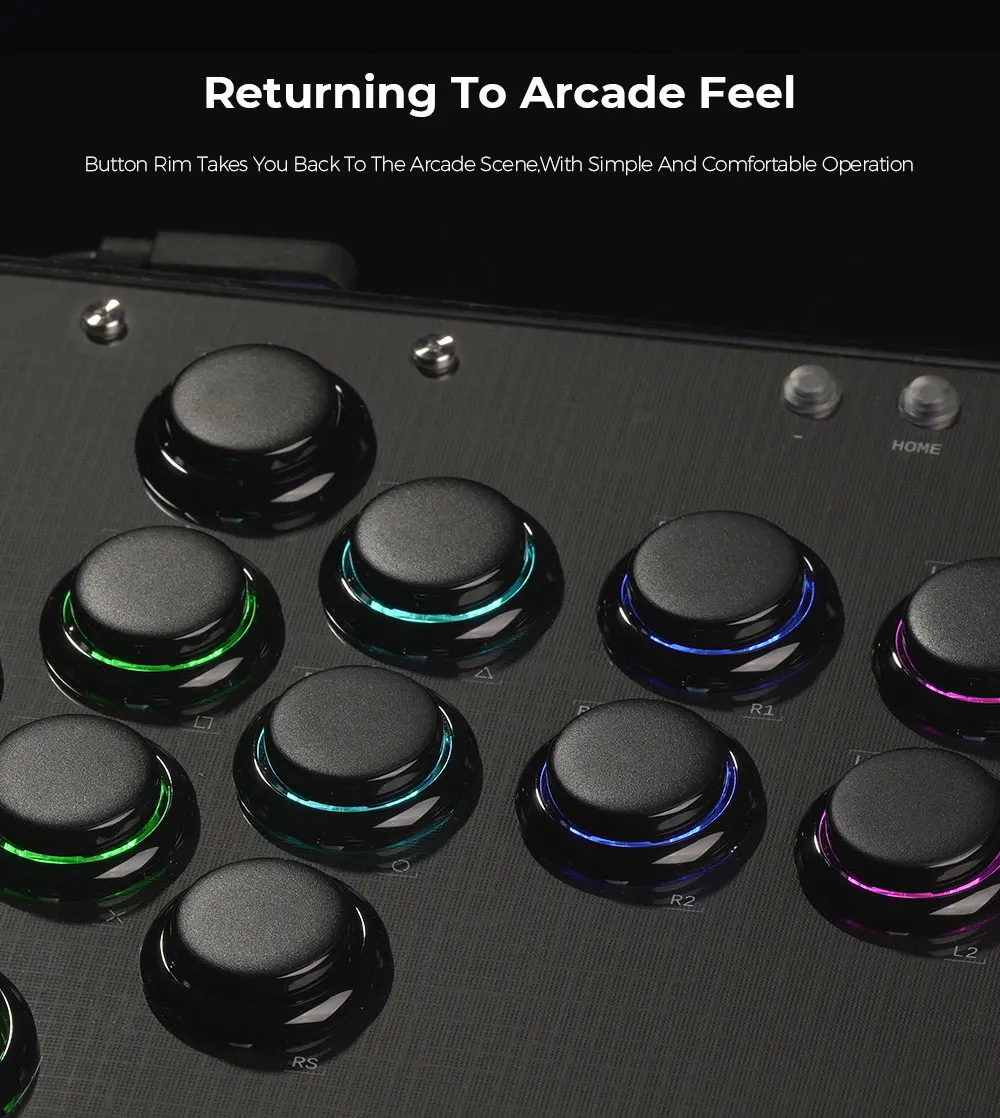
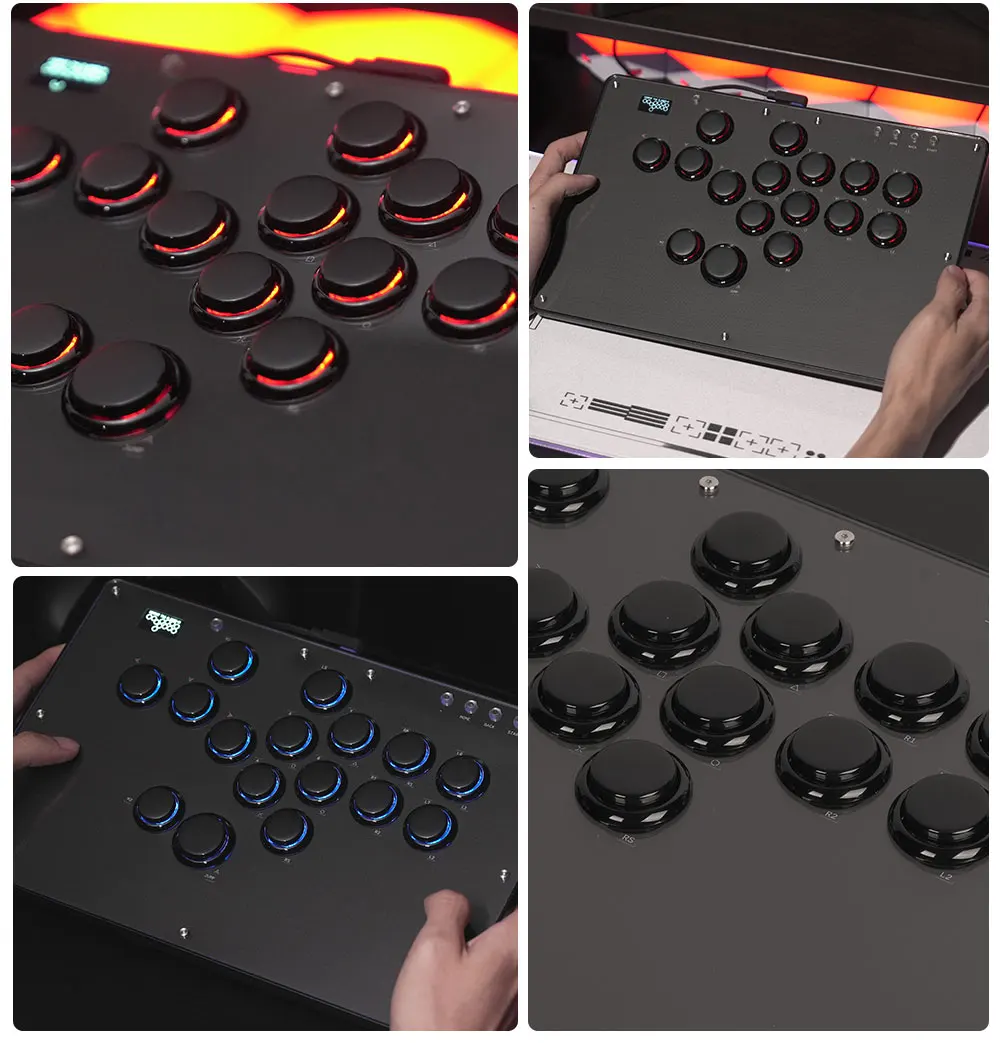
💡 Customisable RGB Lighting
Built‑in RGB adds a clean, modern aesthetic.
• Adjustable colours
• Multiple lighting effects
• Works with the controller’s configuration system
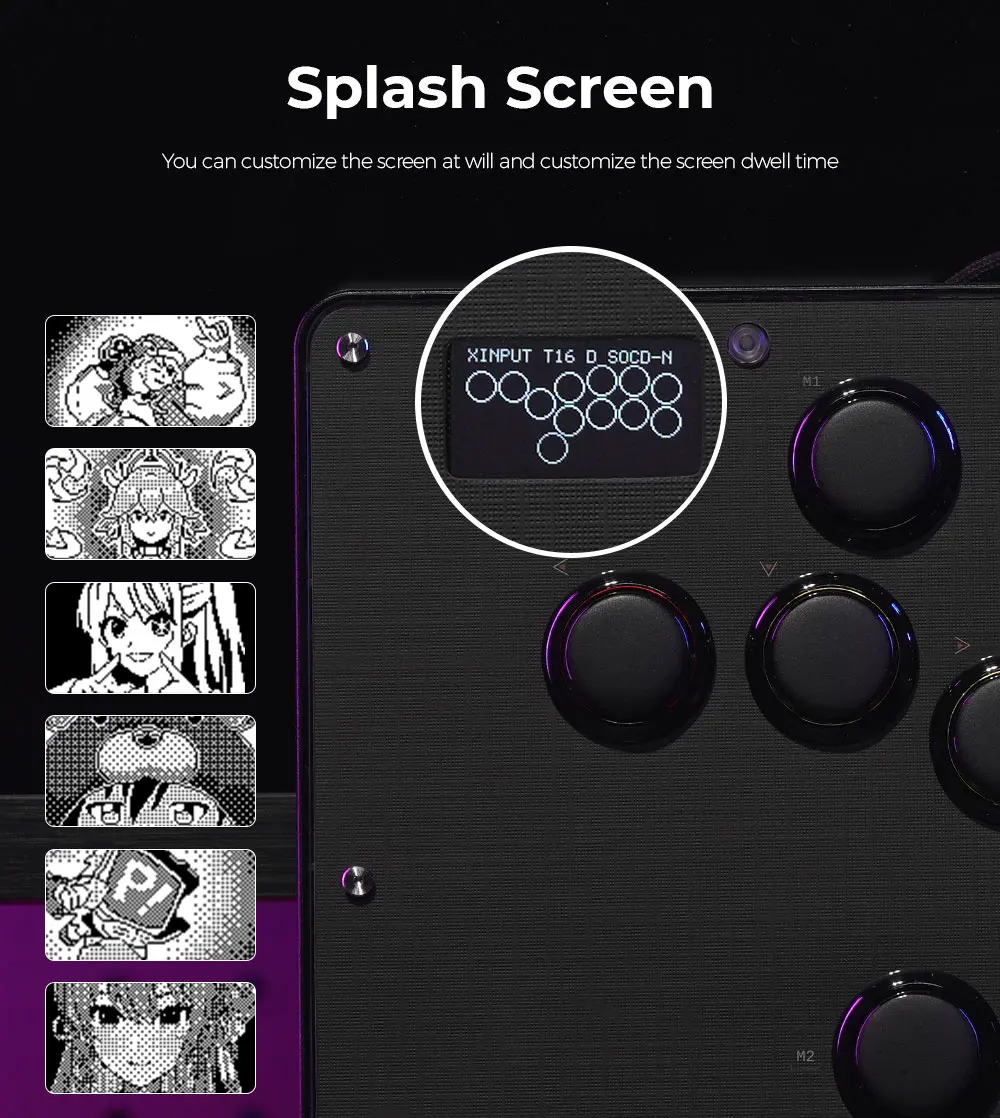
🖥 OLED Status Display
A small screen on the top panel shows real‑time information.
• Input mode
• Directional mode
• SOCD mode
• Useful for tournaments and quick checks
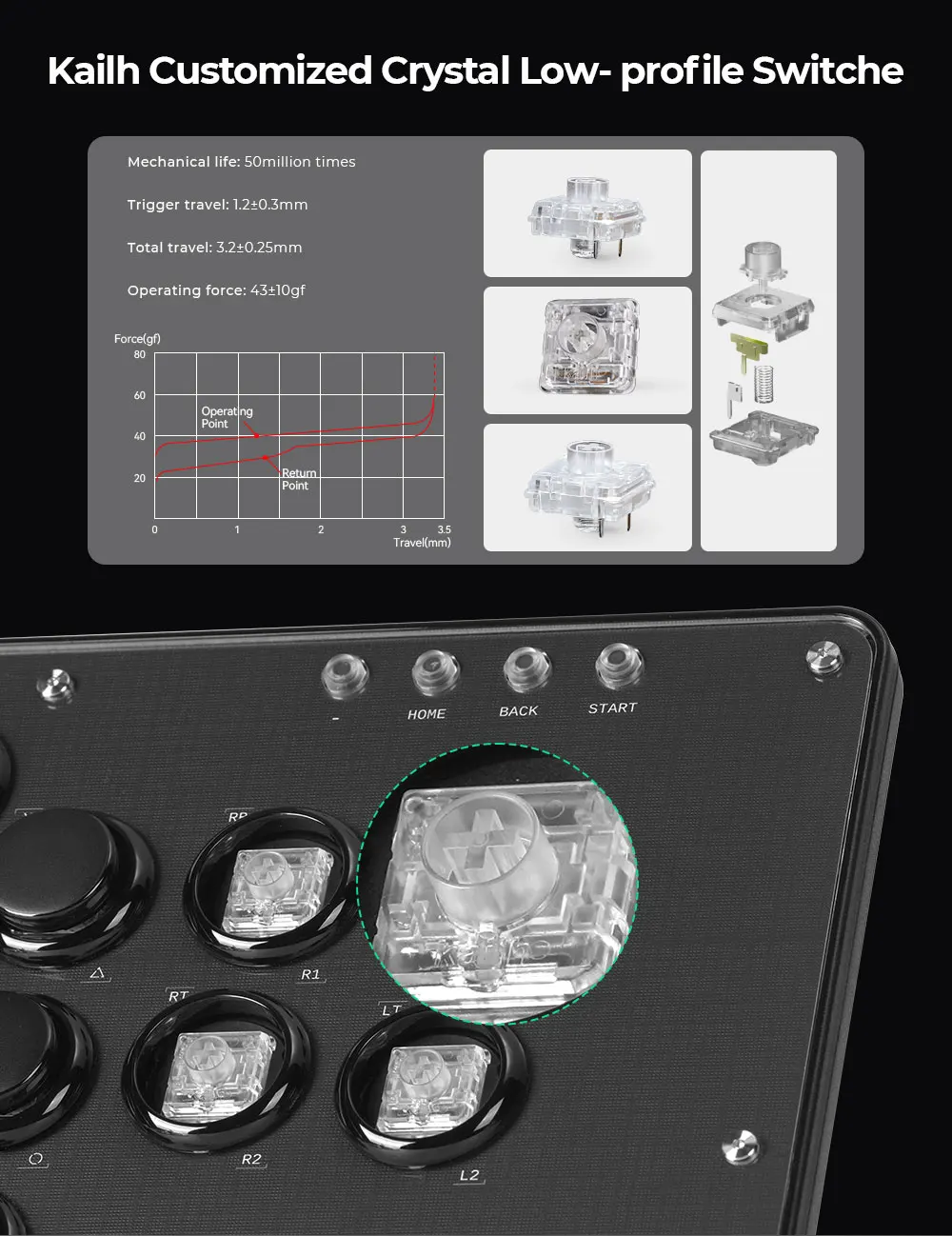
🎮 Kailh Crystal Low‑Profile Switches
Smooth, fast, and durable switches for all buttons.
• Crisp actuation
• Low travel distance
• Includes spare switch in the box
🧳 Slim & Lightweight Build
Designed for portability without sacrificing stability.
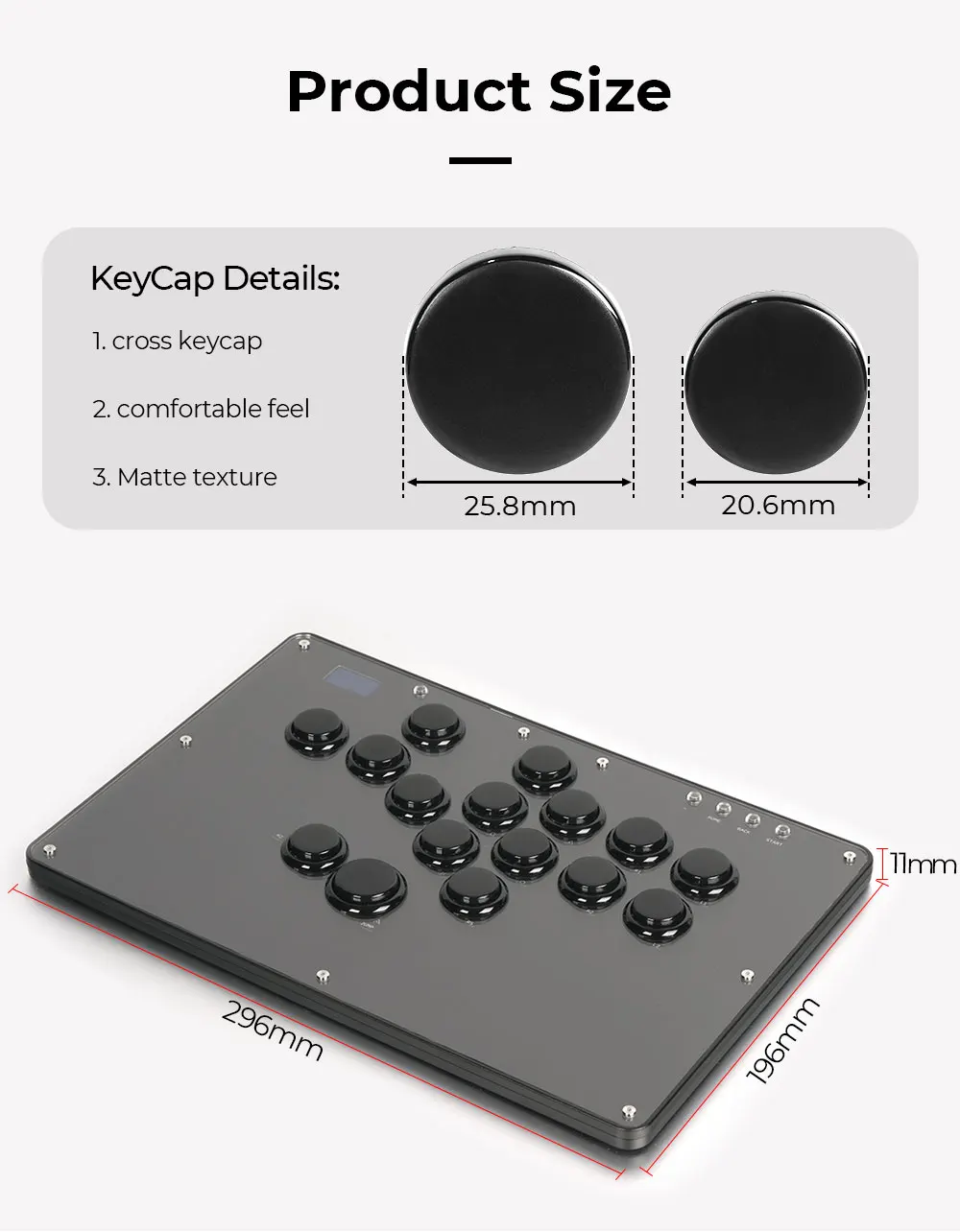
• 12″ × 8″ × 0.5″
• Only 2 lbs
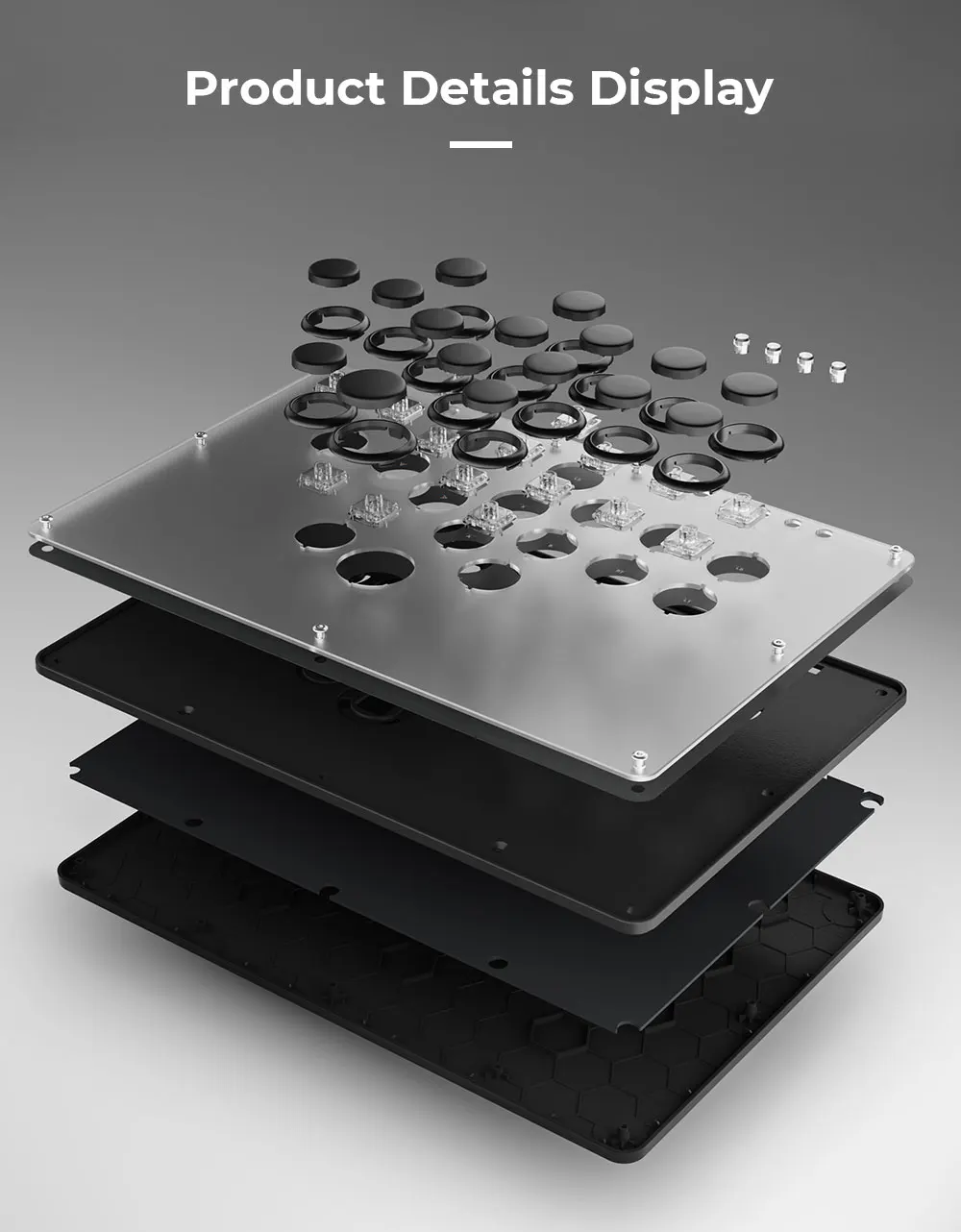
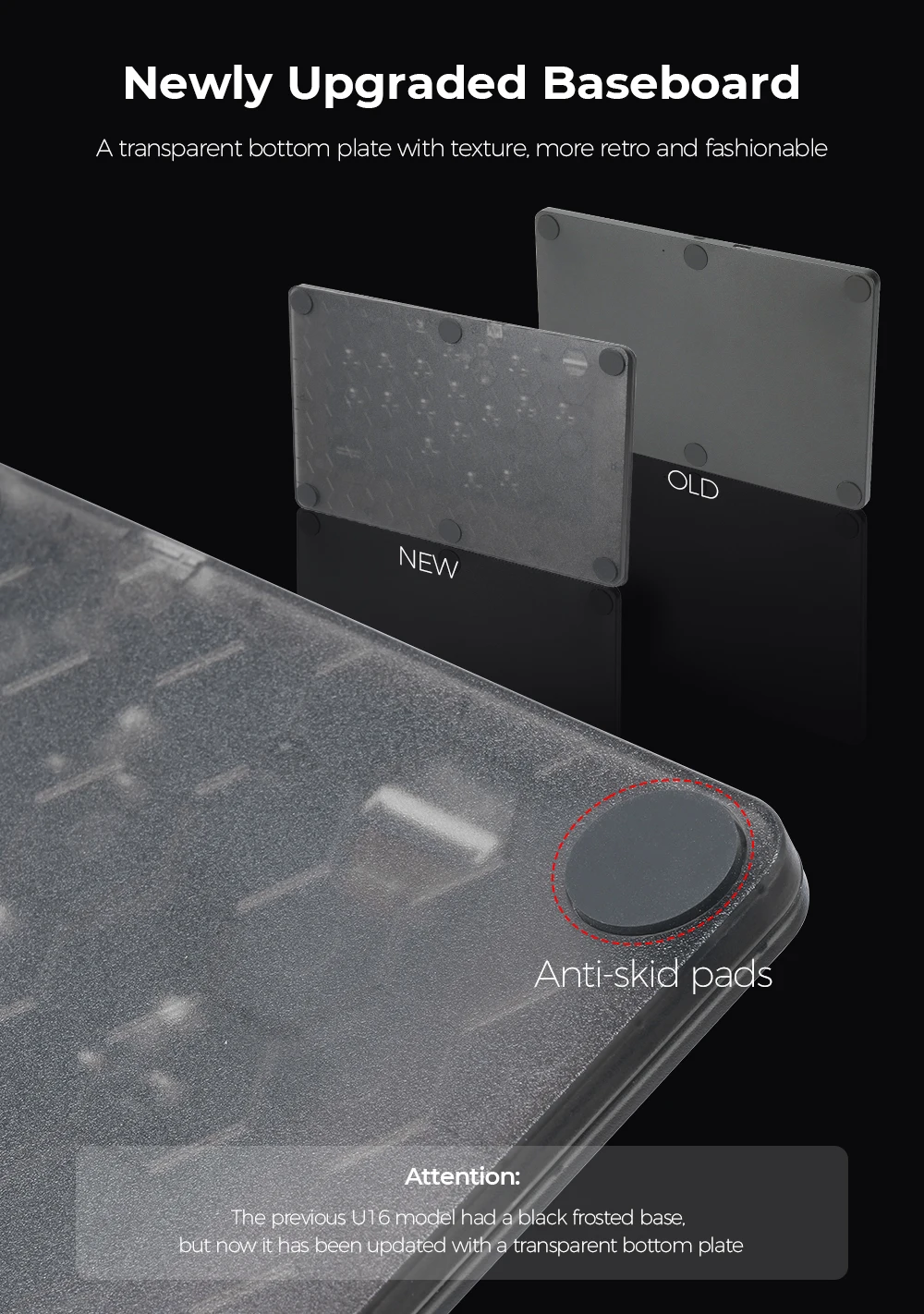
• Plexiglass top + injection‑moulded bottom for durability and comfort
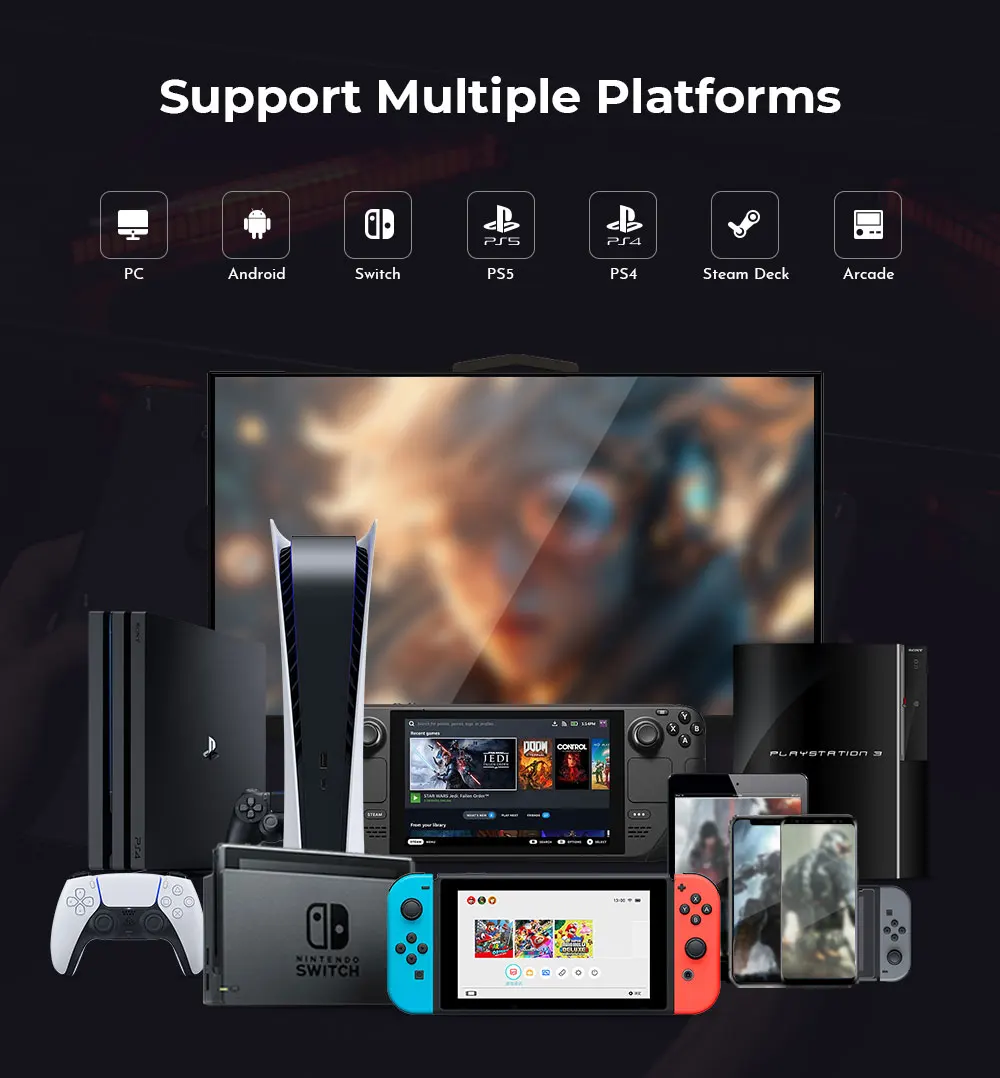
📡 Multi‑Platform Support
Compatible with a wide range of systems.
• PC
• Nintendo Switch
• Android
• Additional PS5/Xbox support requires adapter
🎮 Gameplay & Performance:
• Fast, accurate directional inputs
• Clean execution for modern fighters
• WASD or hitbox‑style layout flexibility
• Crisp, responsive action buttons
• OLED feedback for competitive reliability
• Lightweight body ideal for travel, locals, and tournaments
📦 What’s in the Box:
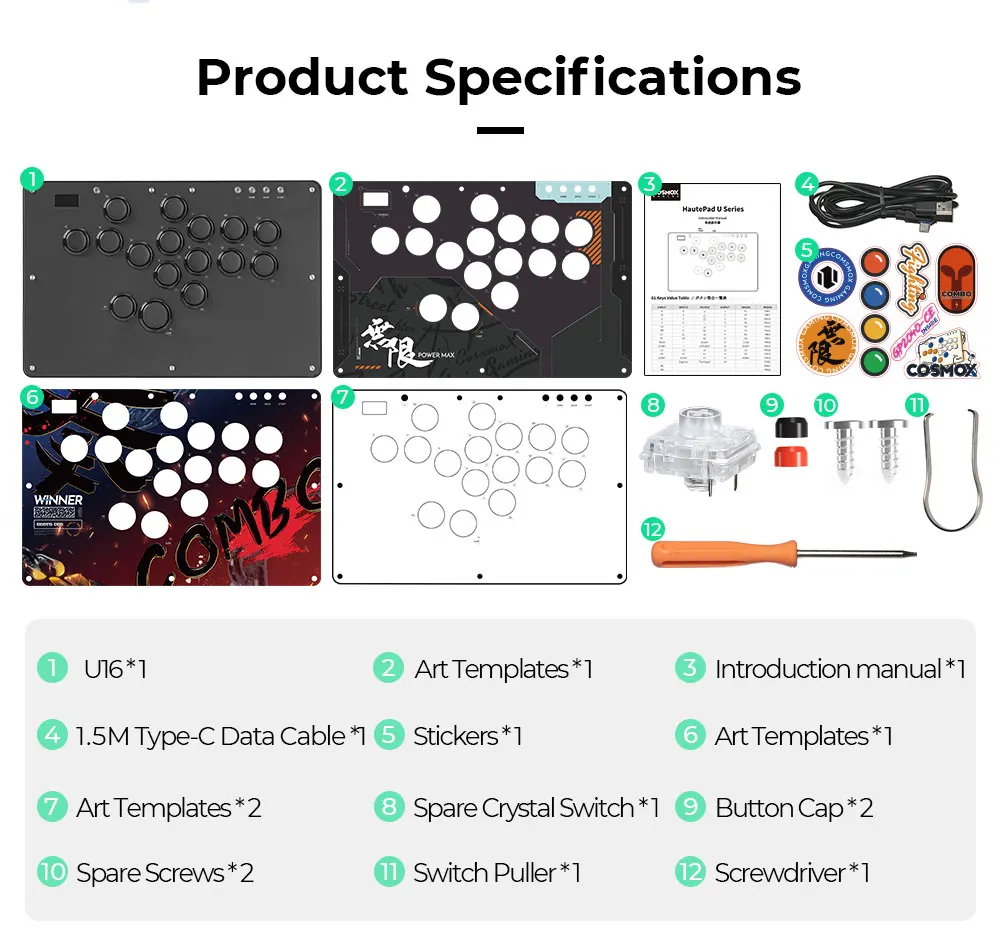
• Haute42 U16 Leverless Controller ×1
• 1.5m USB‑C Cable ×1
• Switch Puller ×1
• Screwdriver ×1
• Spare Crystal Switch ×1
• 6mm Button Caps ×2
• Spare Screws ×2
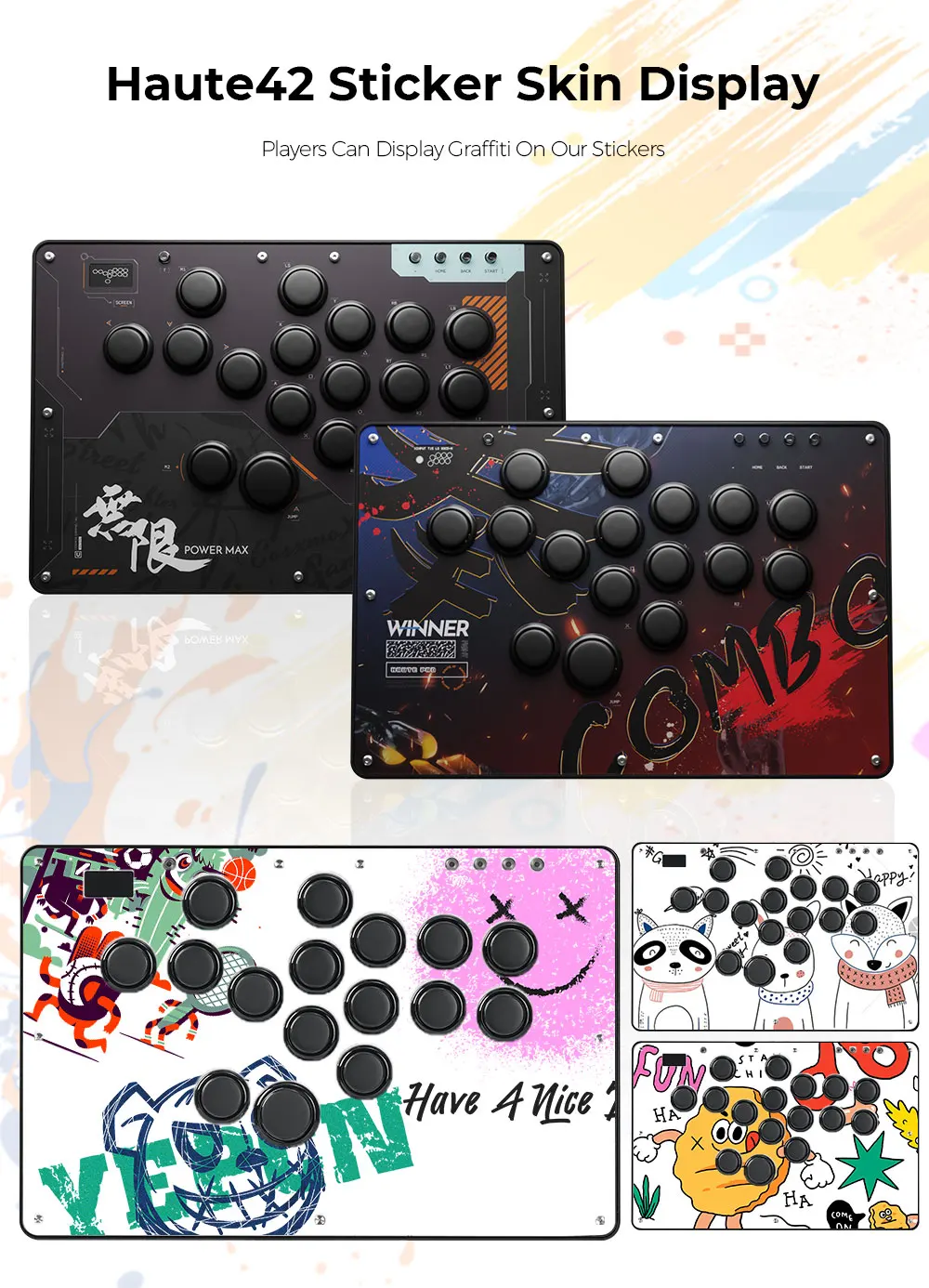
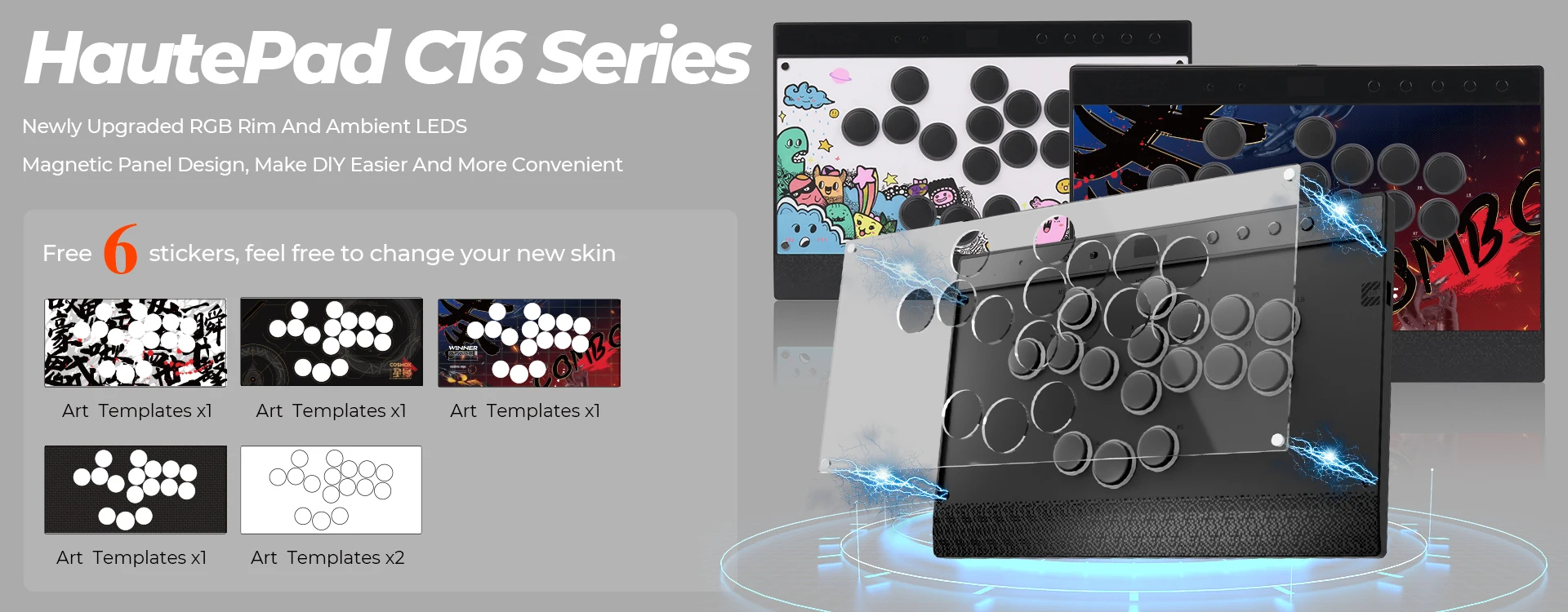
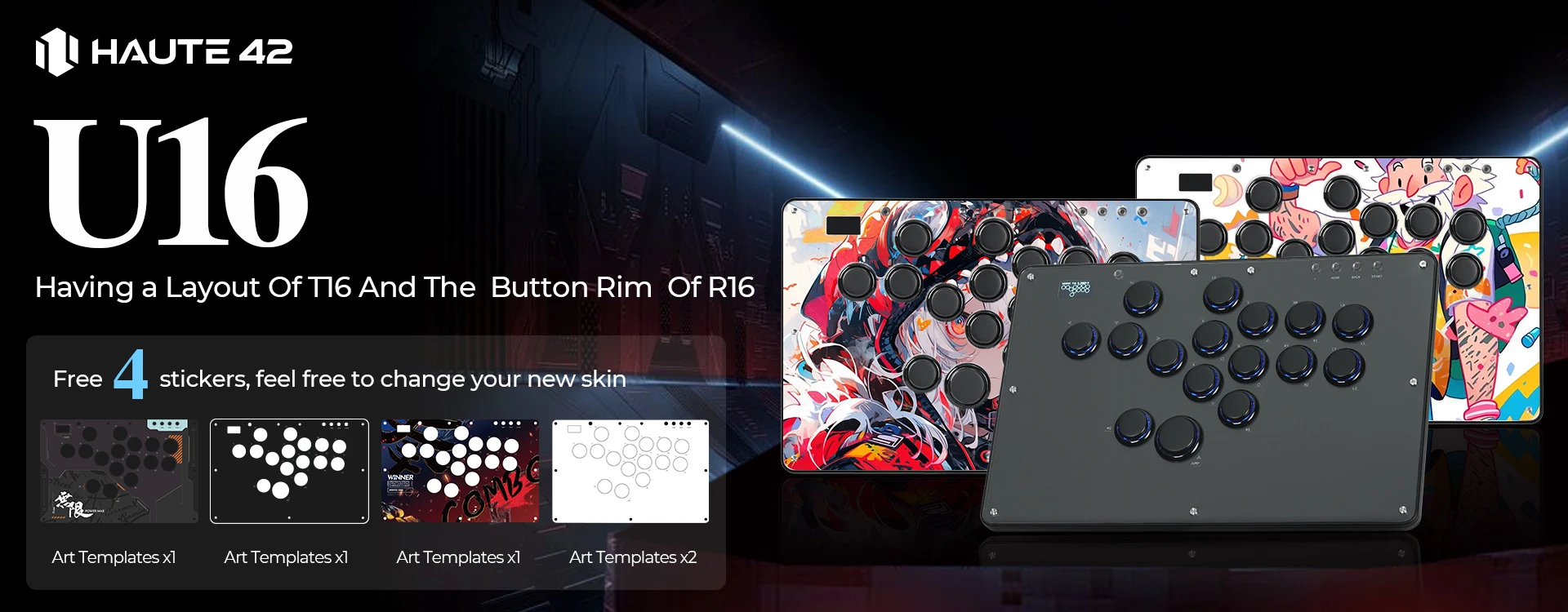
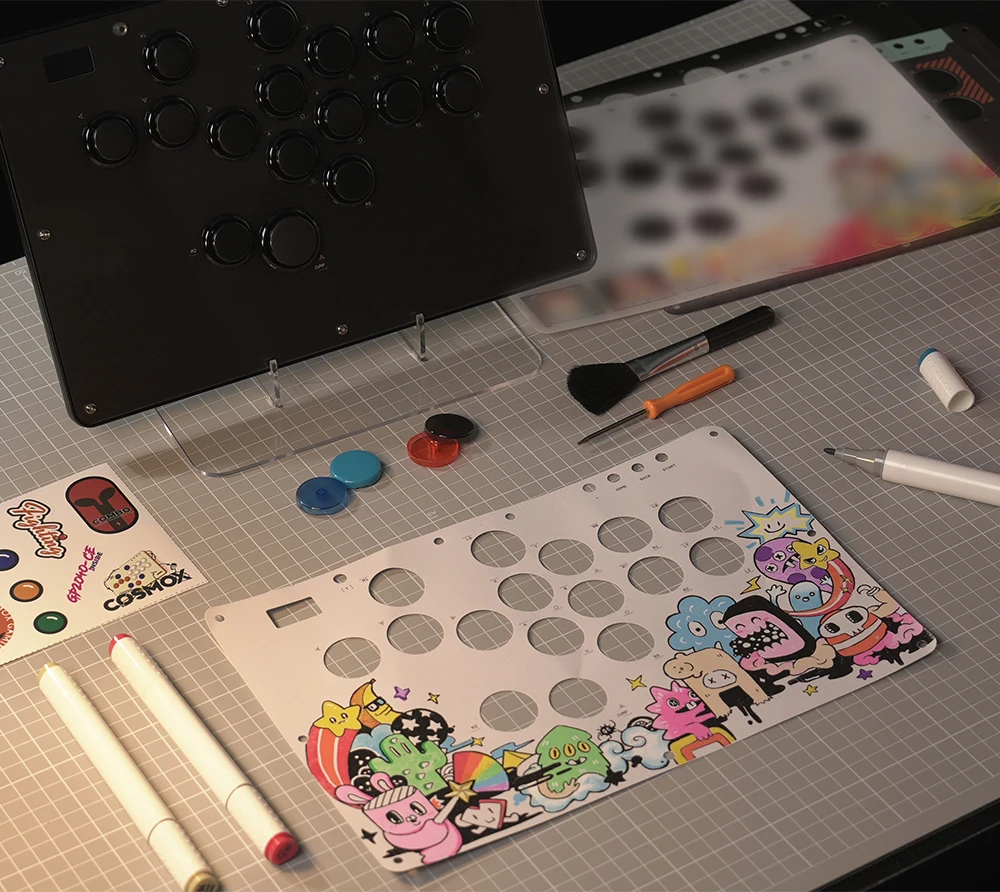
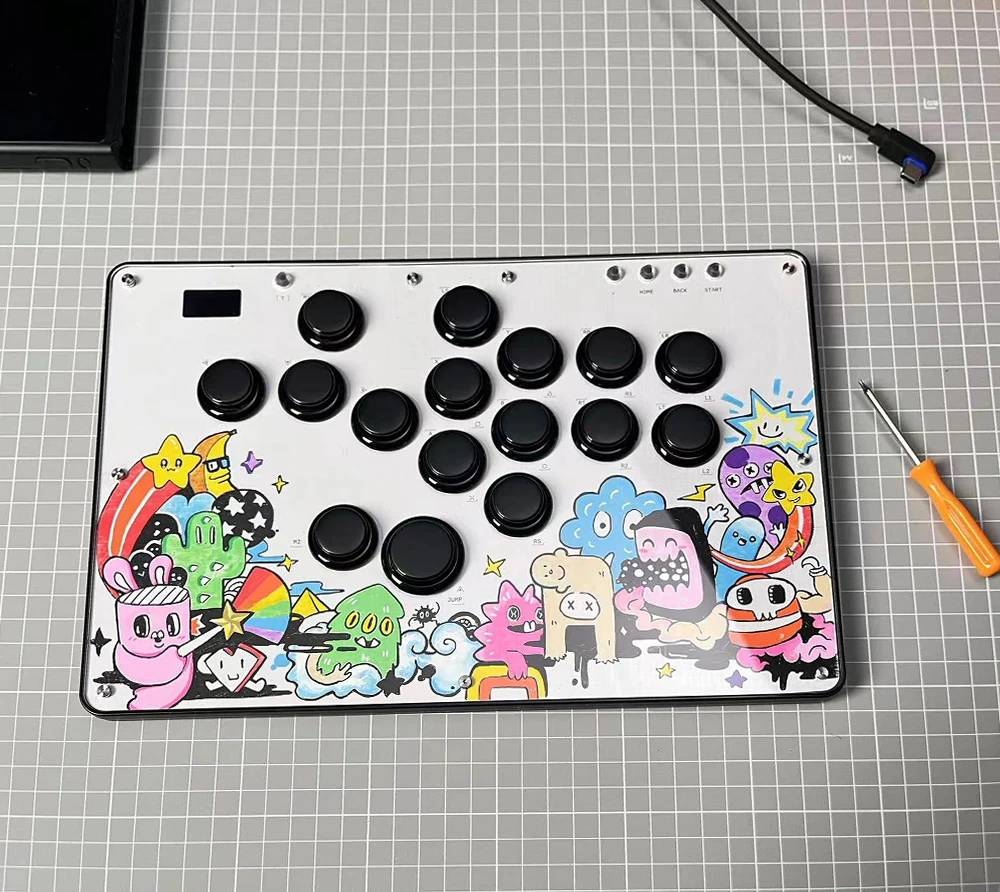
• 4 Art Templates for customisation ×4
🛠 Warranty Information:
This product includes a 1‑year manufacturer warranty.
Covers non‑human quality issues.
Repairs outside warranty may incur a fee.
Shipping for out‑of‑warranty repairs is typically the responsibility of the customer.
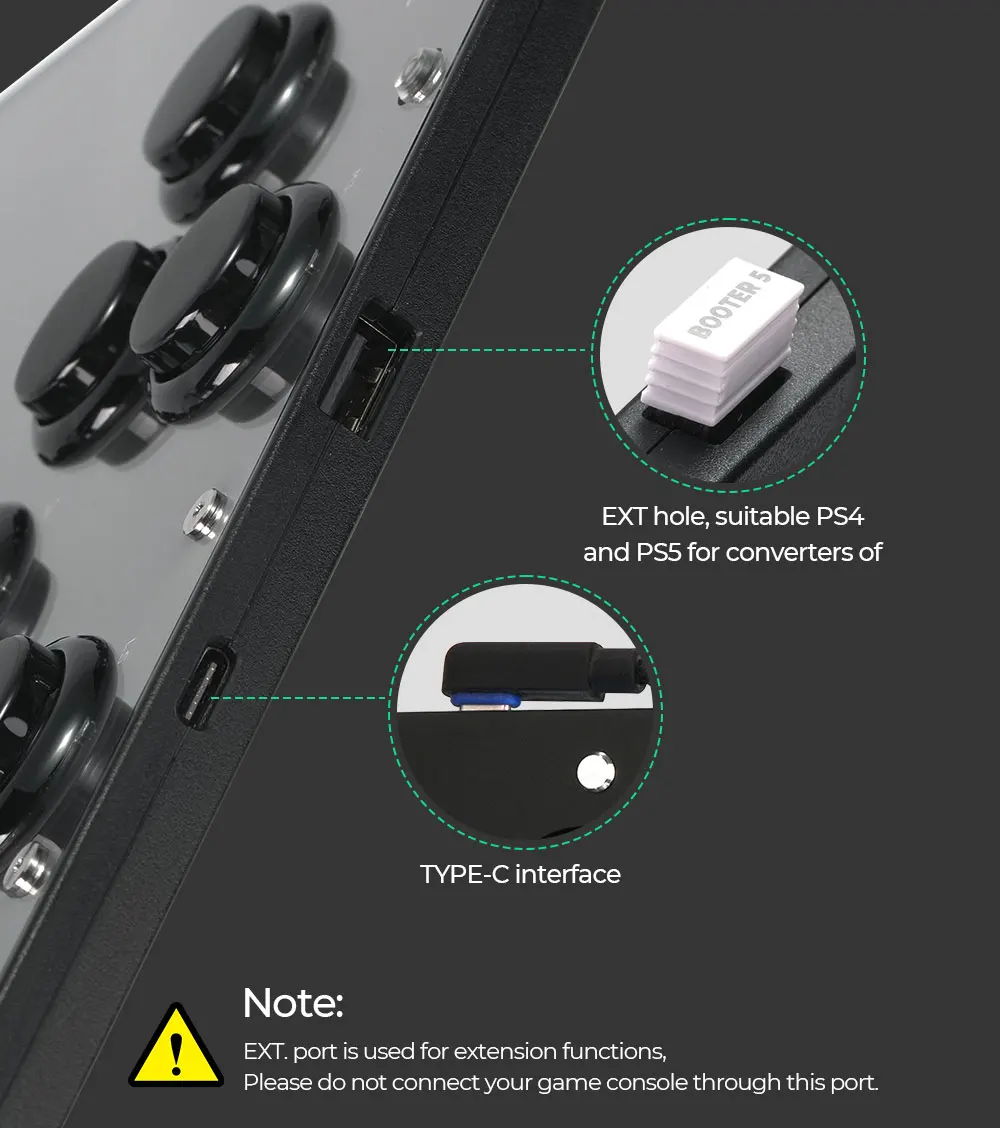
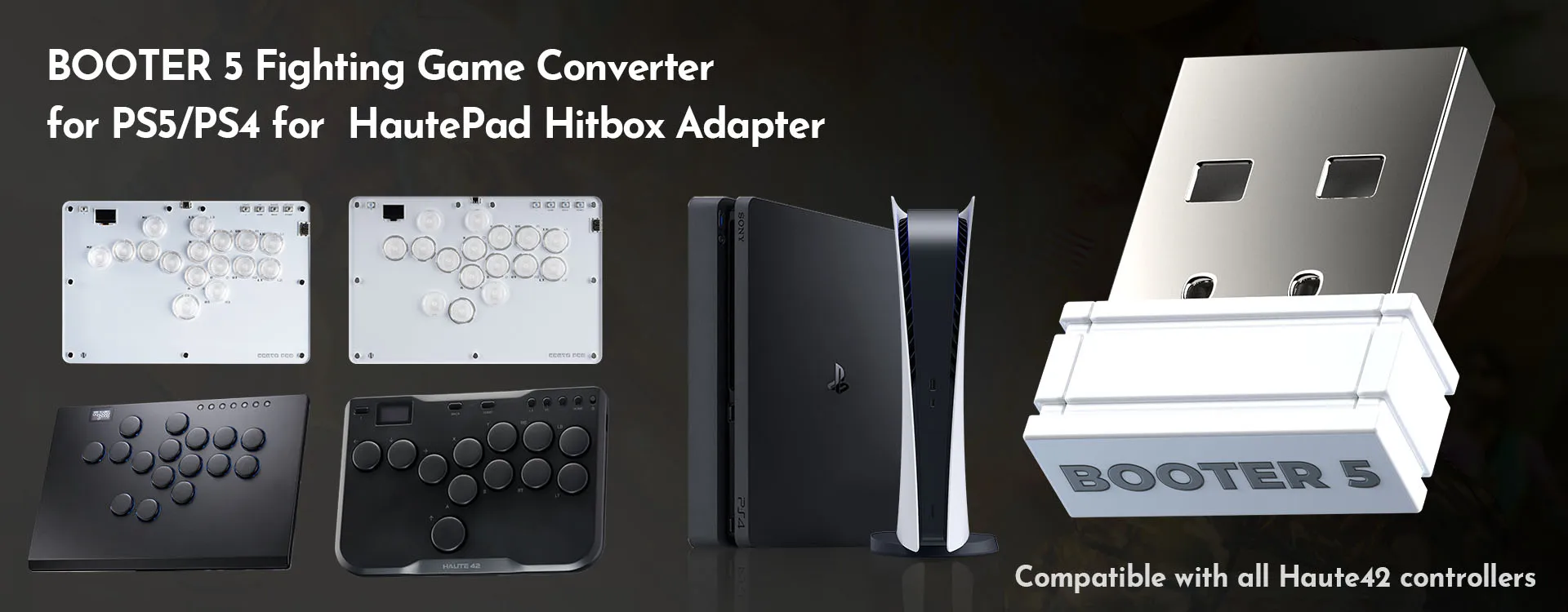
NOTE: If you want to connect to PS4 or PS5, you will need a converter or an dongle. Our store also has converters available for you to purchase together, please go to our Arcade Sticks & Hitbox Accessories.
1) For PS5 we recommend the Brook FGC2
2) For Xbox we recommend the Haute42 BooterX



U16 Unboxing Video
Compatibility
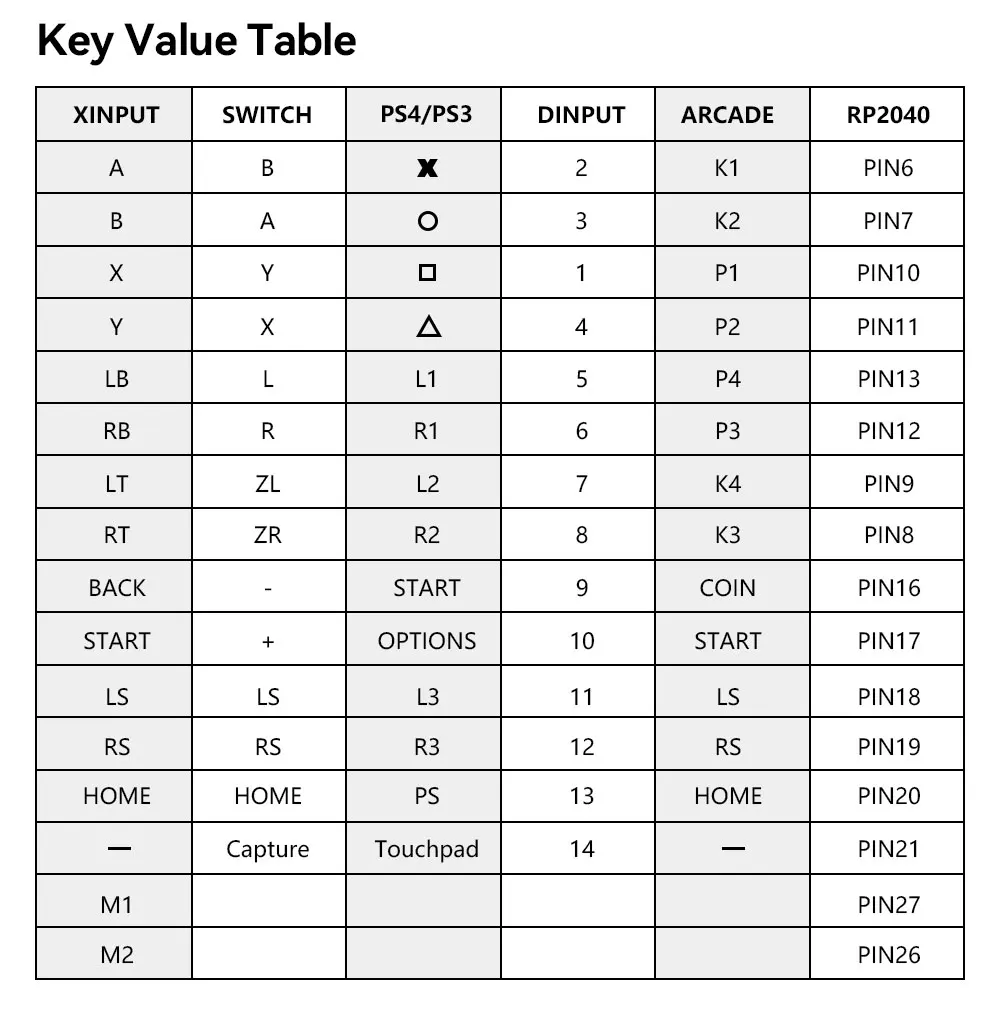
B — Xinput mode (Windows/Steam)
A — SWITCH mode
X — PS3 / Dinput mode (Raspberry Pi / Android)
Y — PS4 mode (Compatible with PS4 games on PS5 console)
RT — KEYBOARD mode
Input Mode
To change the input mode, hold one of the buttons(as shown above) as the controller is plugged in.
Tips:
This product defaults to Xinput modeInput mode is saved across power cycles.
If there are games that do not compatible the above input modes , you can enter the Web Configurator to modify them for normal use.
Web Configurator
This product contains a built-in web-based configuration application which can be started up by holding START when plugging your controller into a PC. Then access http://192.168.7.1 in a web browser to begin configuration.
TURBO
Hold TURBO then press the button which you need to be set for turbo function then this button will be continuous sending while you press it to cancel this turbo key just repeat the previous step.
The turbo key that set will be cleared when power off.
These keys can be set as a Turbo key: A / B / X / Y / LB / RB / LT / RT
RGB LED Setting
●BACK + START + X Next Animation
●BACK + START + A Previous Animation
●BACK + START + Y Brightness Up
●BACK + START + B Brightness Down
●BACK + START + RB LED Parameter Up
●BACK + START + RT LED Parameter Down
●BACK + START + LB Pressed Parameter Up
●BACK + START + LT Pressed Parameter Down