SCRUB GAMING
GameSir X5 Lite Mobile Gaming Controller
GameSir X5 Lite Mobile Gaming Controller
Regular price
£24.99 GBP
Sale price
£24.99 GBP
Taxes included.
Quantity
Couldn't load pickup availability
SPECIFICATIONS
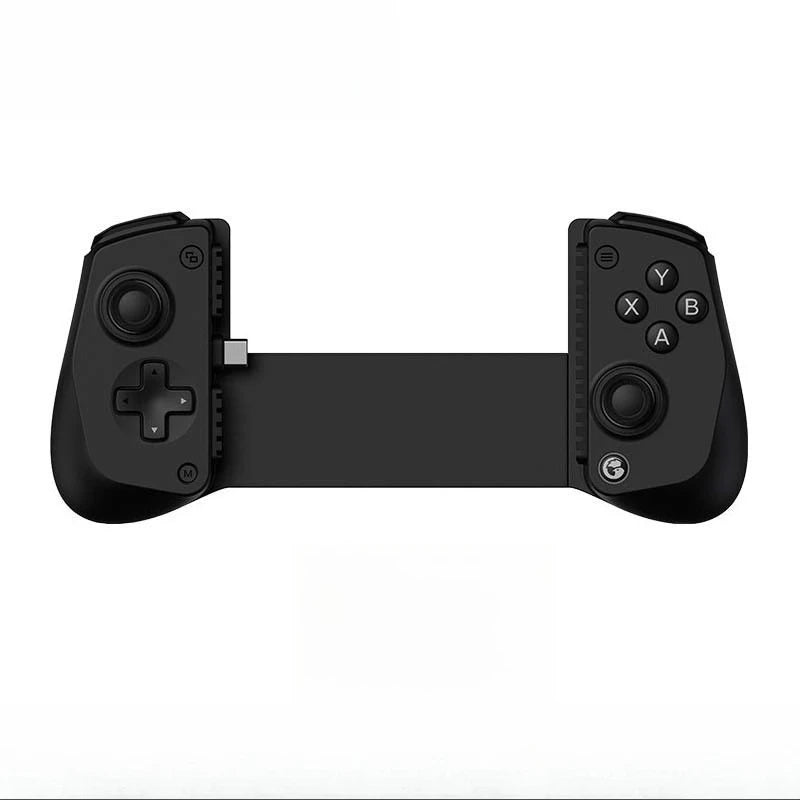
The GameSir X5 Lite is a compact, lightweight mobile controller designed for players who want console‑style control on Android and USB‑C iPhones. With Hall Effect anti‑drift sticks, low‑latency USB‑C wired connection, pass‑through charging, and a comfortable 135g body, it turns your phone into a true handheld gaming system.
Smooth, responsive, and built for cloud gaming — this is portable performance done right.
⭐ Key Features:
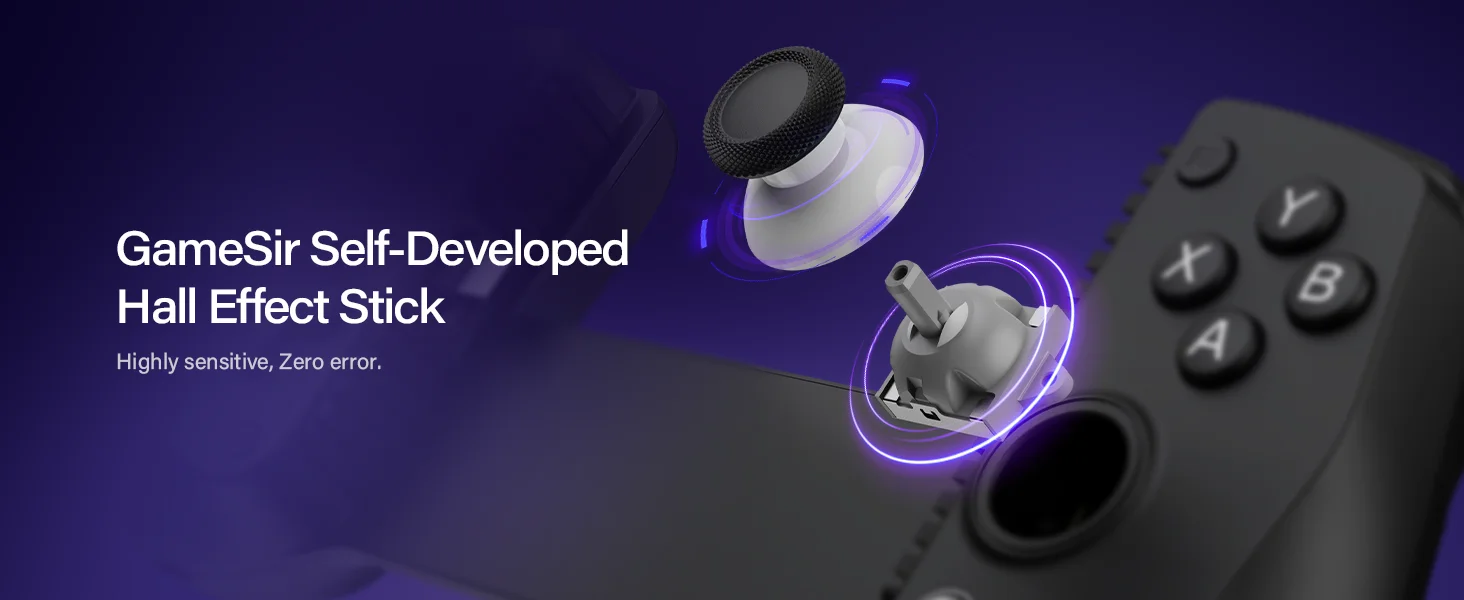
🕹️ Hall Effect Anti‑Drift Sticks
Precision control with long‑term durability.
• Drift‑free Hall sensors
• Smooth, accurate movement
• Ideal for shooters, racing, and cloud gaming
🔌 Low‑Latency USB‑C Wired Connection
Direct plug‑in for instant responsiveness.
• No Bluetooth delay
• Stable, consistent input
• Perfect for fast‑paced games
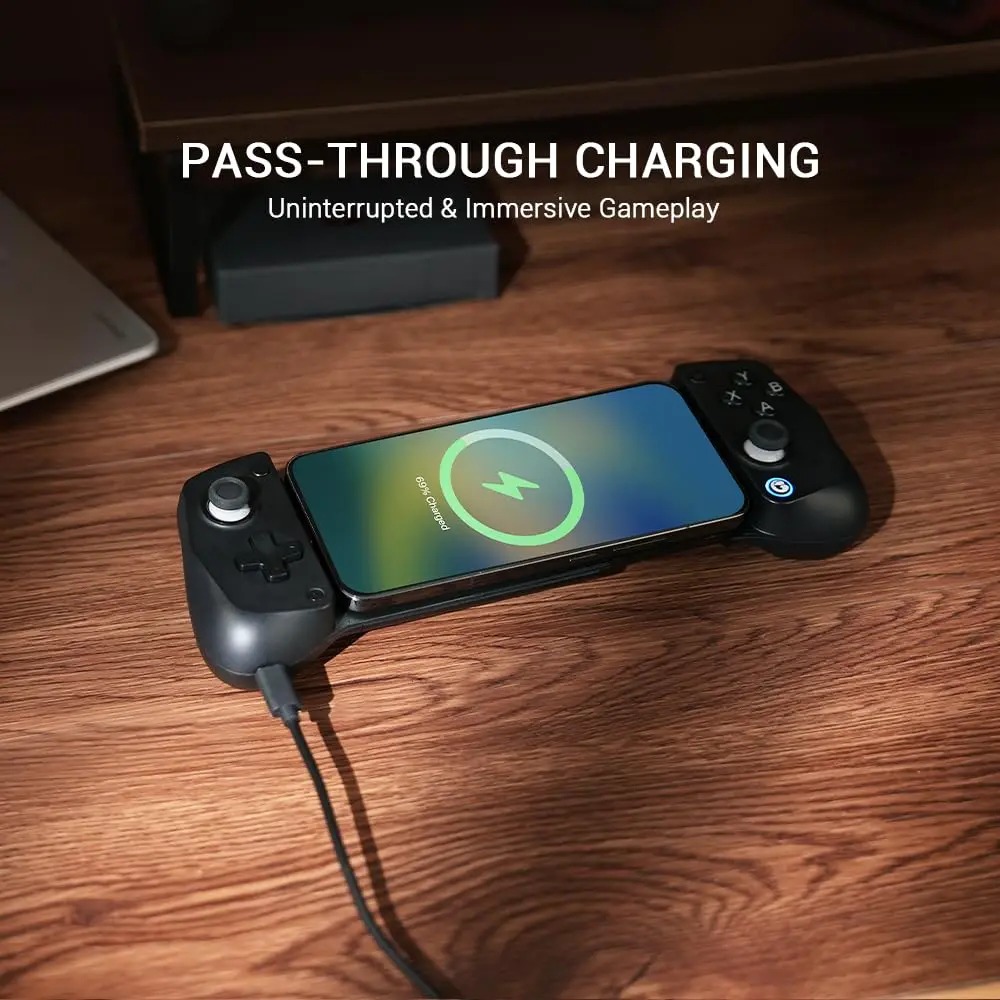
🔋 Pass‑Through Charging
Play and charge at the same time.
• Keep your phone powered during long sessions
• Great for cloud gaming marathons
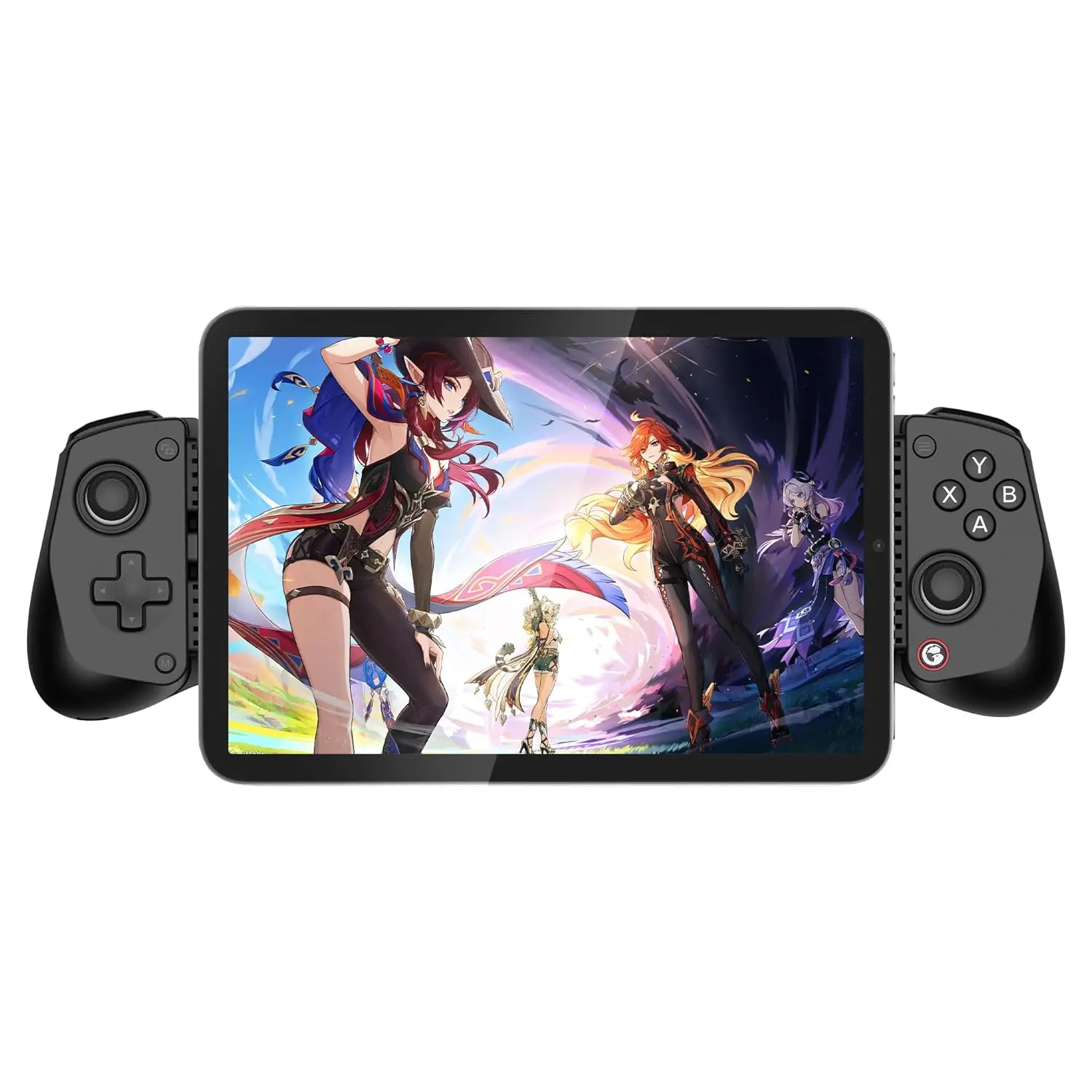
📱 Wide Phone Compatibility
Fits most modern USB‑C phones, including Android and iPhone 15 series.
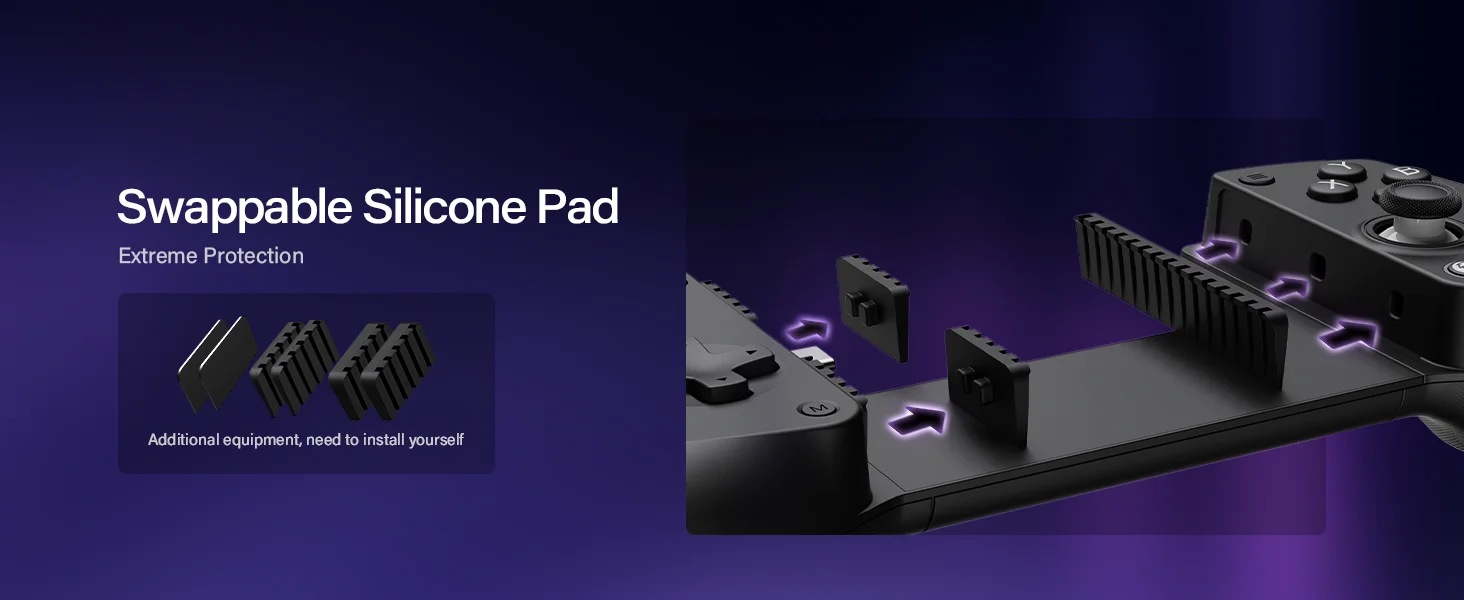
• Stretchable bridge design
• Supports a wide range of phone sizes
• Secure, comfortable handheld grip
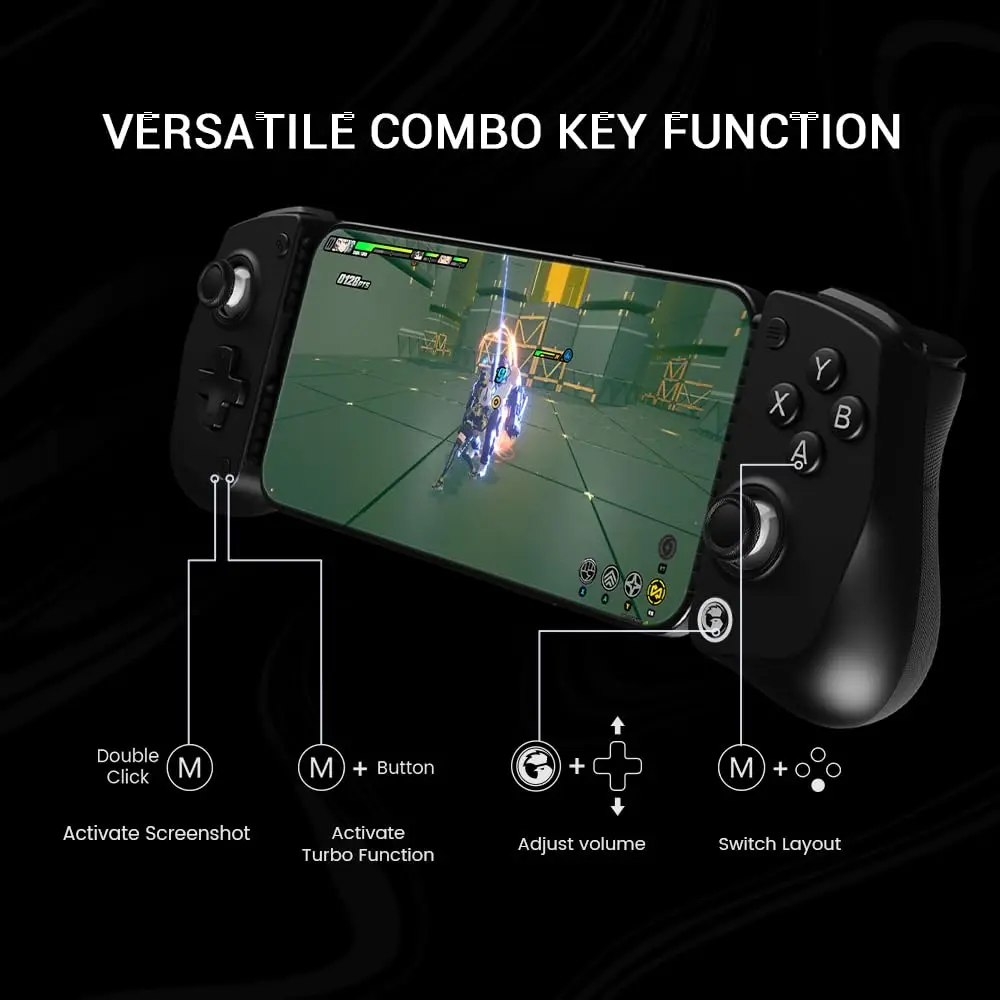
🎮 Responsive Buttons + Turbo Mode
Fast, reliable inputs for all genres.
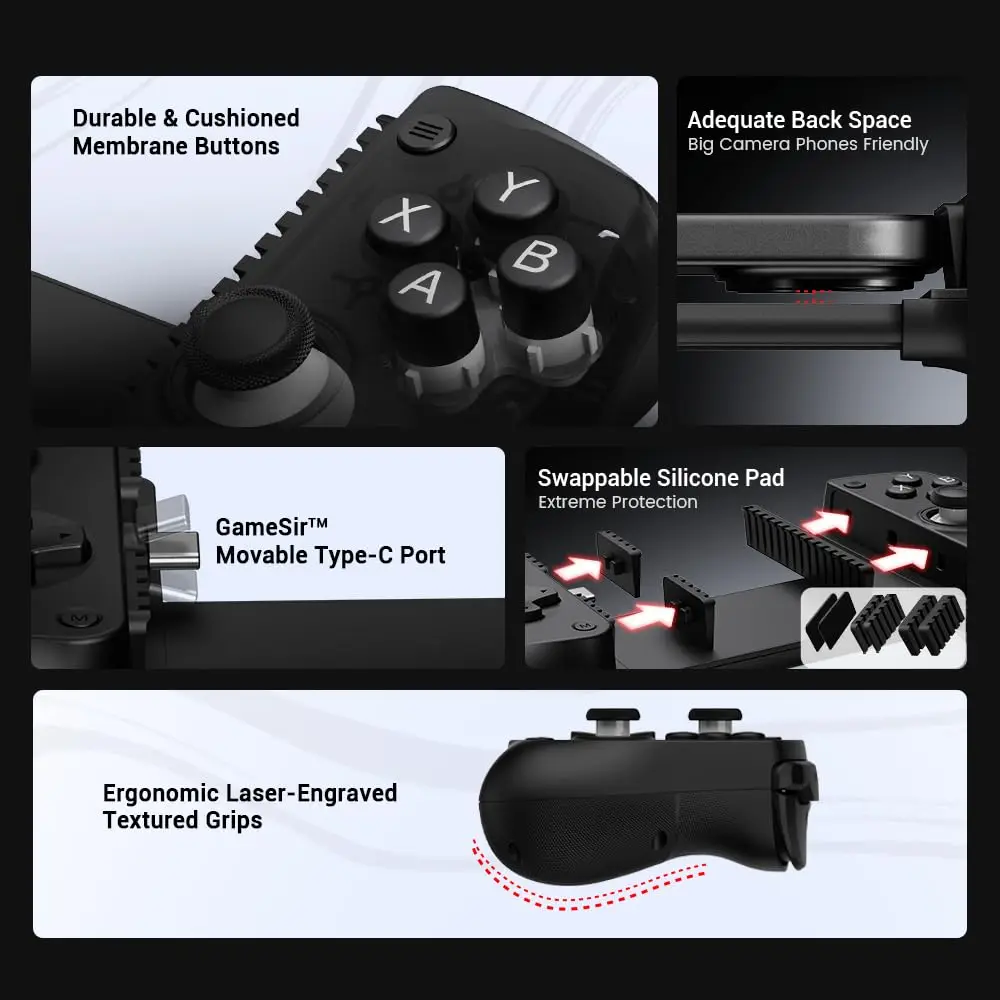
• Tactile buttons
• Turbo mode for rapid‑fire actions
• Great for action games, fighters, and platformers
🪶 Lightweight 135g Body
Comfortable for long gaming sessions.
• Slim, portable design
• Easy to carry
• Clean, modern aesthetic
🎮 Gameplay & Performance:
• Hall Effect sticks eliminate drift and improve accuracy
• Wired USB‑C connection removes latency
• Perfect for Xbox Cloud Gaming, PS Remote Play, GeForce NOW, and native mobile titles
• Lightweight build for long sessions
• Turbo mode for rapid‑fire gameplay
📦 What’s in the Box:
• GameSir X5 Lite Mobile Gaming Controller ×1
• USB‑C Cable ×1
• User Manual ×1
Q: Can't connect to iPhone/iPad.
A: Ensure your ios device is updated to iOS 18 or above. Please switch to Switch mode by pressing View+ menu button for 2s first. The indicator light should switch from dark blue(Android HID mode) to Red (Switch mode).