SCRUB GAMING
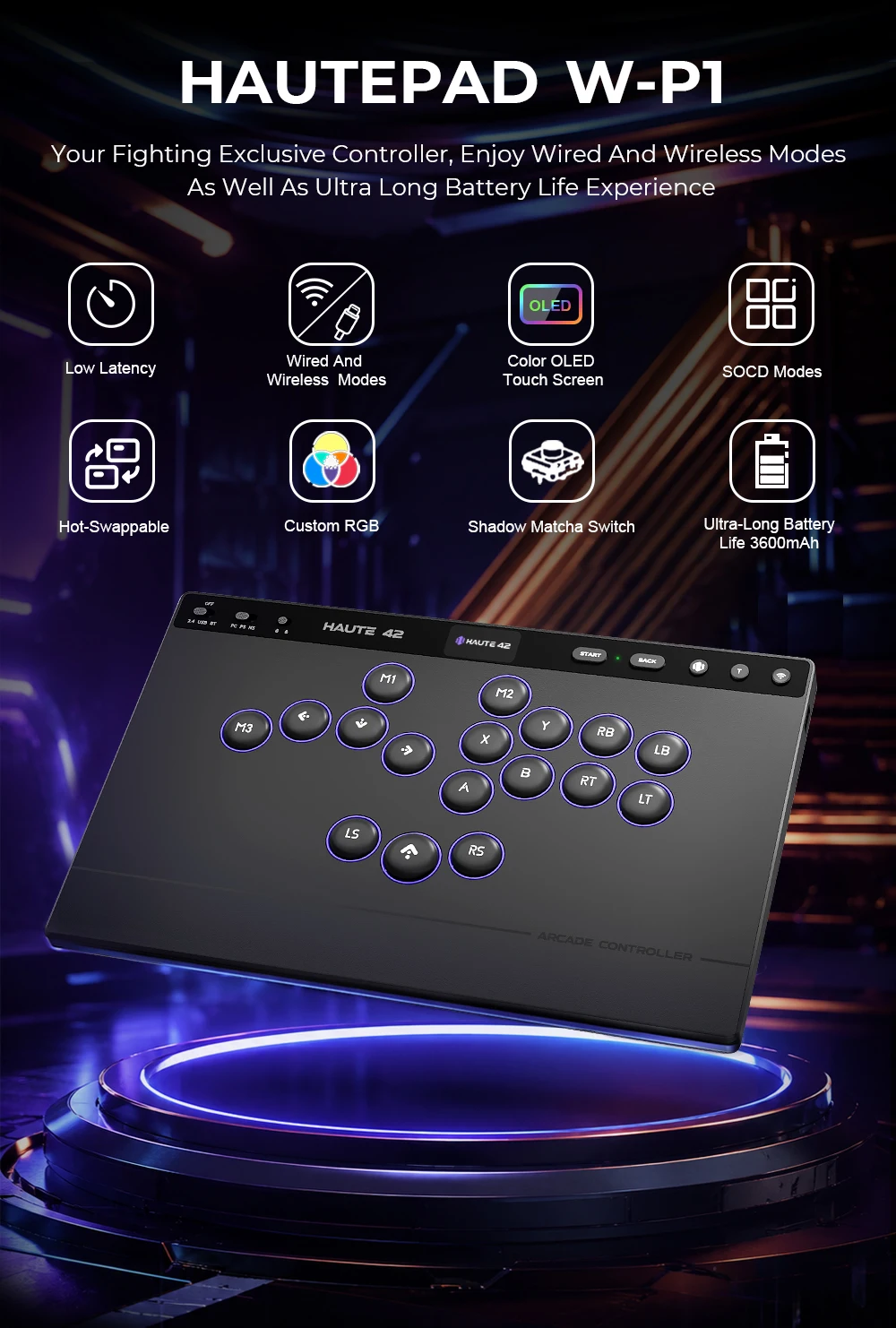
Haute42 W-P1 Wired/2.4G Wireless Hitbox Leverless Controller For PC/PS5/Switch
Haute42 W-P1 Wired/2.4G Wireless Hitbox Leverless Controller For PC/PS5/Switch
Impossible de charger la disponibilité du service de retrait
SPECIFICATIONS
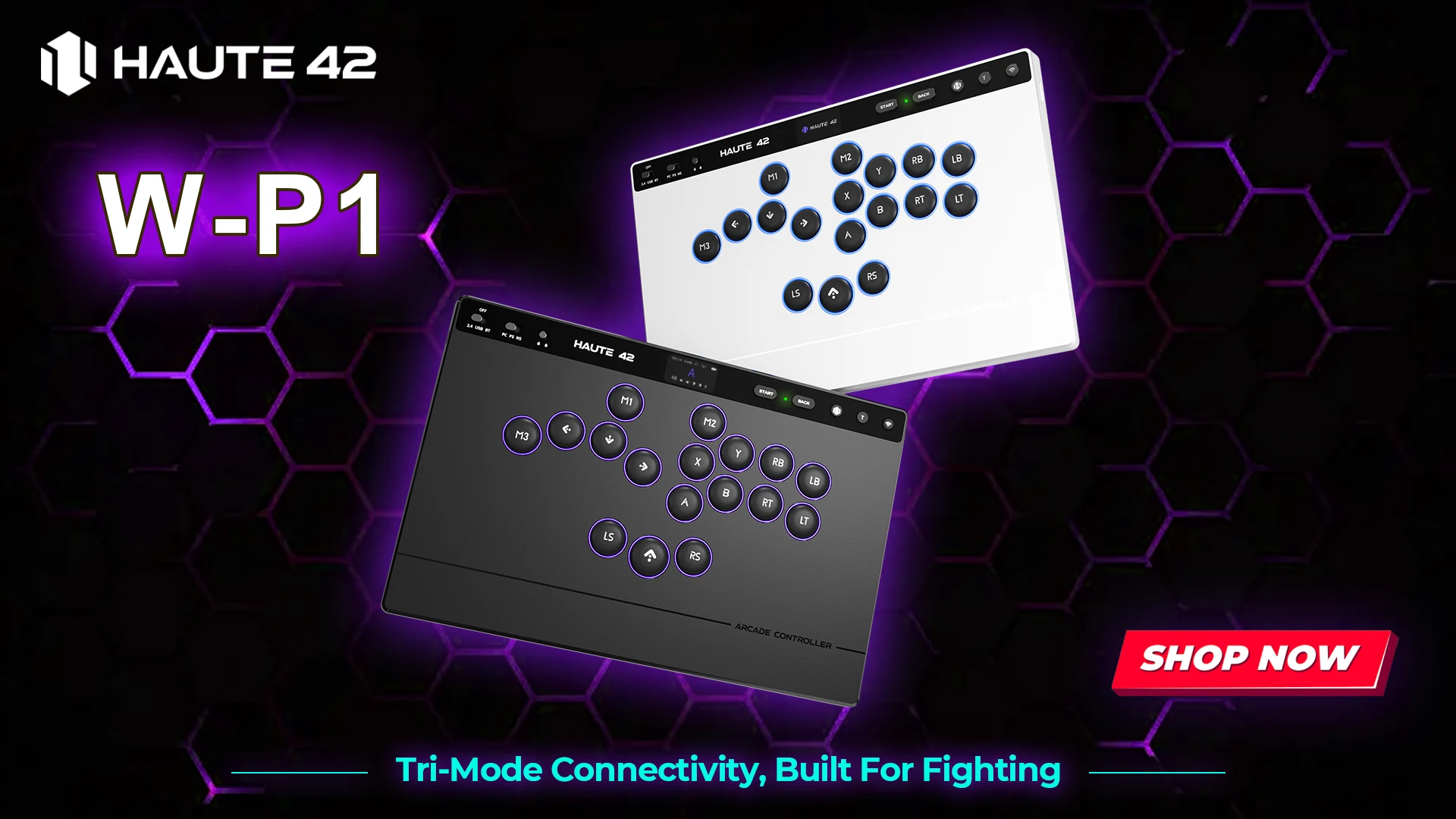
01 Input Mode
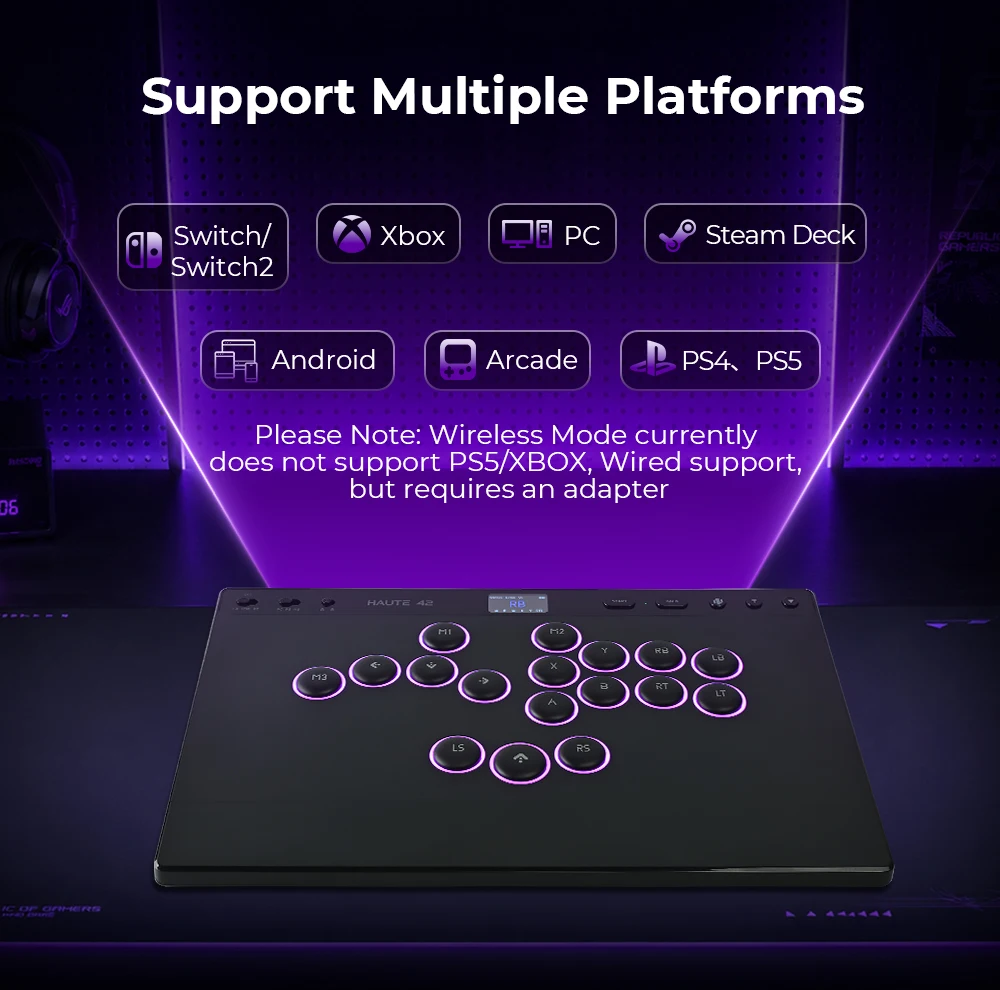
PC Mode:Windows/Steam
NS Mode:Switch1/Switch2
PS Mode:PS5/PS4(For use with the adapter)
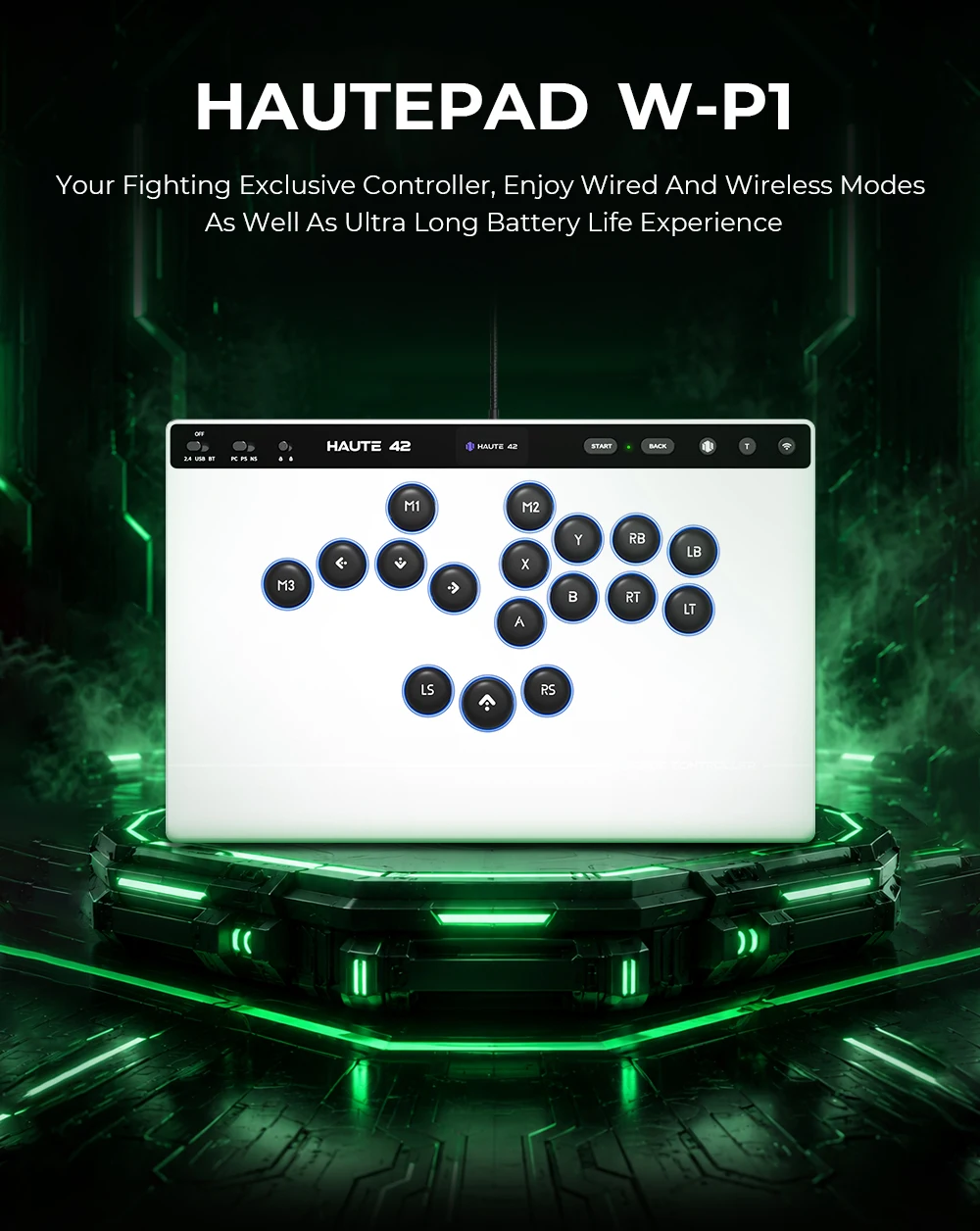
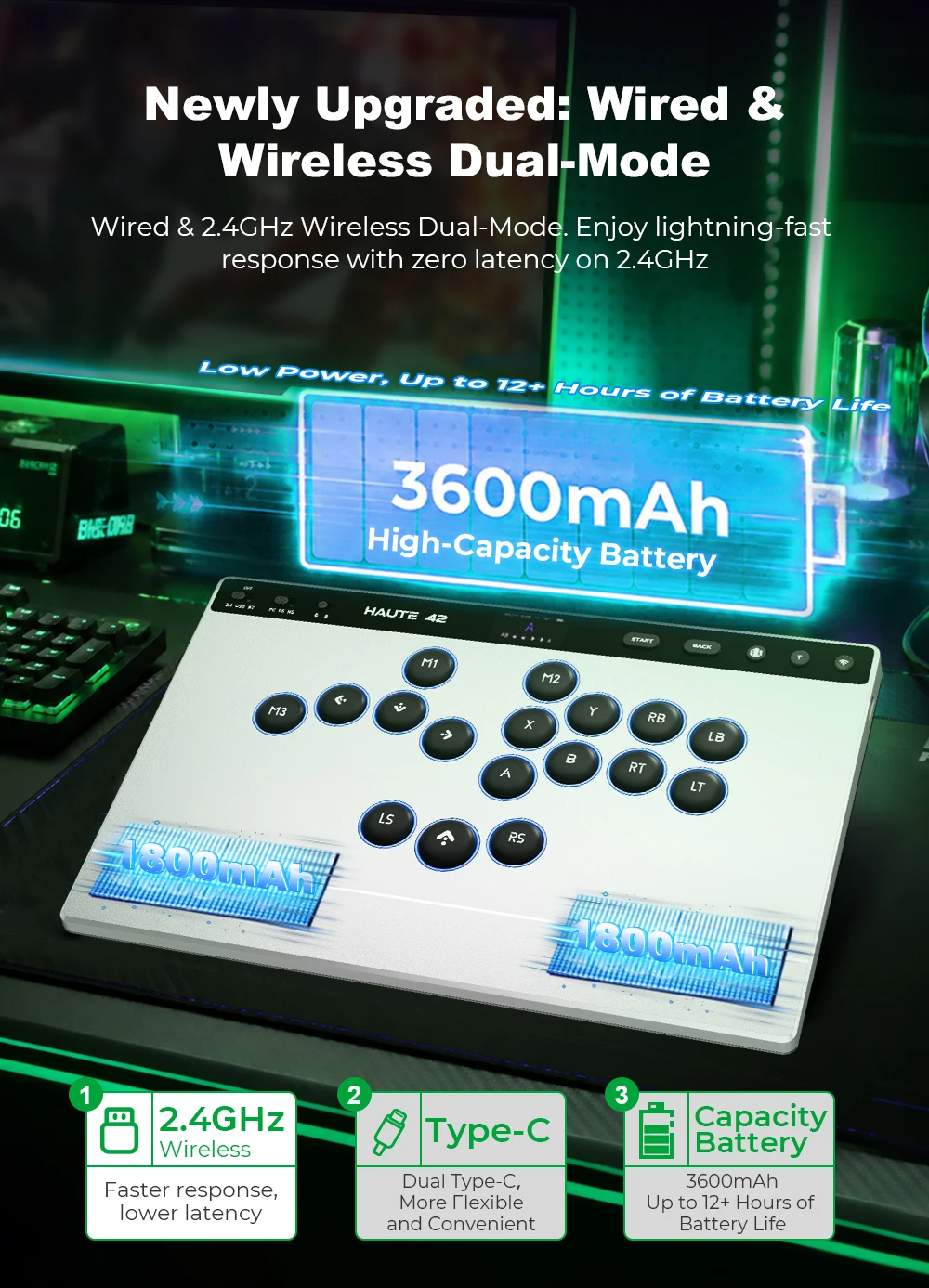
02 Tri-mode connectivity
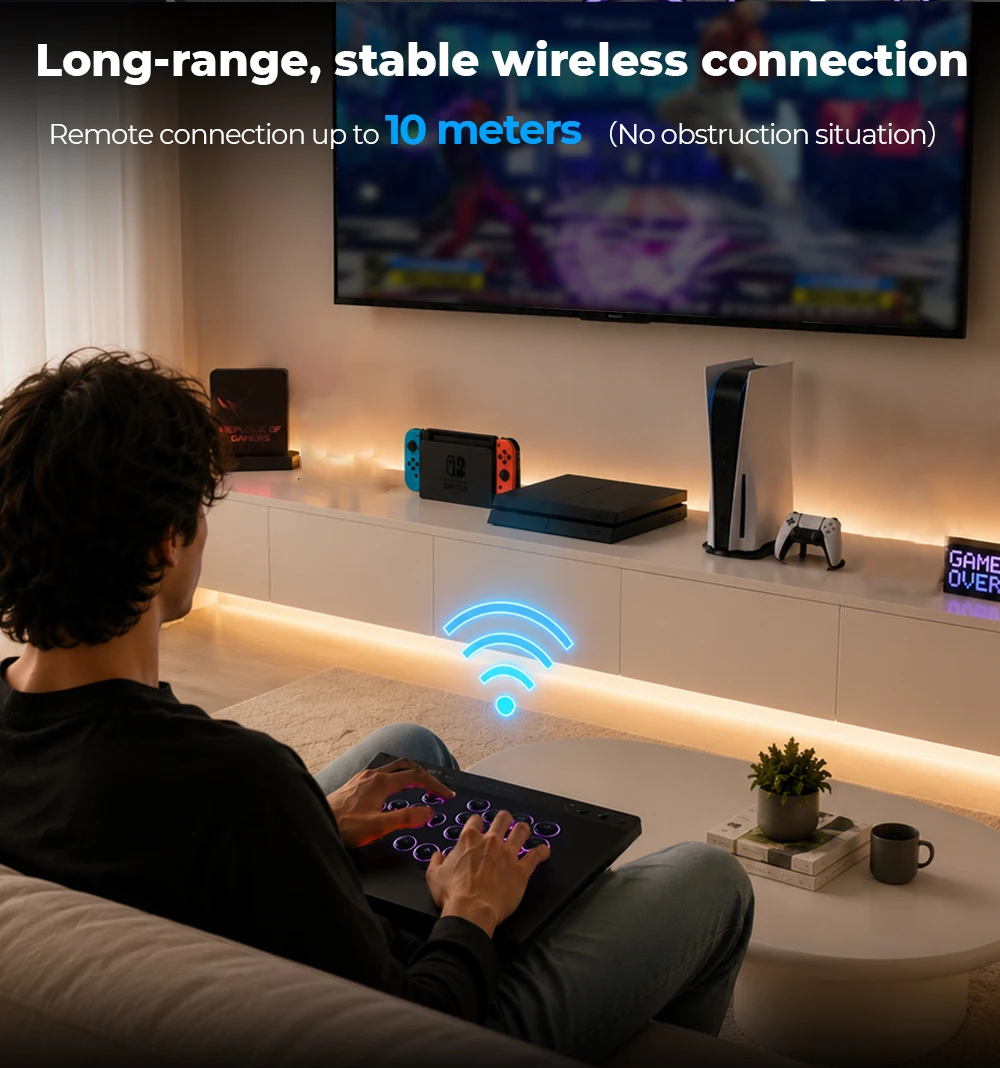
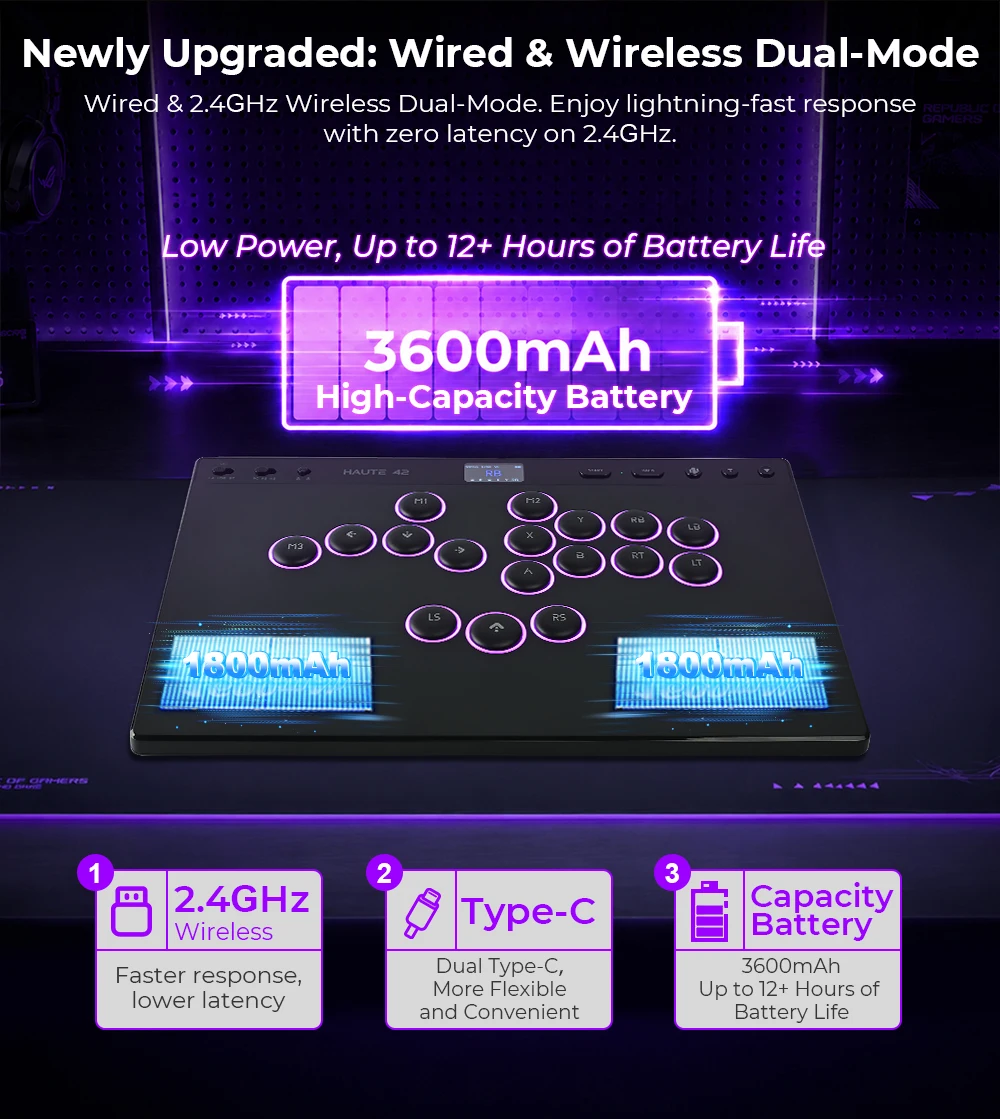
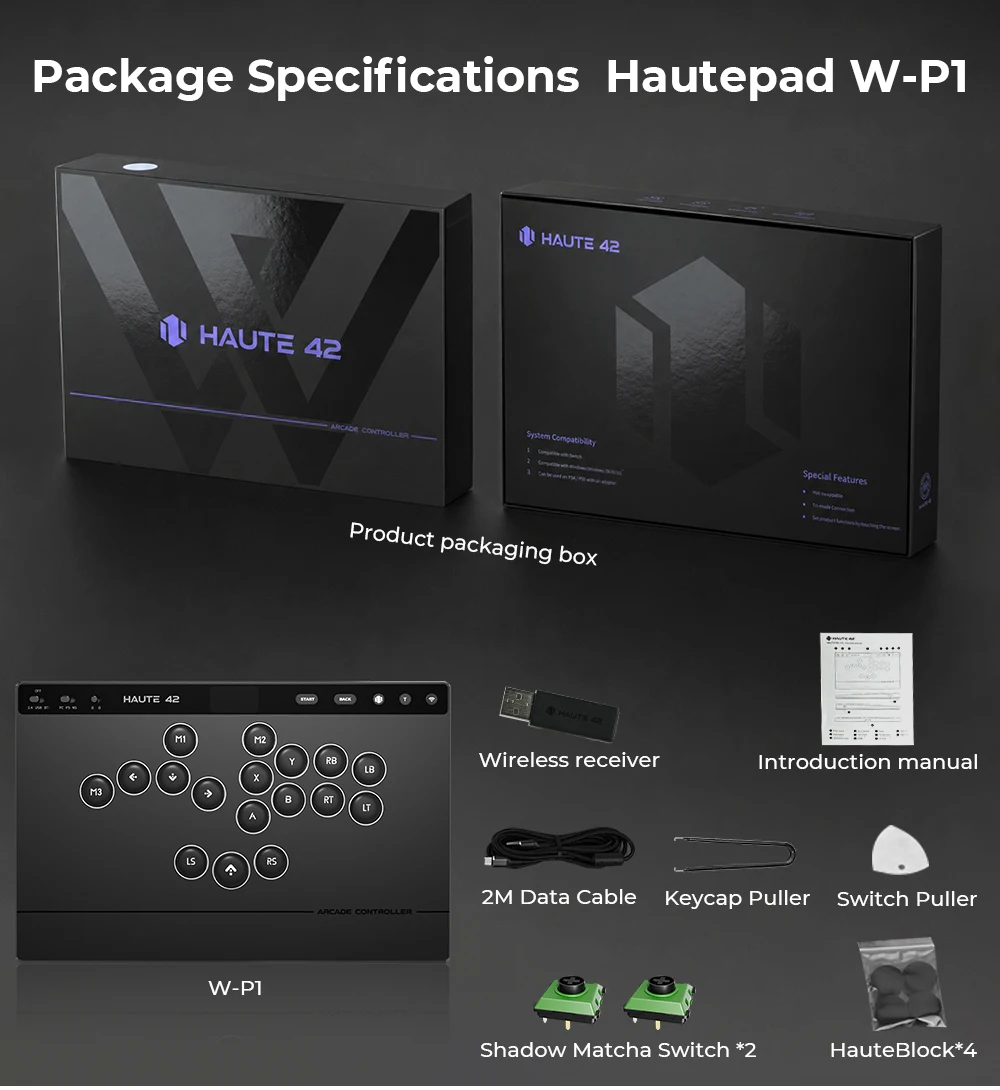
22.4GHz wireless connection
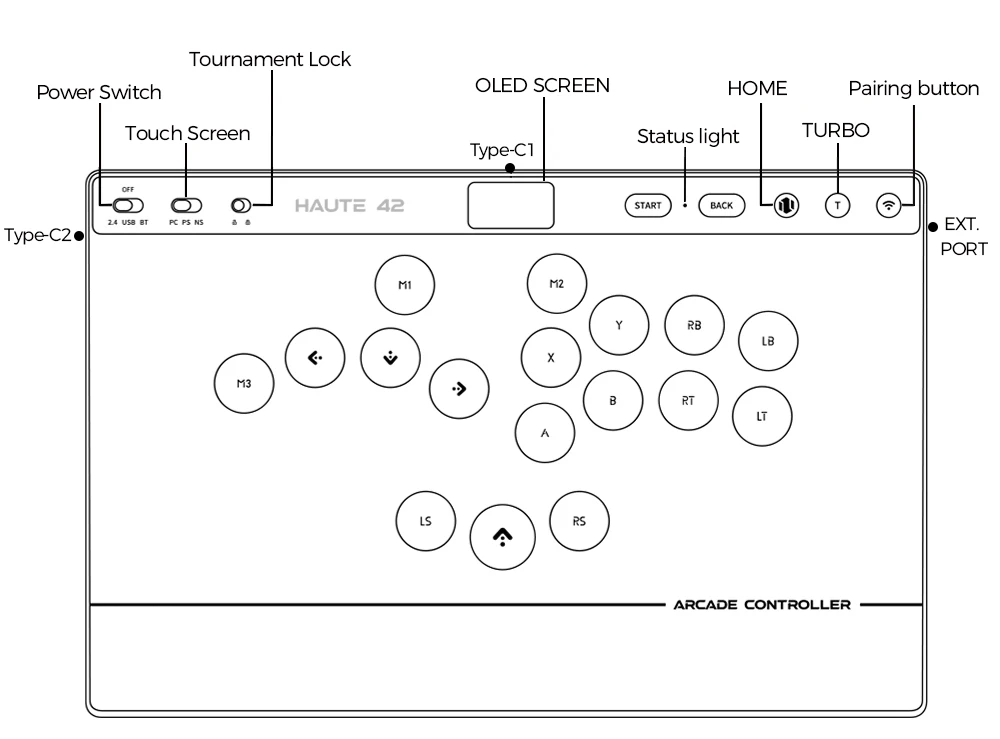
*Set the power switch to the 2.4GHz position
*Plug the receiver into a USB port on your Windows device
*Once connected, the indicator lights on both the controller and the receiver will remain solid
Switch connection
*Set the power switch to the BT position and the mode switch to the NS position
*Press and hold the pairing button for about 3 seconds until the indicator light starts
*flashing rapidly to enter pairing mode (pairing is only required for the first connection)
*On your Nintendo Switch, open "Controllers," then select "Change Grip/Order." Wait for thecontroller to connect. Once connected, the LED indicator will remain solid.
Wired connection
*Set the power switch to the USB positionsystem has recognized the device, it is ready to use
*Connect the controller to a USB port on your Windows device using a USB cable. Once the
system has recognized the device, it is ready to use
Re-pair the receiver
If the connection is lost or the receiver is replaced, you can re-pair the receiver
using the following method
*Set the power switch to the 2.4GHz position
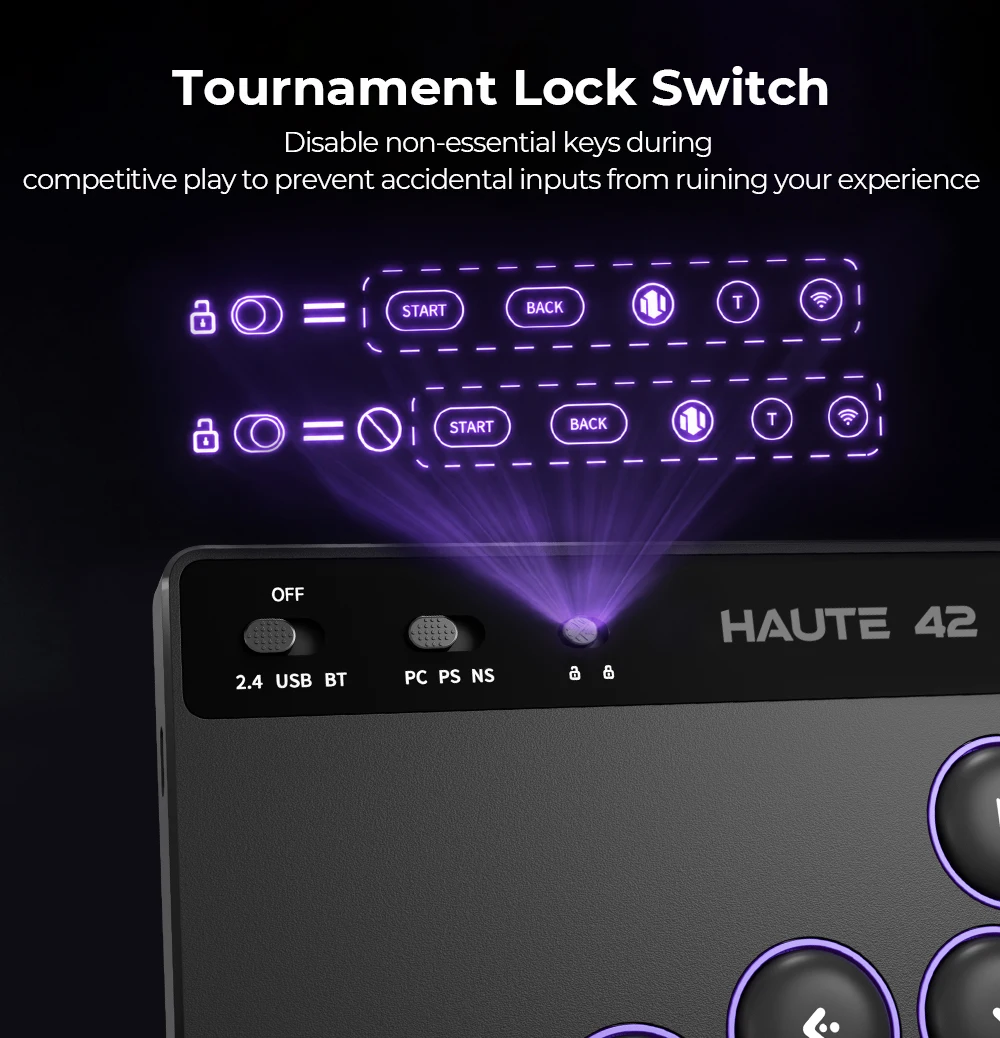
*Set the tournament lock switch to the unlock position
*starts flashing rapidly to enter pairing mode
*Press and hold the pairing button for about 3 seconds until the indicator light
and receiver to automatically pair and connect
*Plug the receiver into a USB port on your Windows device and wait for the controller
*Once connected, the indicator lights on both the controller and the receiver will remain solid
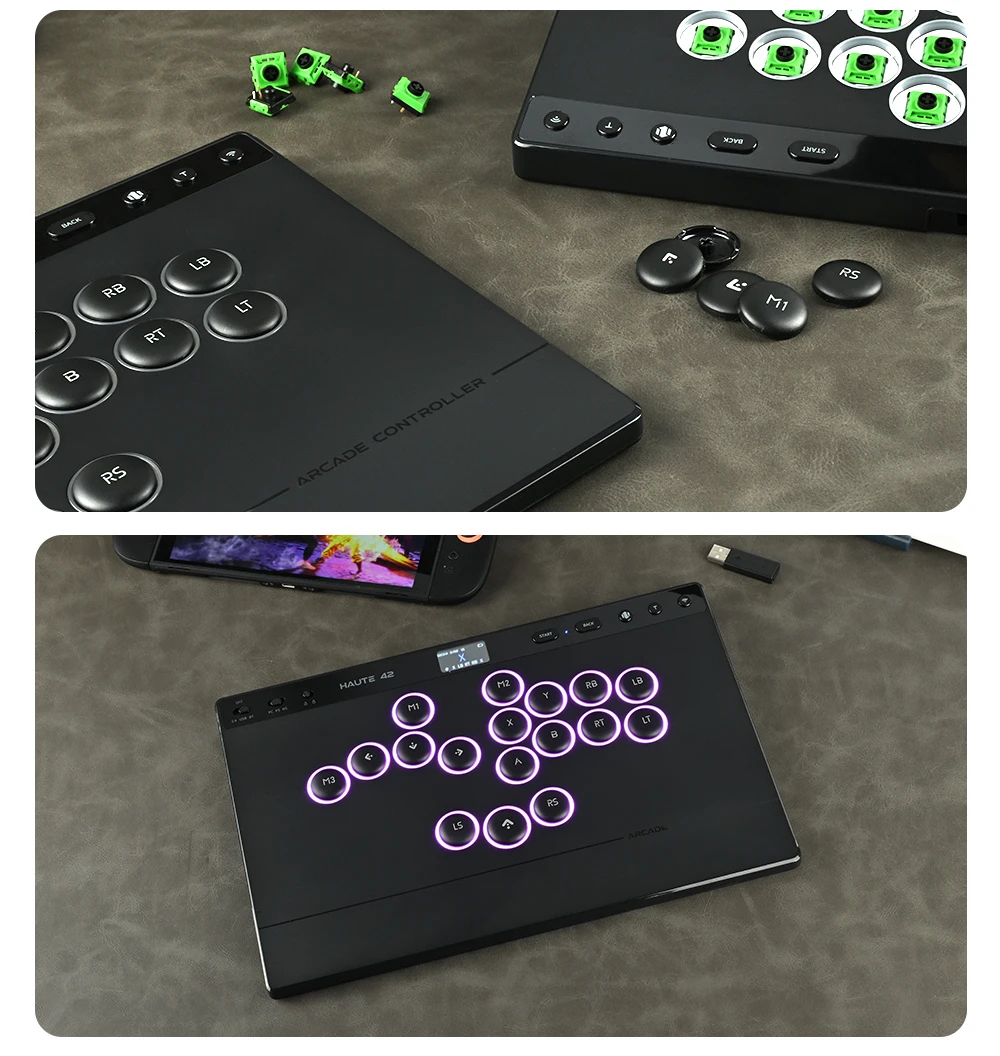
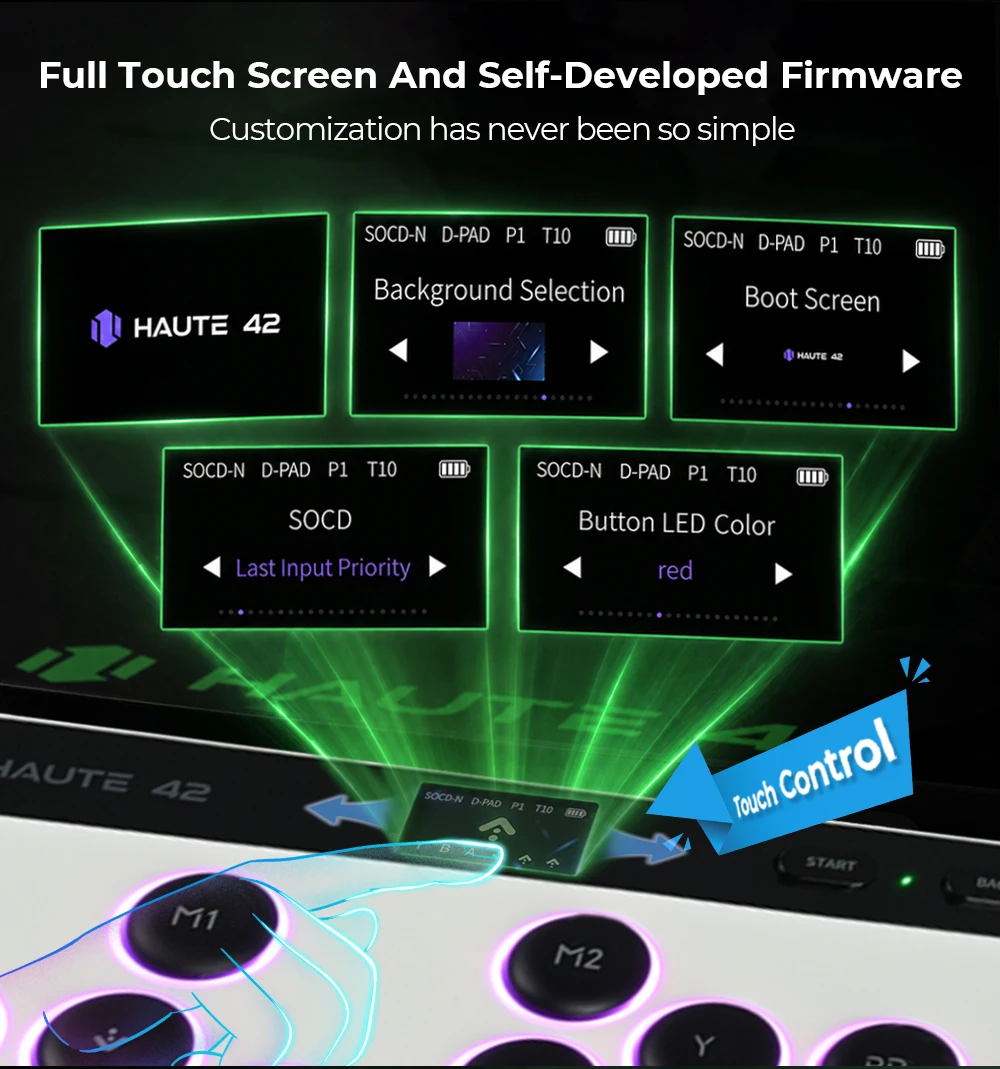
03 Touch Screen
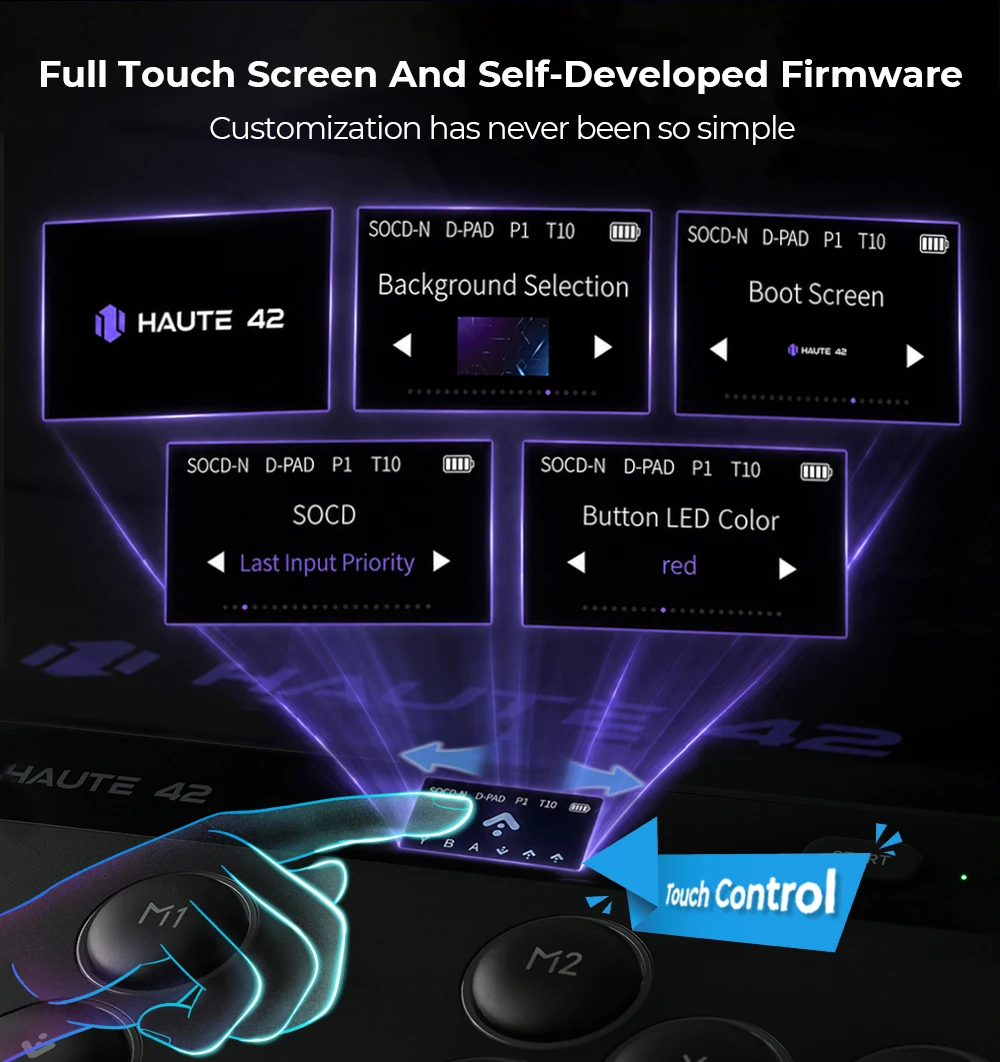
*The status bar at the top of the touch screen displays the following indicators fromleft to right: SOCD, directional mode, profile, turbo speed, and battery level
*The center of the touch screen displays the current input key values, while the lower section shows the history of input key values
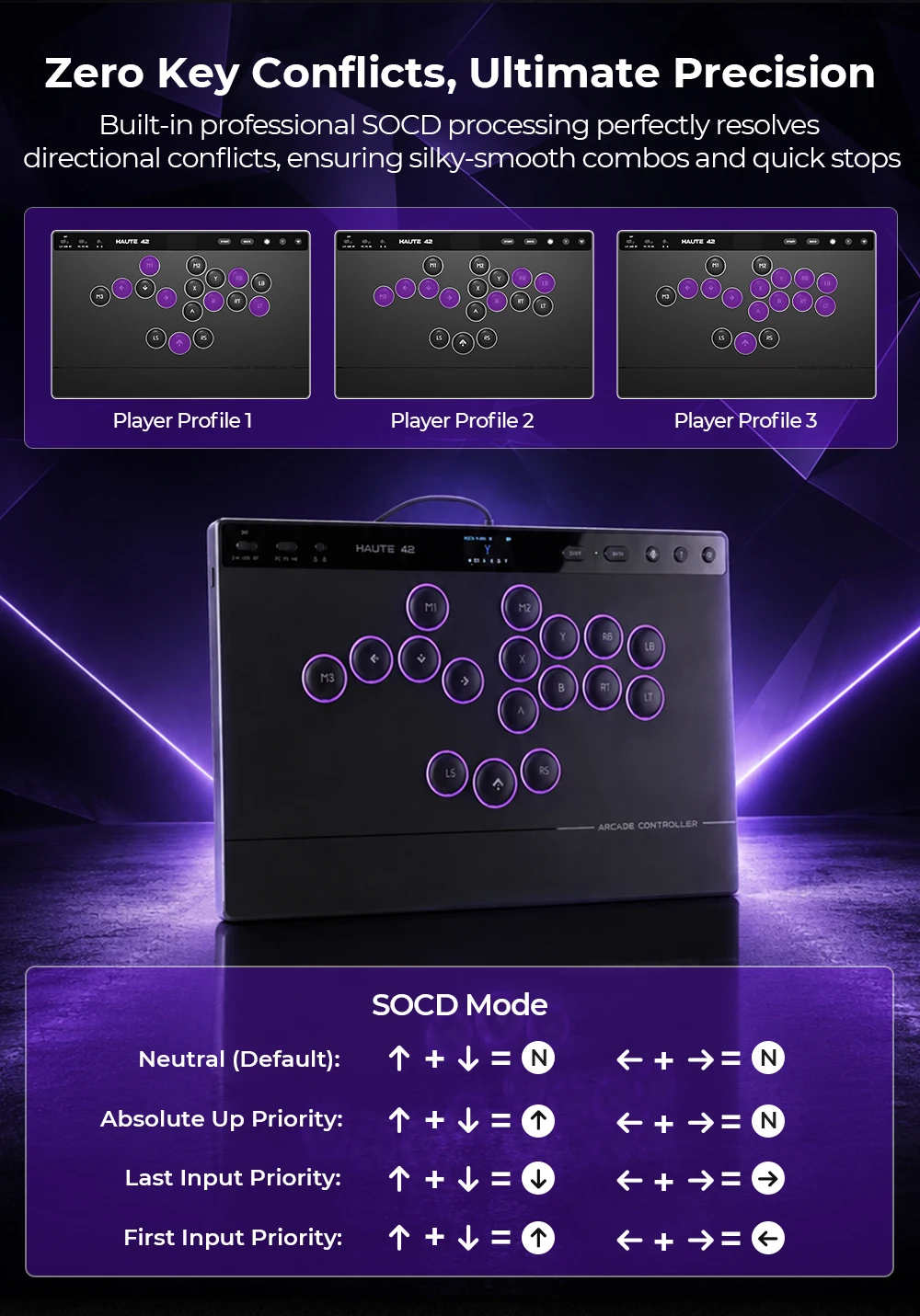
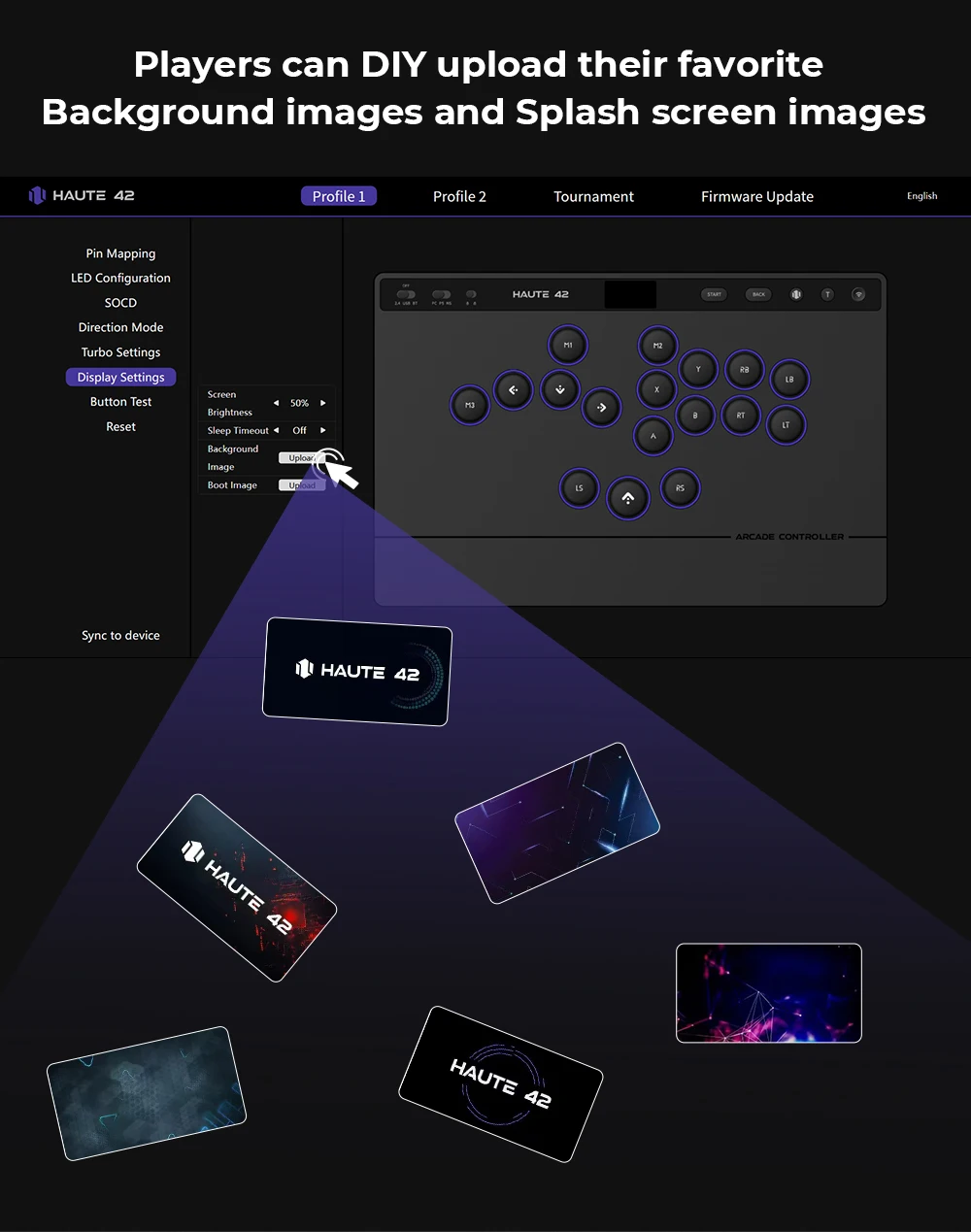
*Swipe left on the touch screen to enter the settings menu, where you can configureprofiles, key mapping, lighting, turbo settings, directional mode, SOCD, and other options
*Note: The touch screen will automatically enter sleep mode after 10 minutes of inactivity.
Tap the screen to wake it up
04 Key Mapping
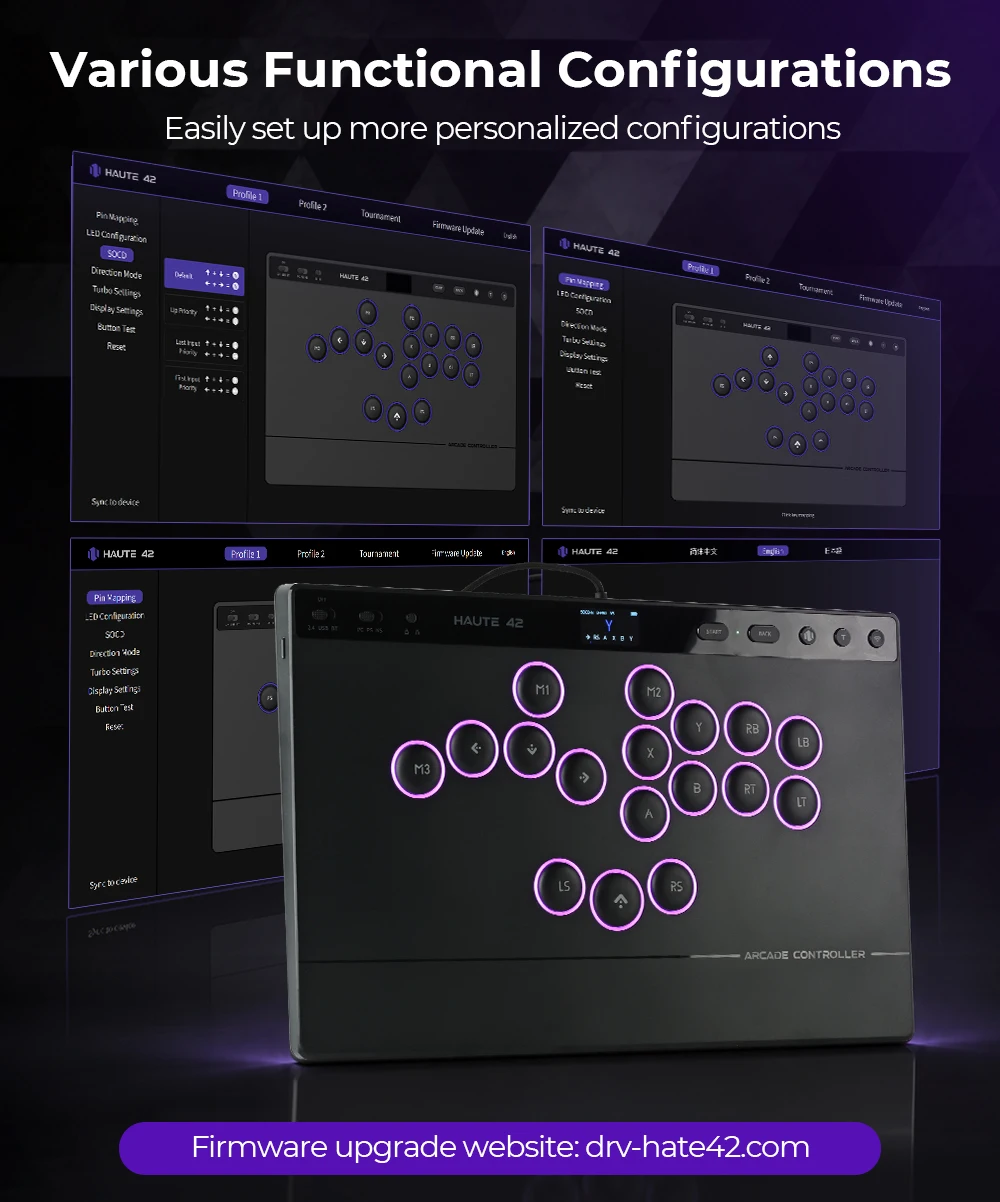
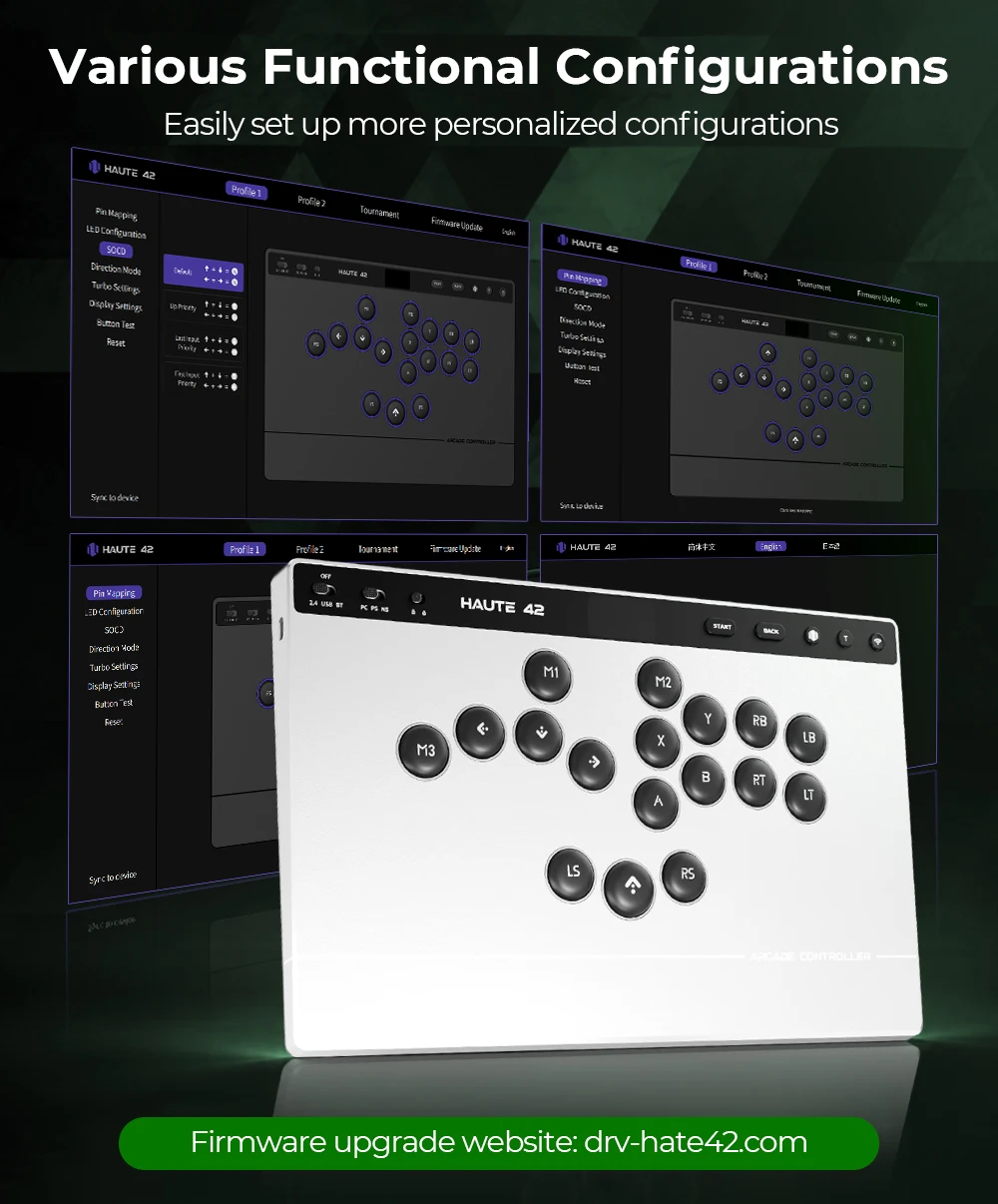
*Connect to a PC to modify key mapping
*Key mapping can be customized directly on the touch screen
*Note: Visit drv-haute42.com for additional settings and advanced configuration options
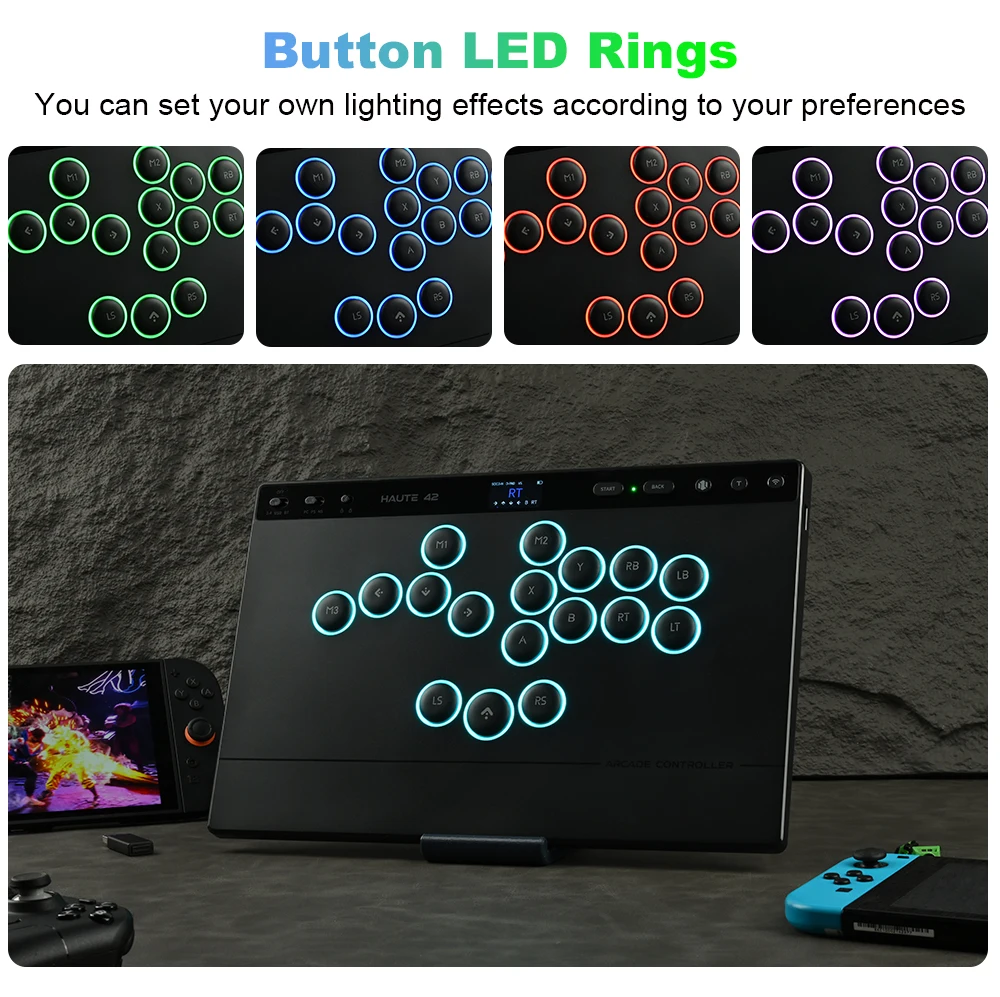
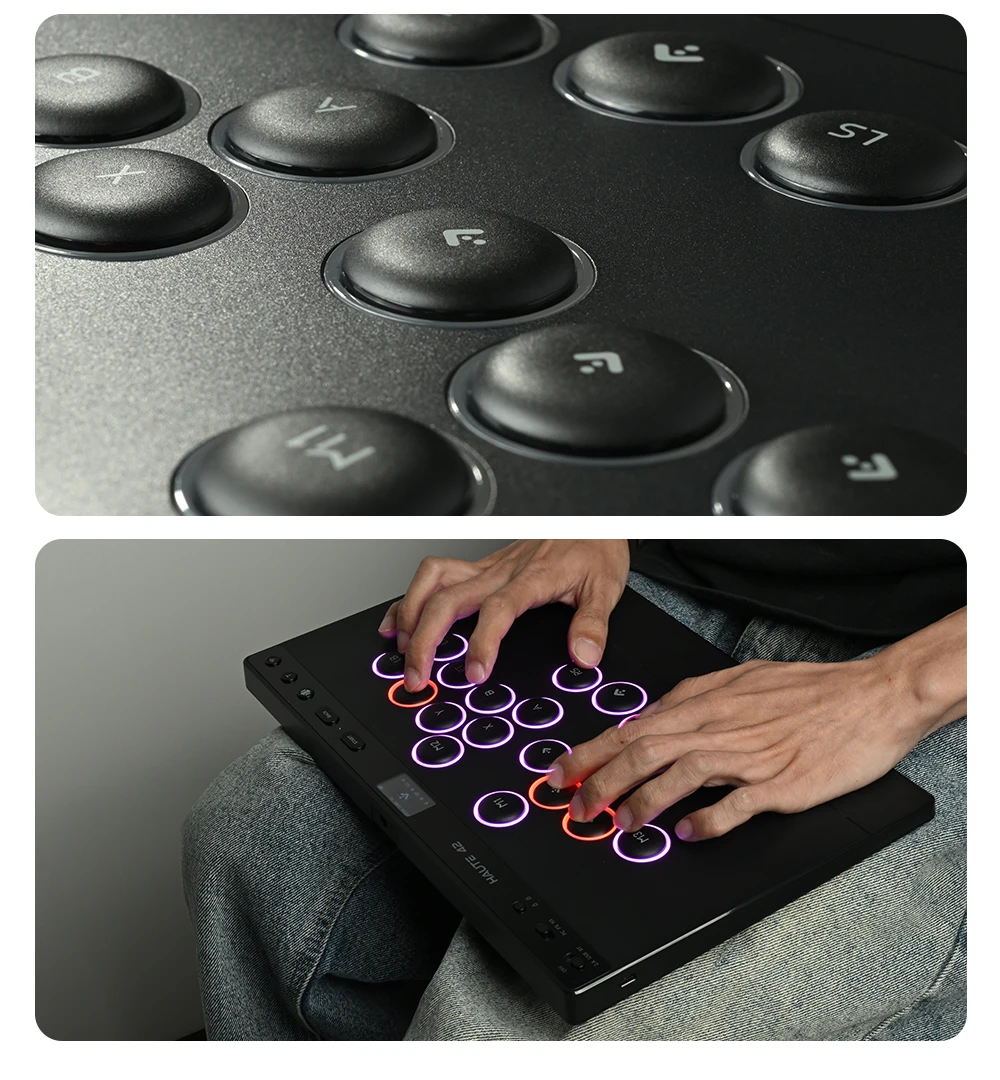
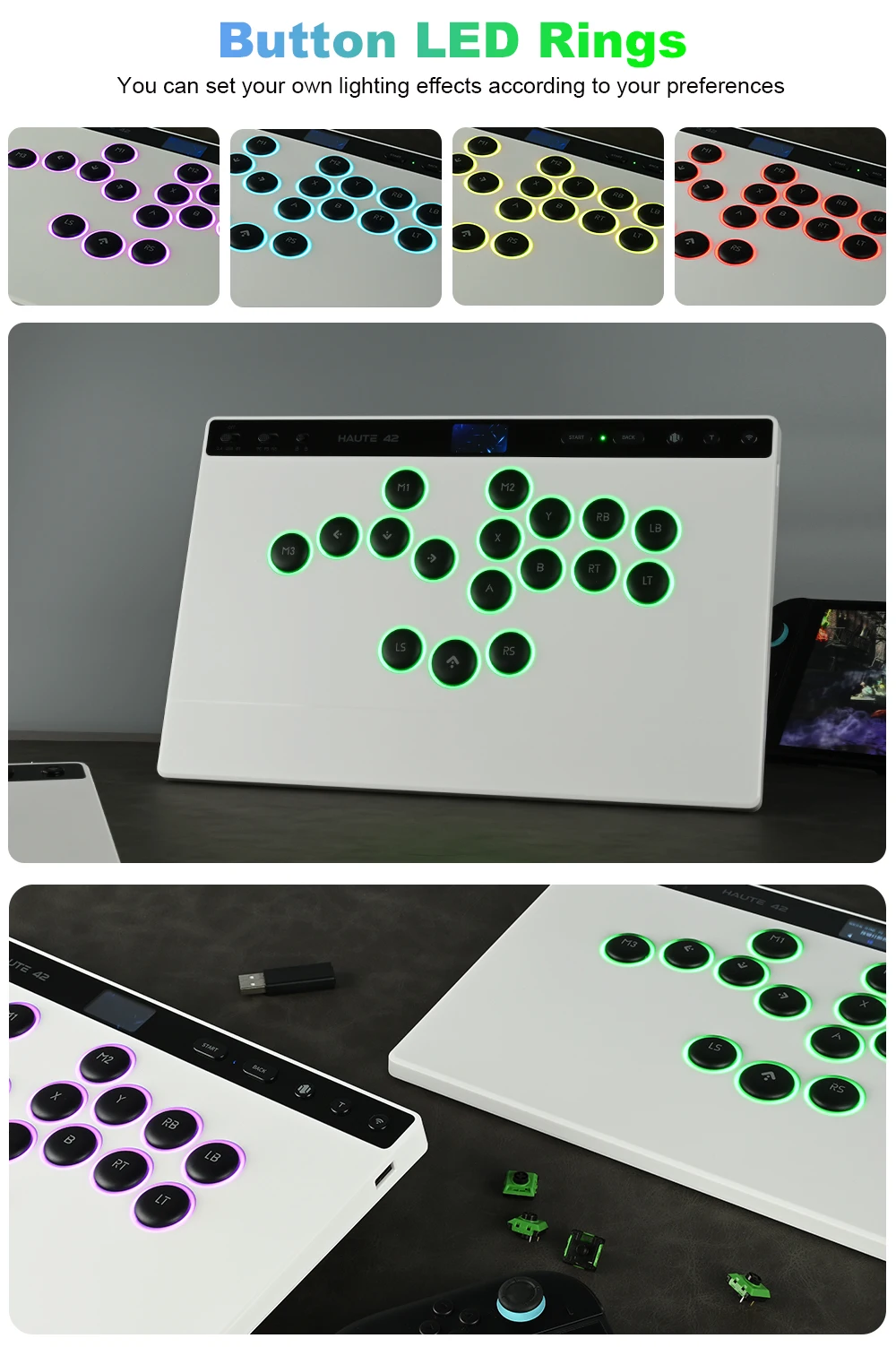
05 RGB Lighting
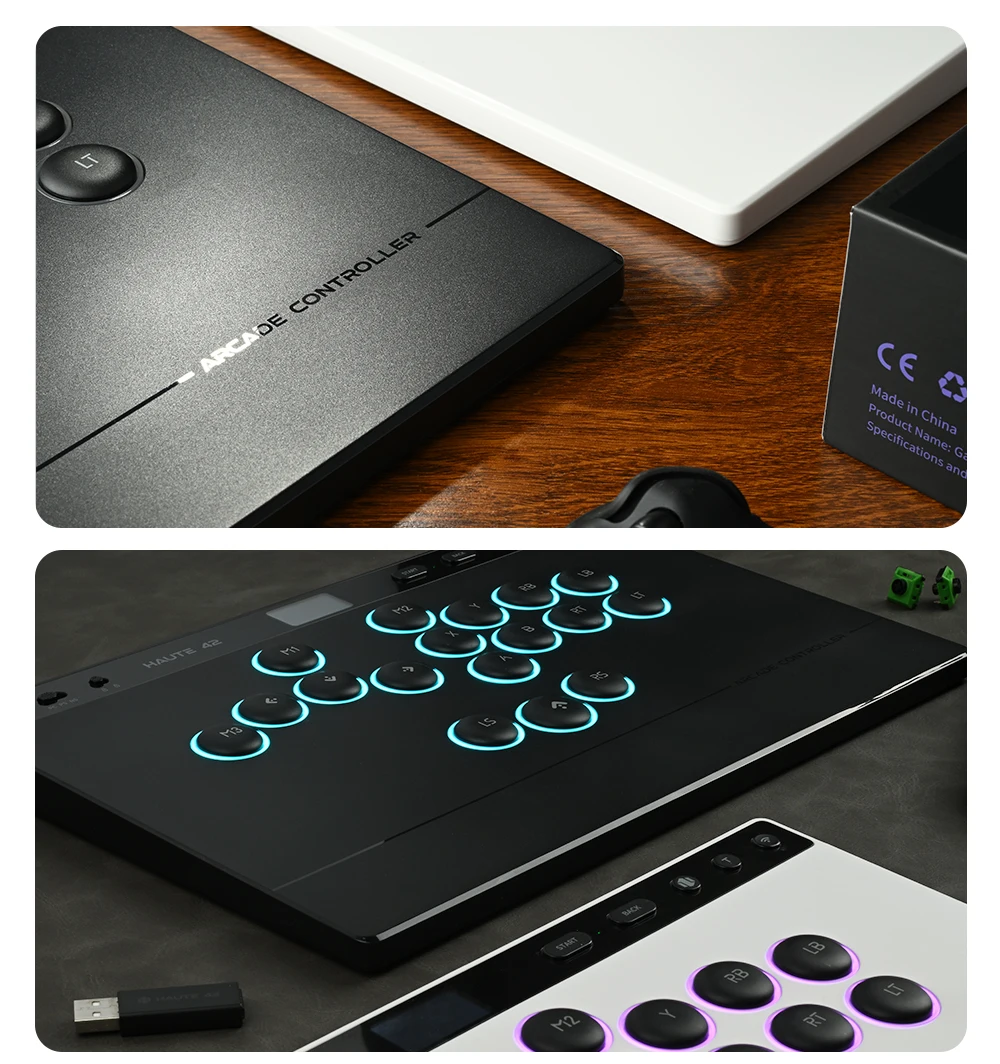
*Connect to a PC to customize RGB colors, brightness, and lighting modes
*RGB colors, brightness, and lighting modes can be adjusted directly on the touch screen
*Note: Visit drv-haute42.com for additional settings and advanced configuration options