SCRUB GAMING
Haute42 Magnetic C-AT Leverless Controller For PC/PS5/PS4
Haute42 Magnetic C-AT Leverless Controller For PC/PS5/PS4
Impossible de charger la disponibilité du service de retrait
SPECIFICATIONS
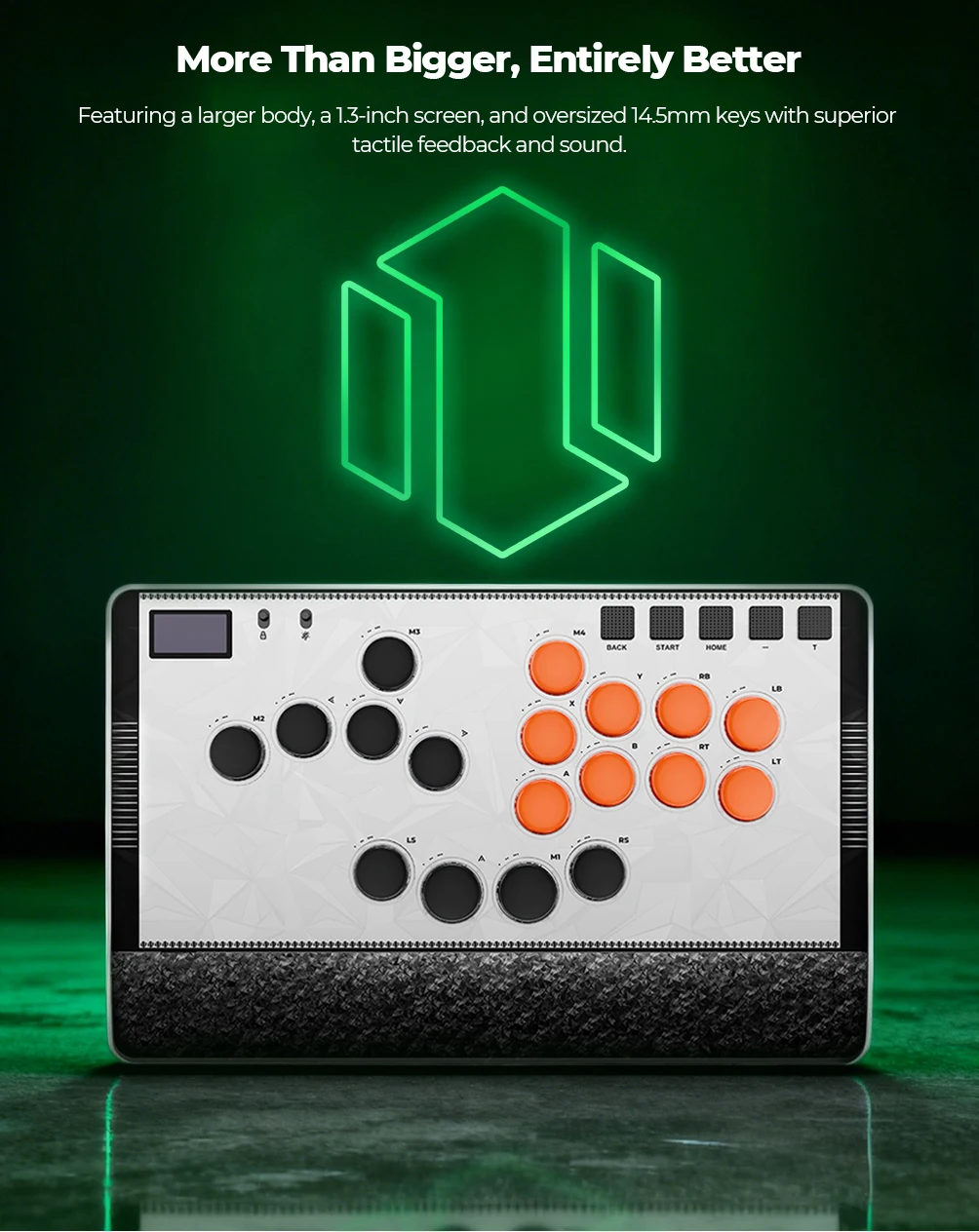
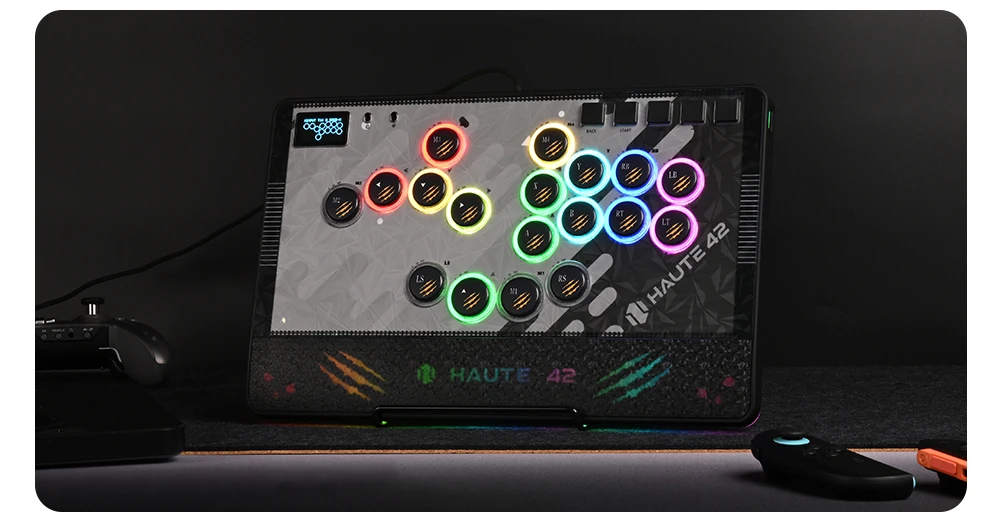
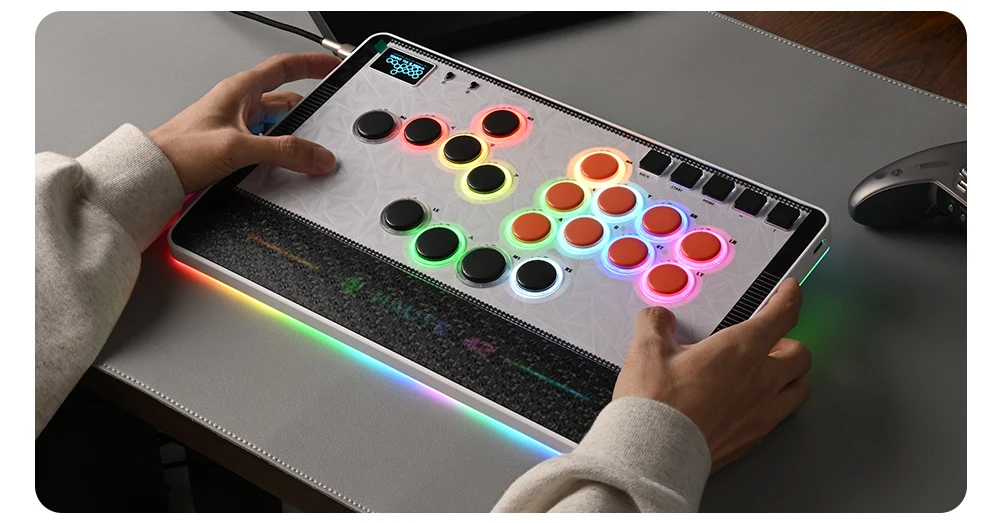
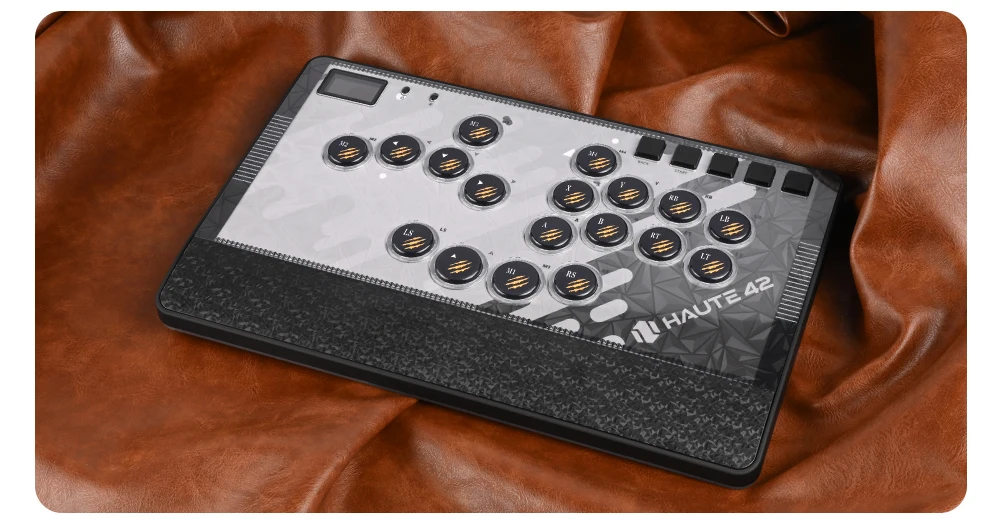
The Haute42 Magnetic C‑AT is a high‑end, fully‑customisable leverless controller built for players who want elite‑level precision, ultra‑low latency, and a premium modular design. Featuring magnetic art panels, adjustable‑travel buttons, hot‑swappable switches, and multi‑platform support, the C‑AT delivers tournament‑grade performance with modern comfort and deep customisation options. Fast, responsive, and built for serious execution — this is your dream leverless controller.
⭐ Key Features:
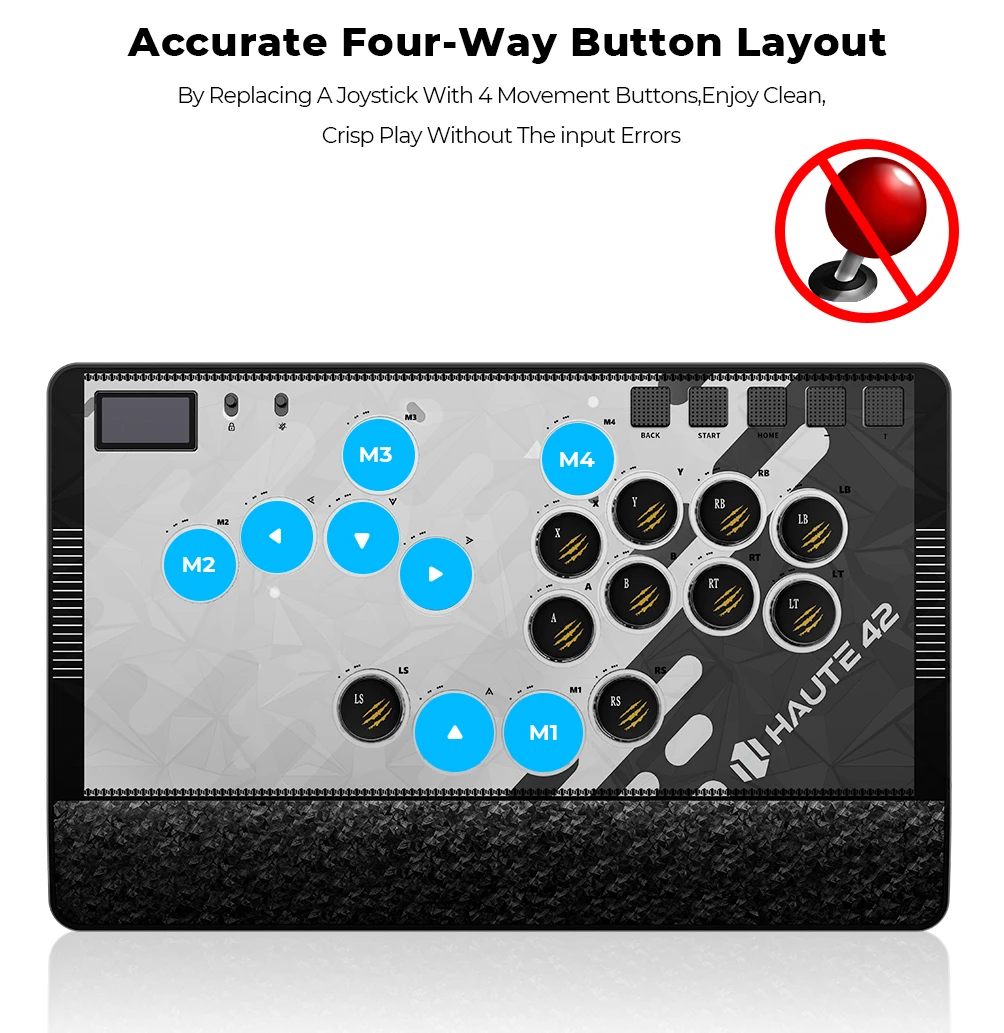
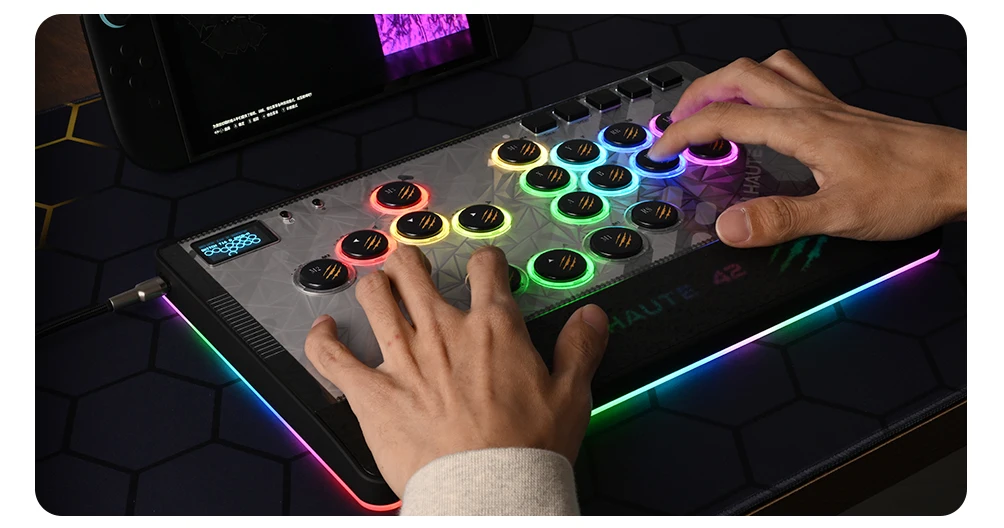
🔲 Leverless All‑Button Layout Designed for maximum speed and clean directional precision.
• Faster inputs than joystick-based controllers
• Ideal for SOCD‑clean execution, instant dashes, and modern fighter movement • Optimised for competitive play across multiple platforms
⚡ Ultra‑Low Latency Performance Built for frame‑perfect inputs.
• Raspberry Pi RP2024 controller chip • GP2040‑CE firmware • Less than 1ms input latency • Overclocked polling rate for ultra‑responsive gameplay
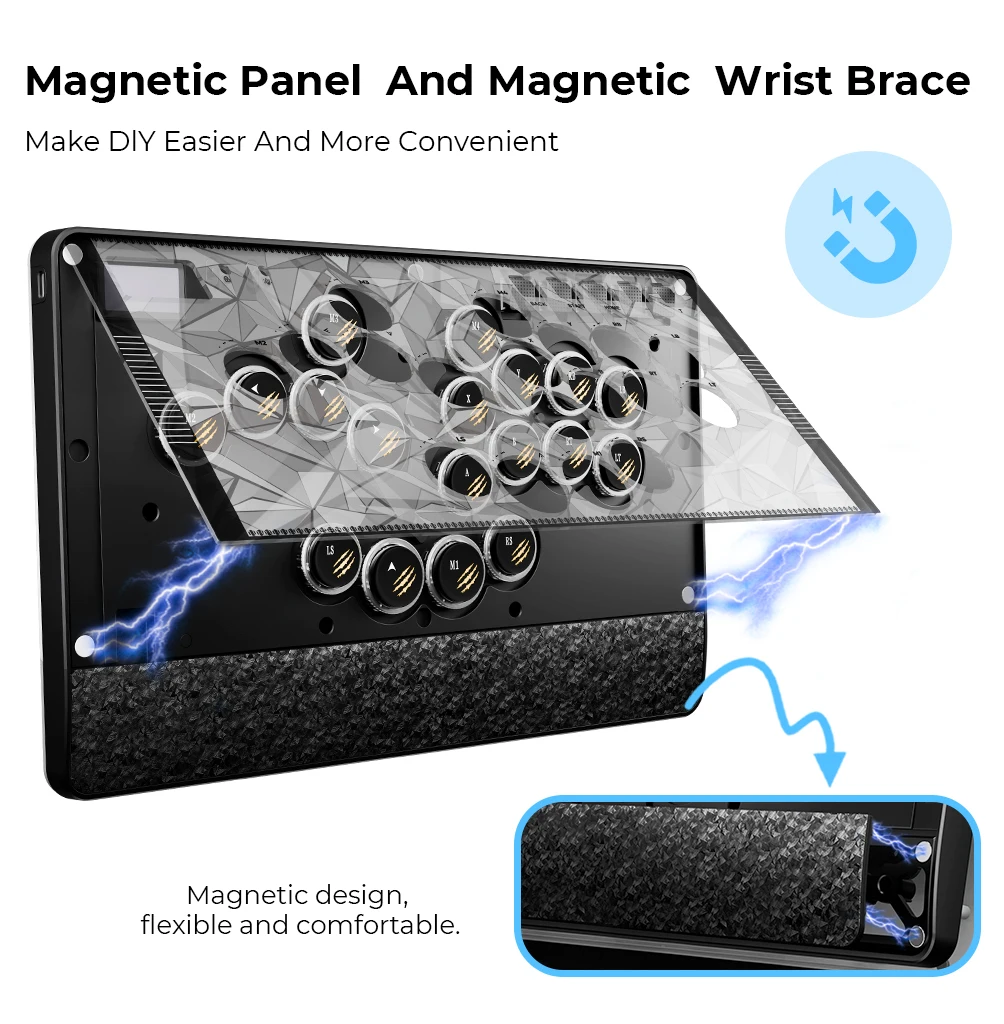
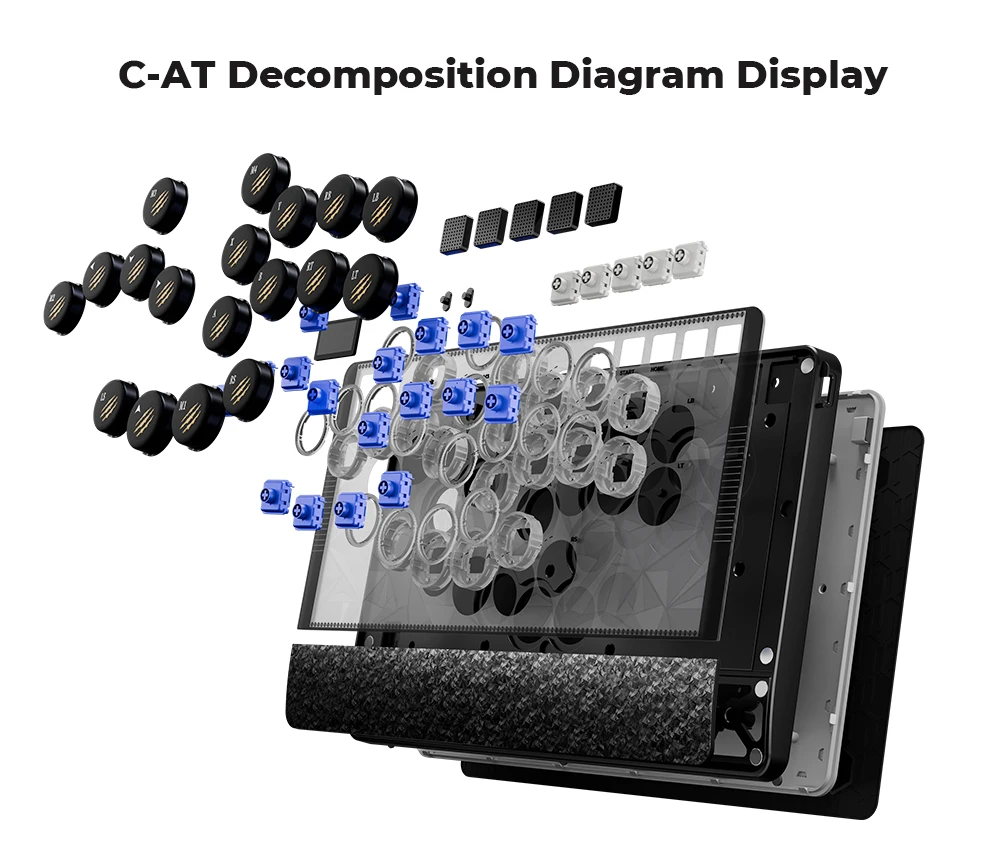
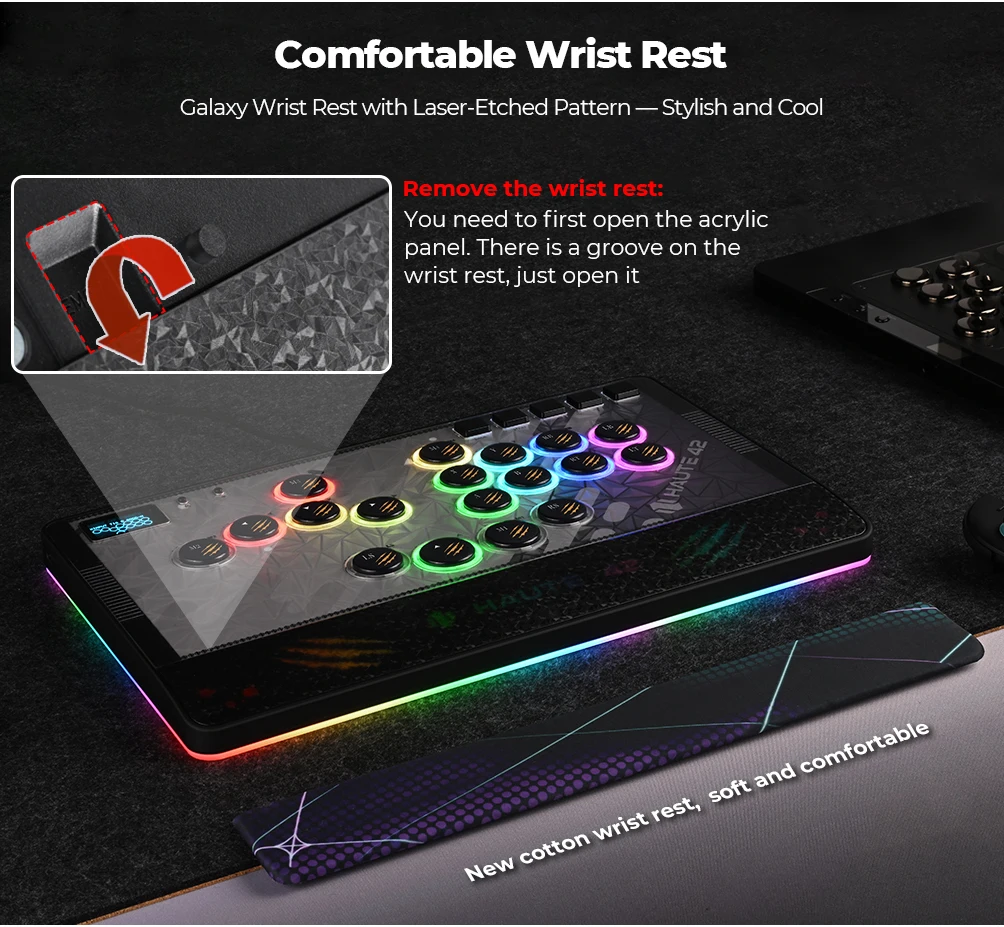
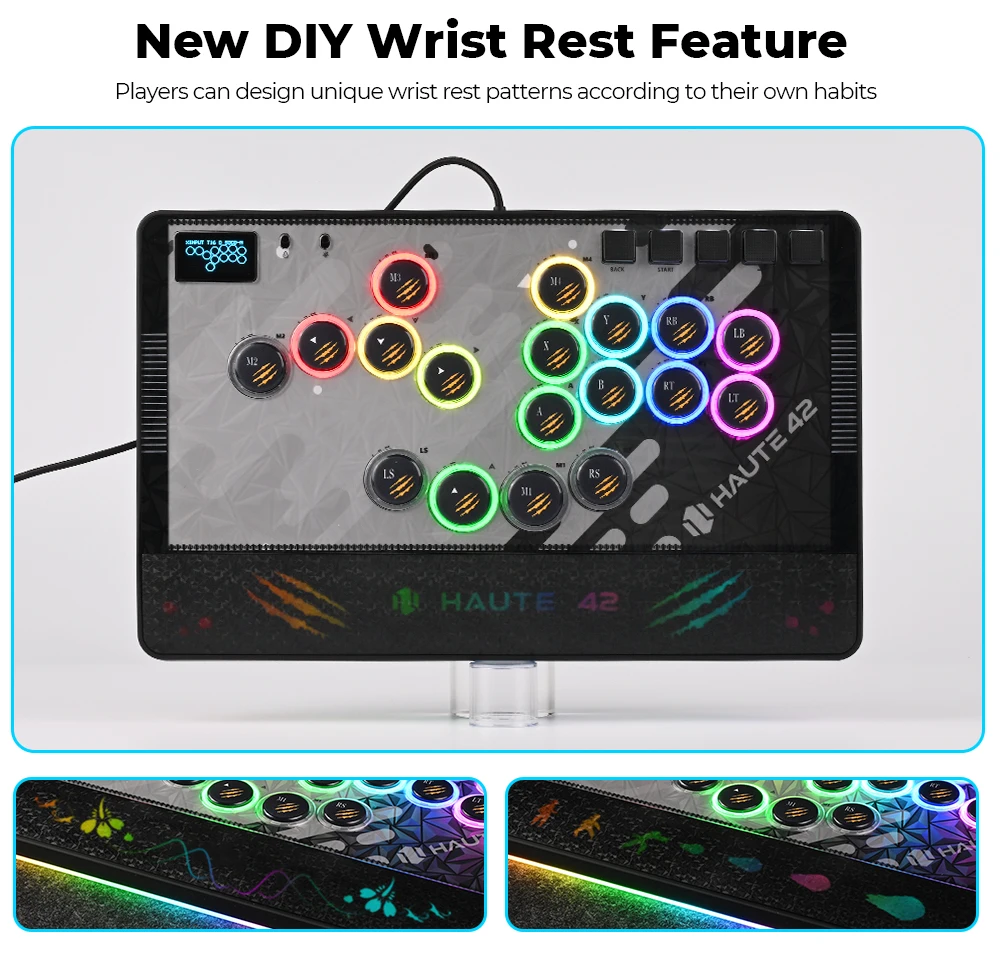
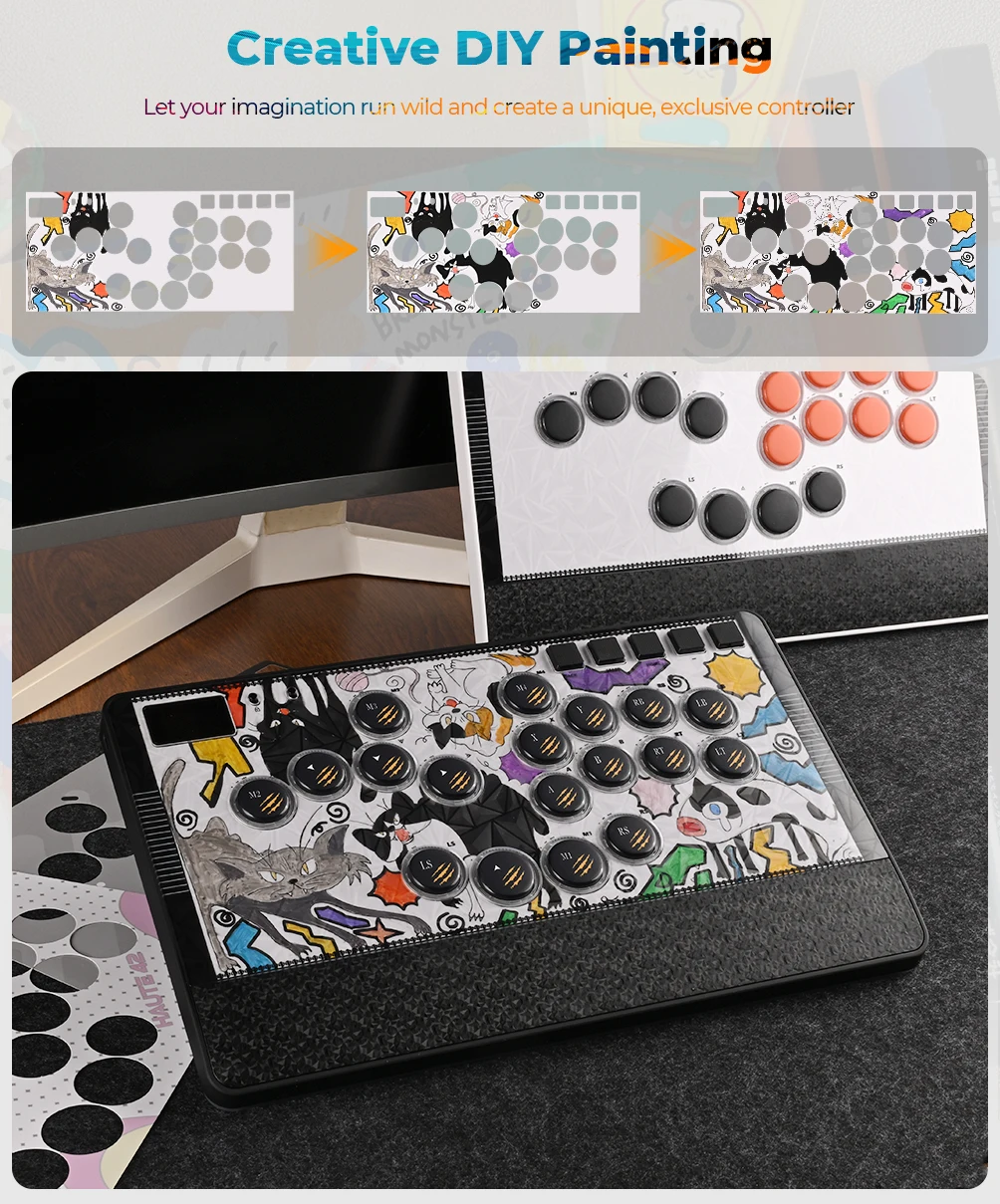
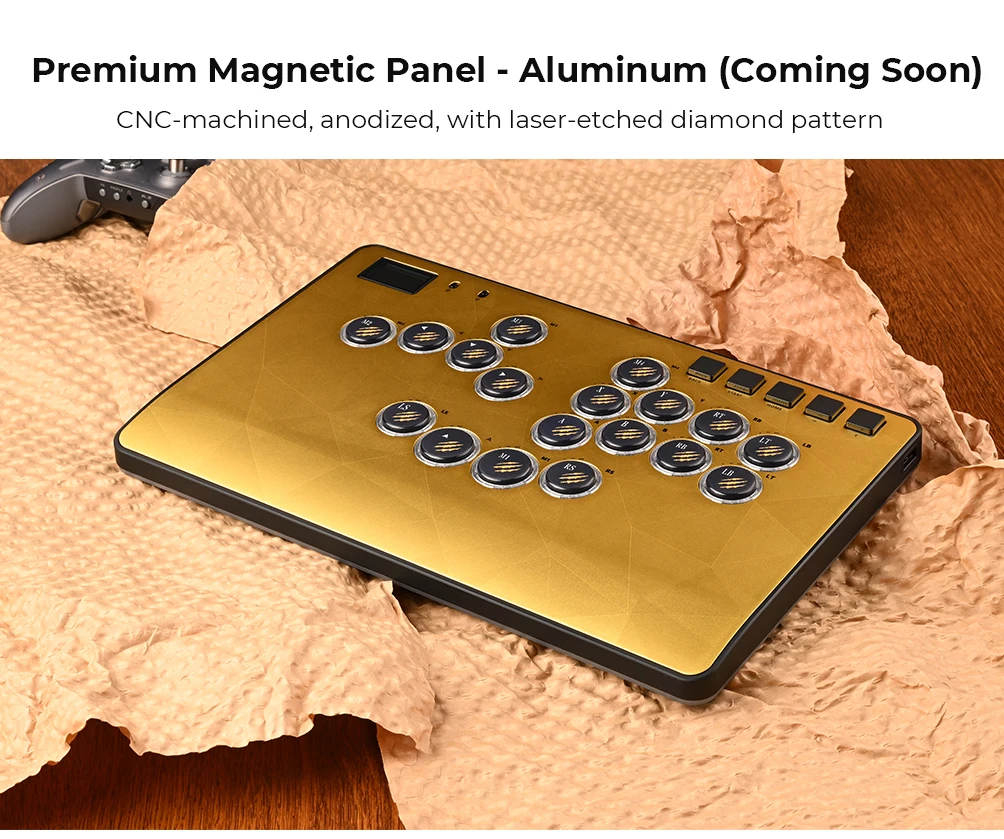
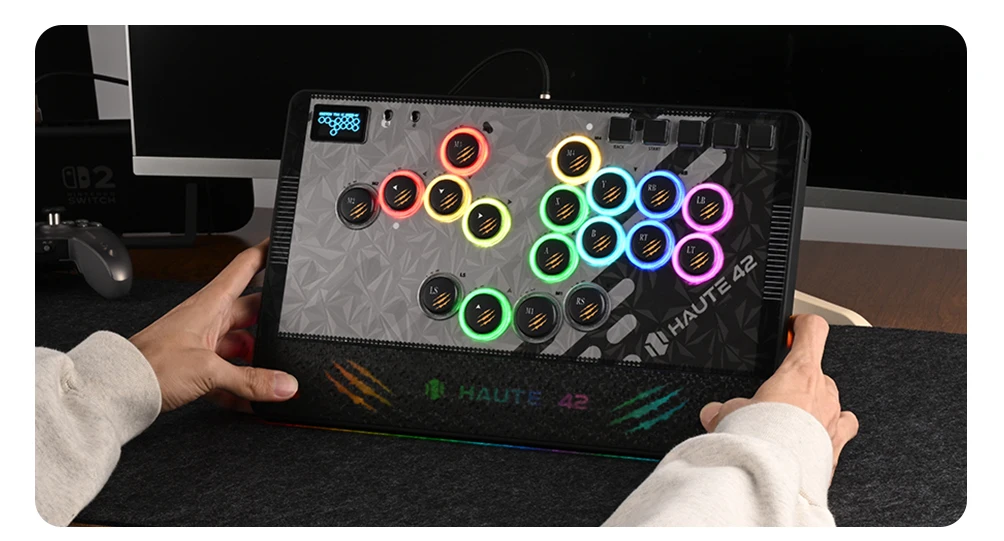
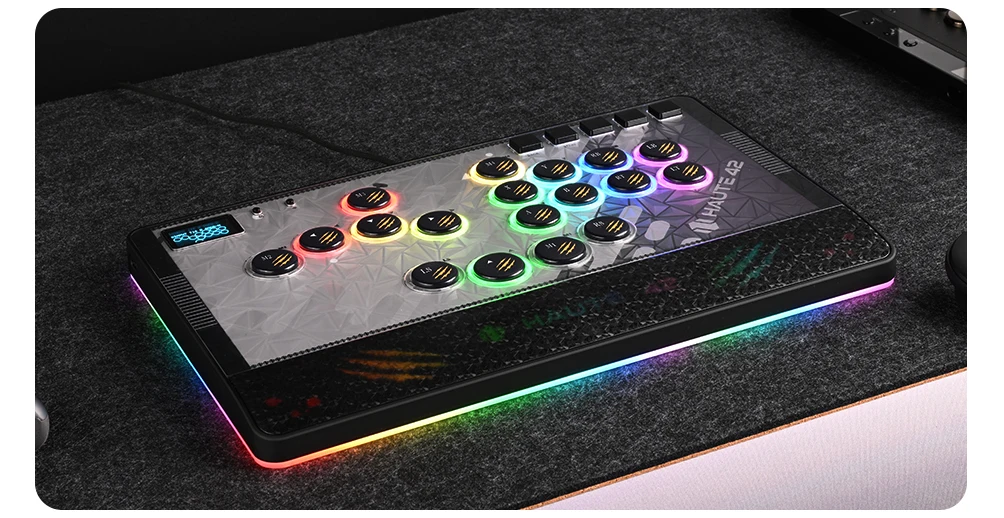
🧱 Magnetic Art Panel & Magnetic Wrist Rest Premium modular design with effortless customisation.
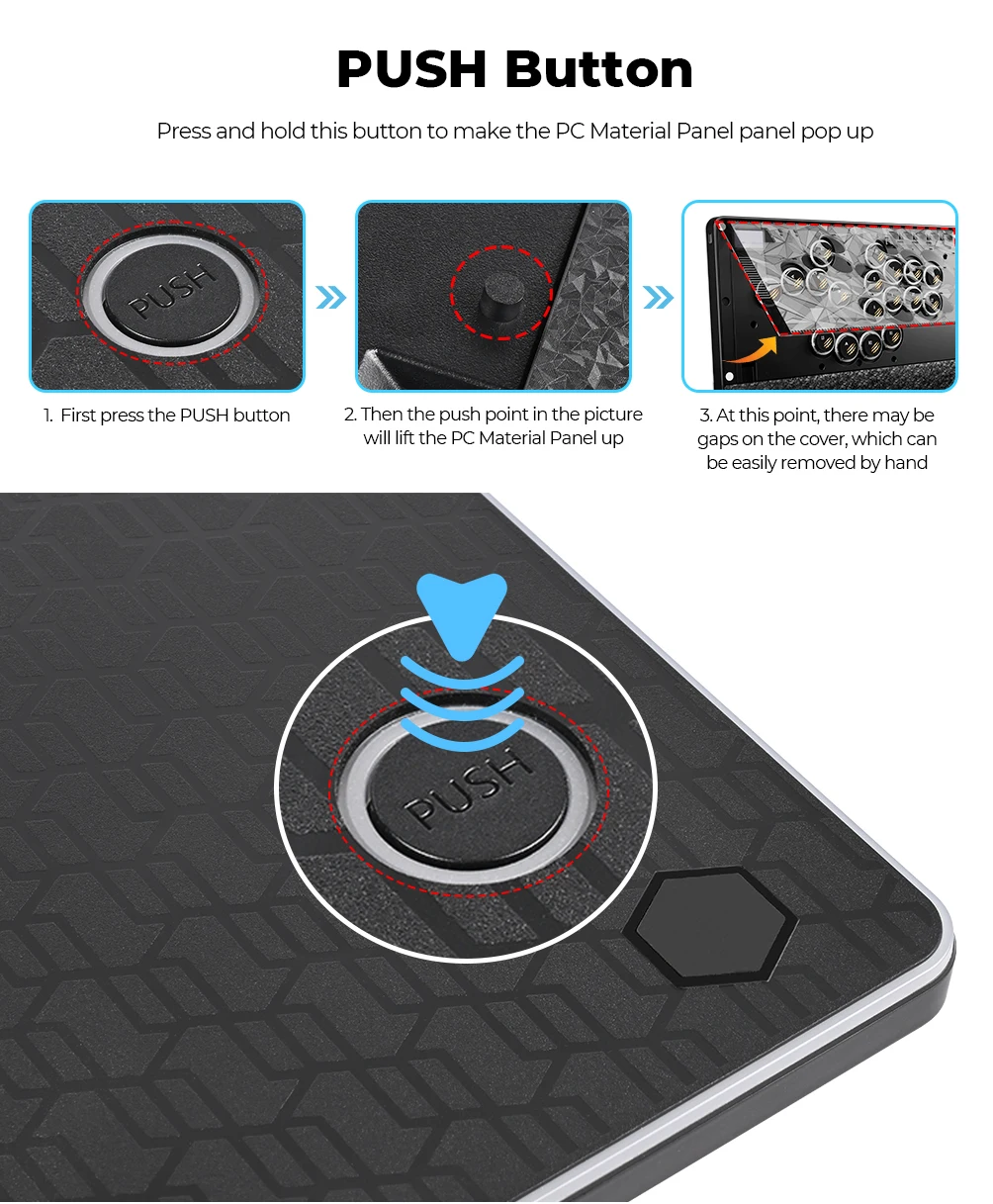
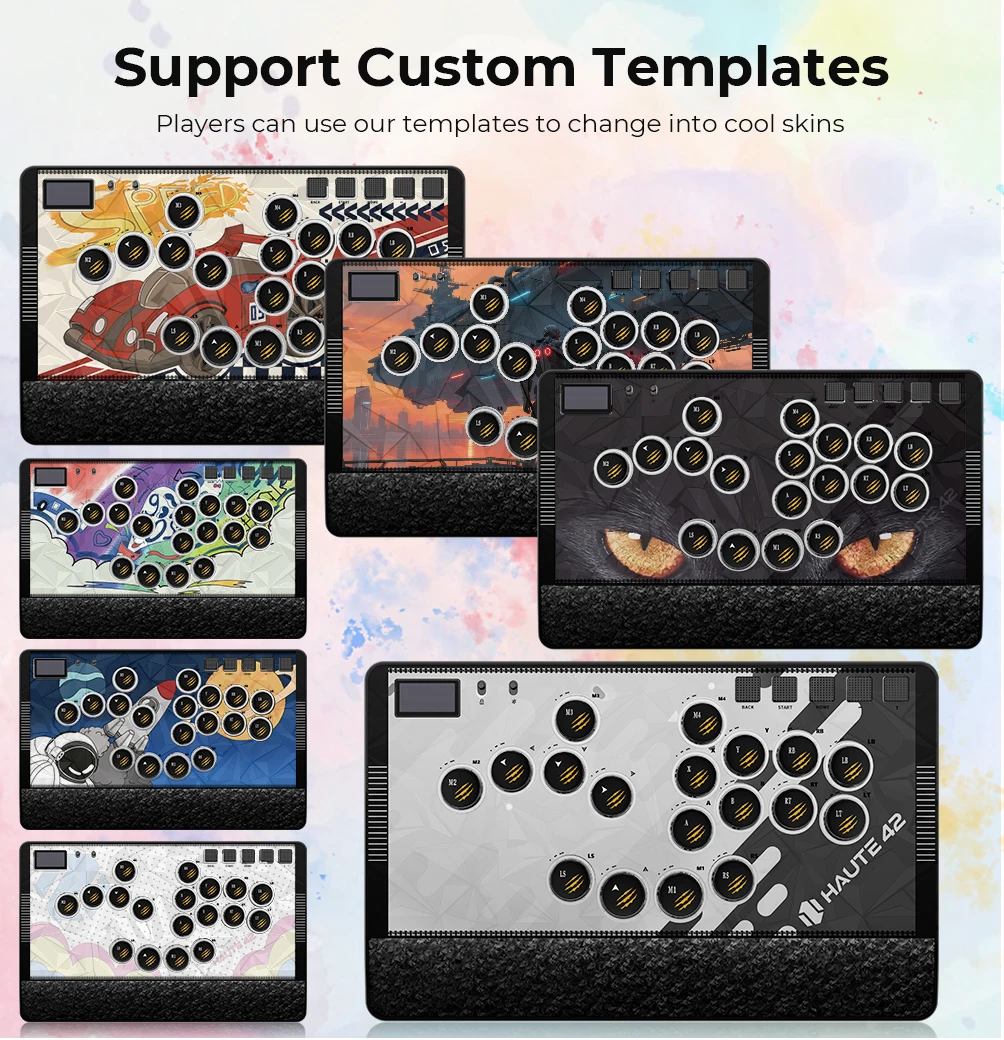
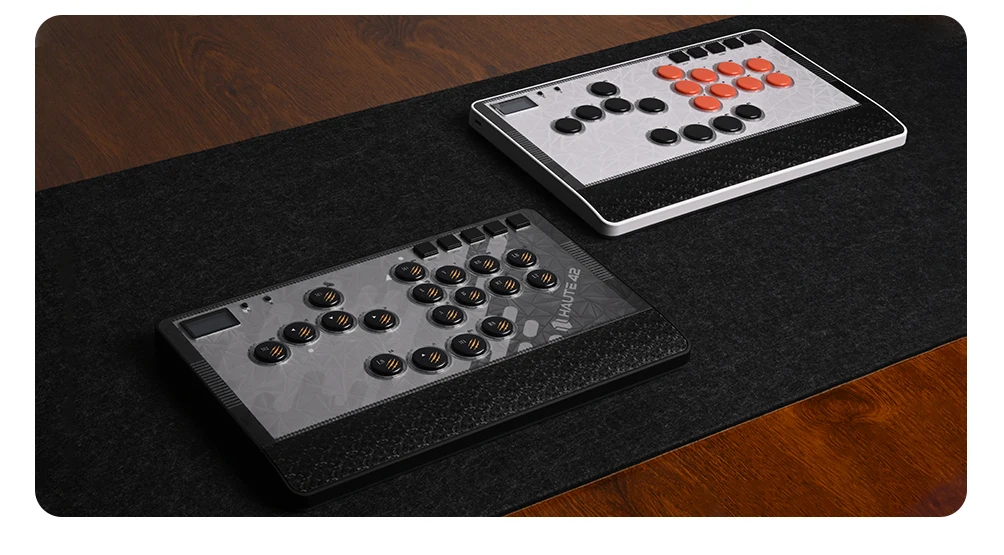
• Magnetic PC panel for instant artwork swaps
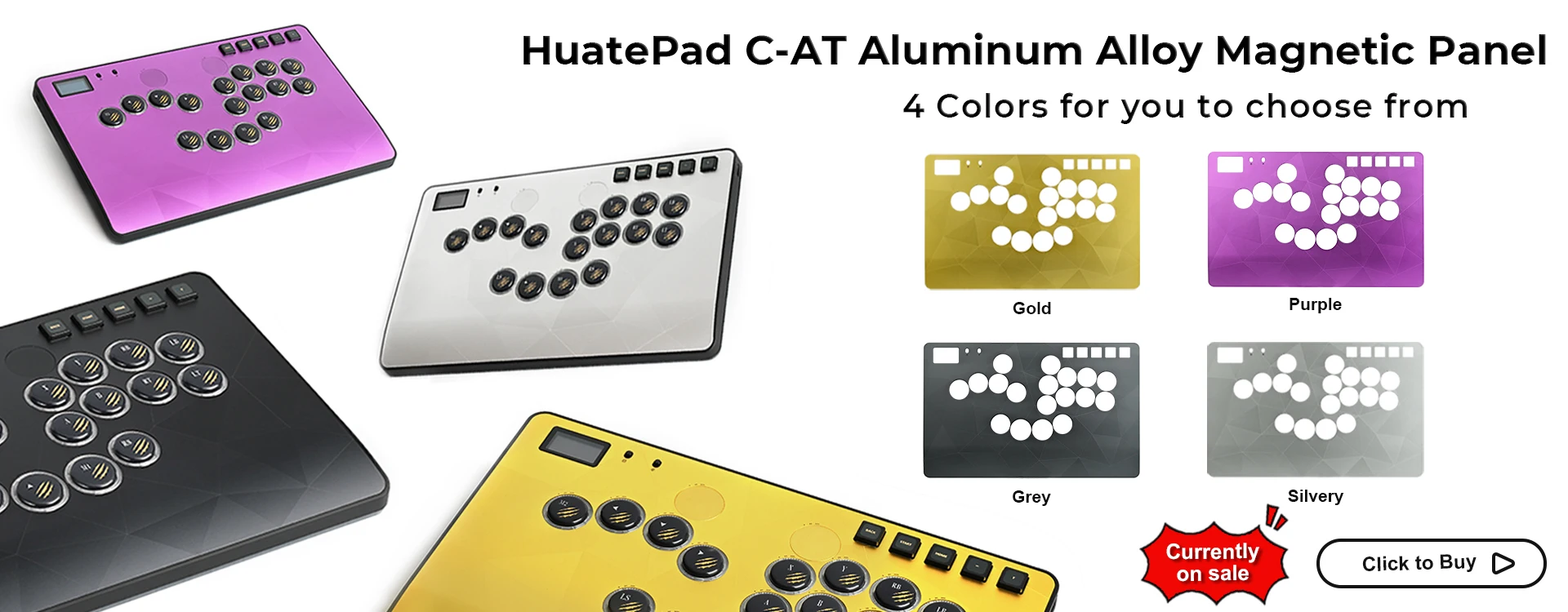
• Includes multiple art templates
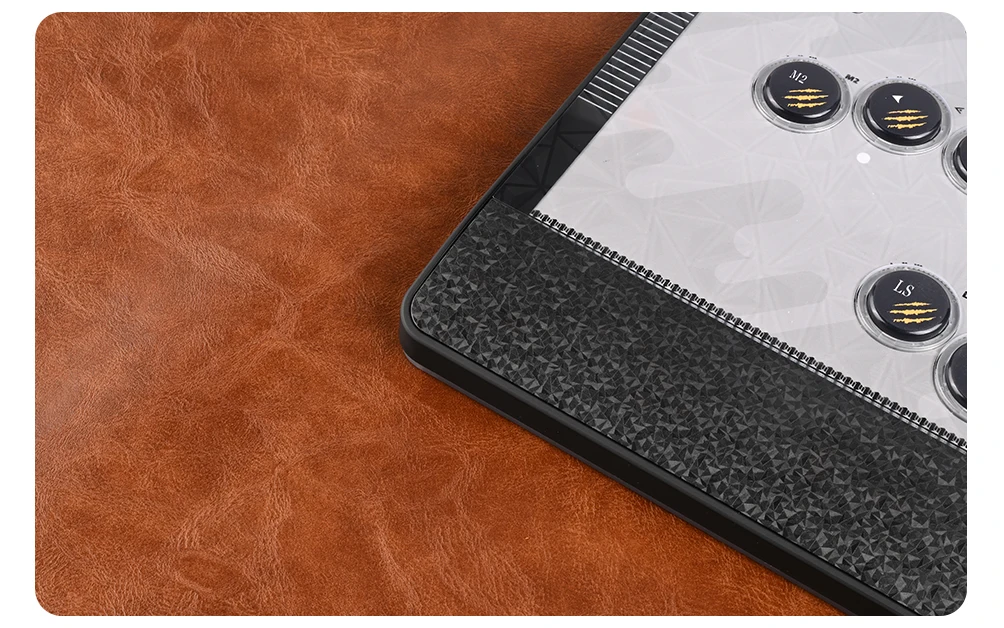
• Magnetic detachable wrist rest for comfort
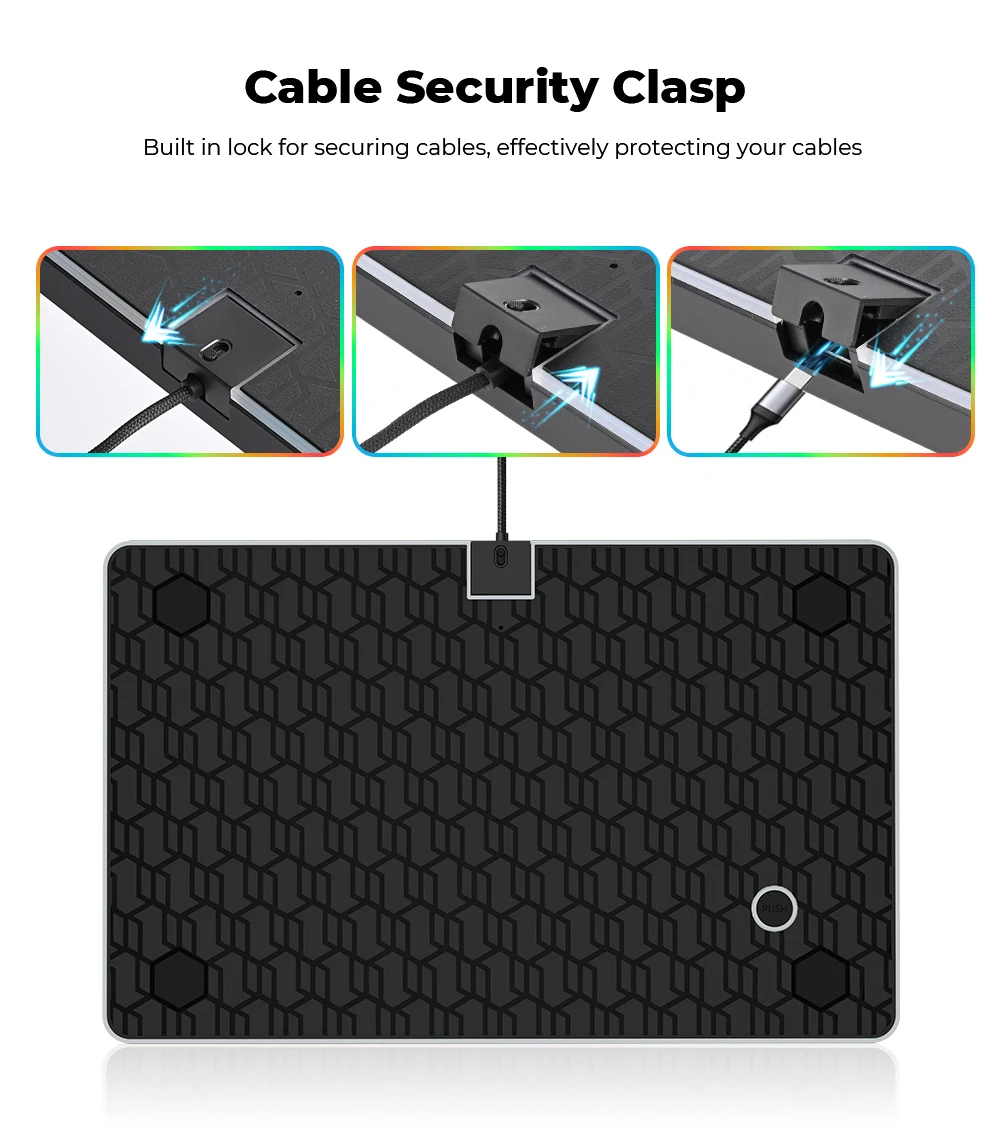
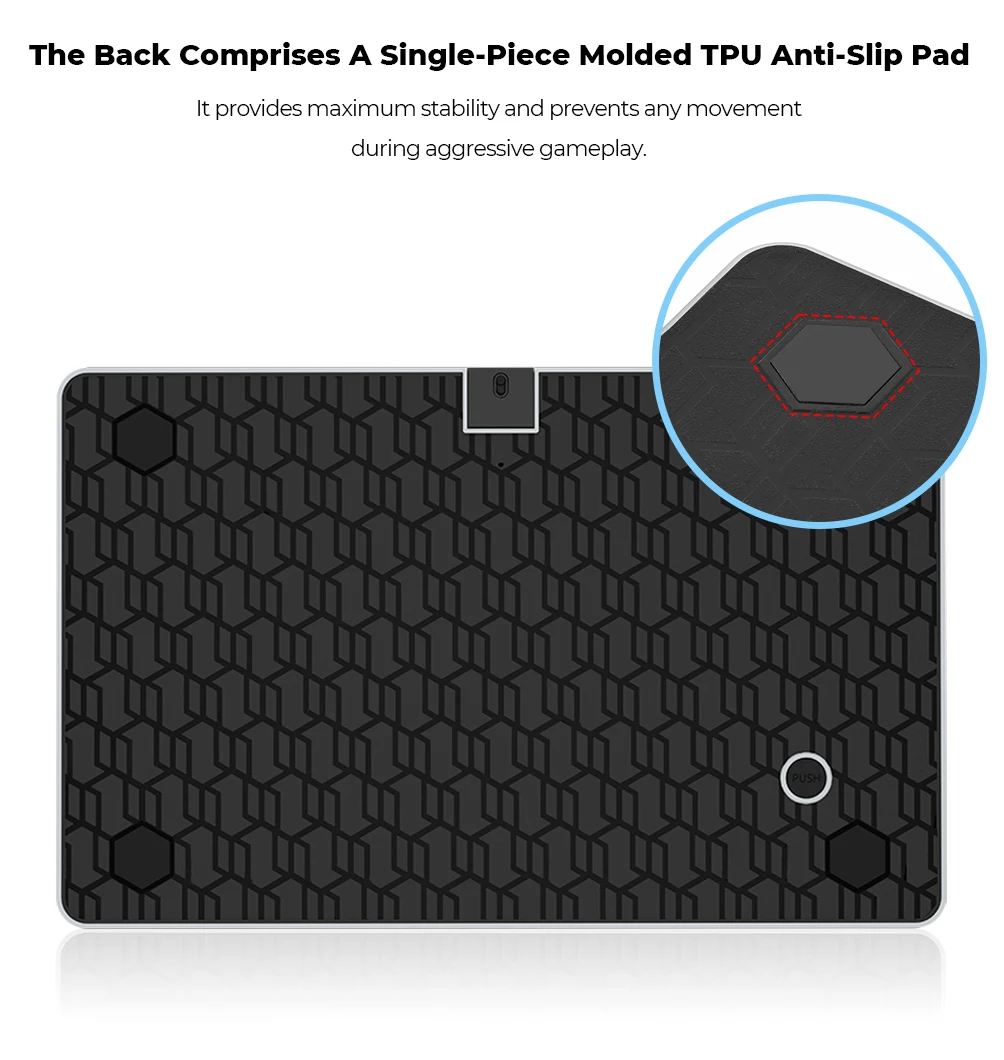
• Anti‑slip base for stability during long sessions
📡 Multi‑Platform Compatibility One controller for your entire fighting library.
• Windows 10+
• Steam Deck
•PS4 (native PS4 mode)
• PS5 (PS4‑mode games)
• Nintendo Switch / Switch 2
• Android / Linux / macOS / iPadOS
• Keyboard mode for custom setups
• Supports X‑Input, Switch mode, PS3/D‑Input, PS4 mode, and Keyboard mode
🔒 Advanced SOCD & Tournament Features Stay compliant and locked‑in.
• Multiple SOCD cleaning modes
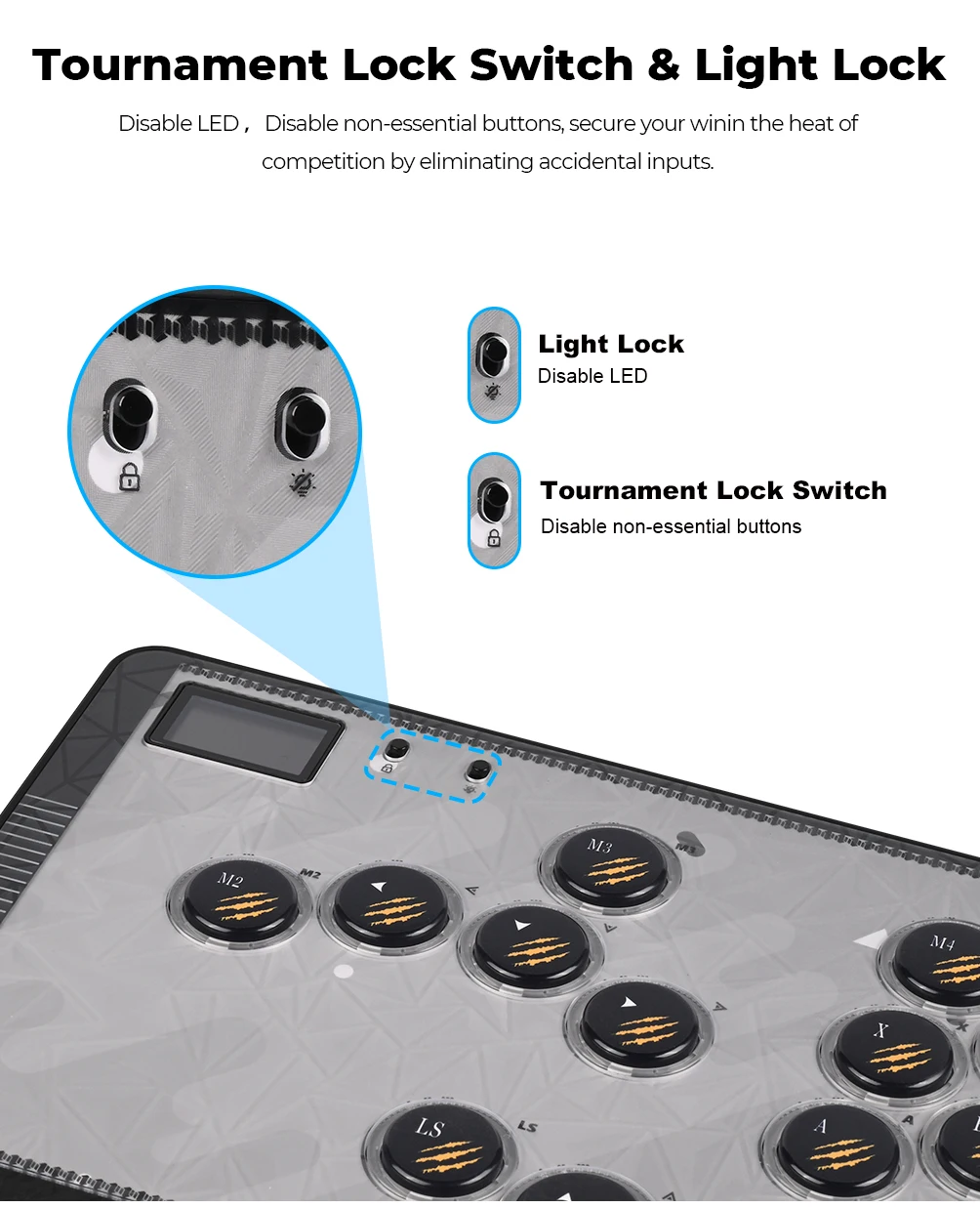
• Tournament lockout switch
• Button layout swap
• Turbo functions
• EXT port for PS4/PS5/Xbox compatibility via authorised dongles
💡 Premium Build Quality & Hot‑Swappable Switches Built for durability and custom feel.
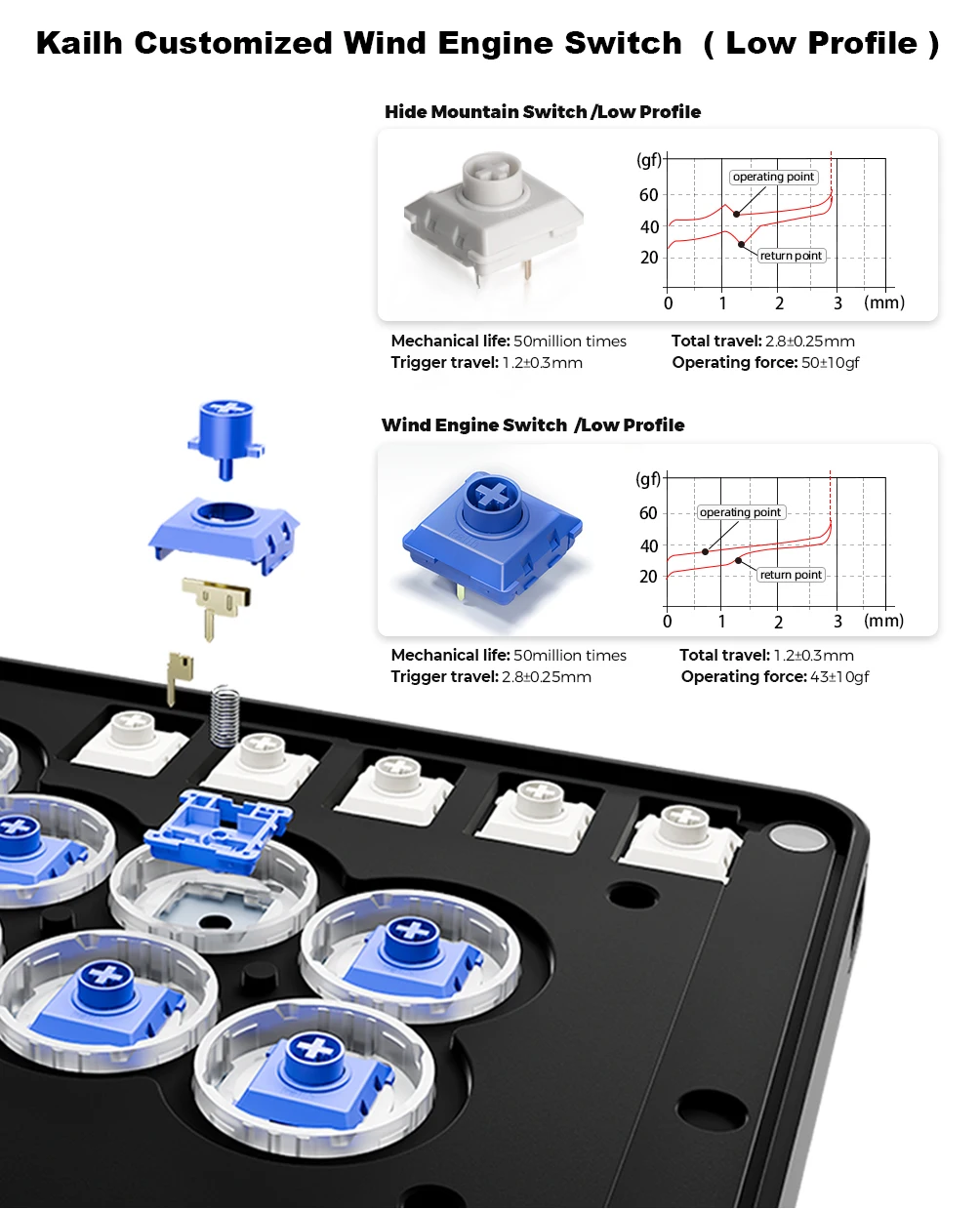
• Kailh Wind Engine low‑profile switches
• Hot‑swappable design
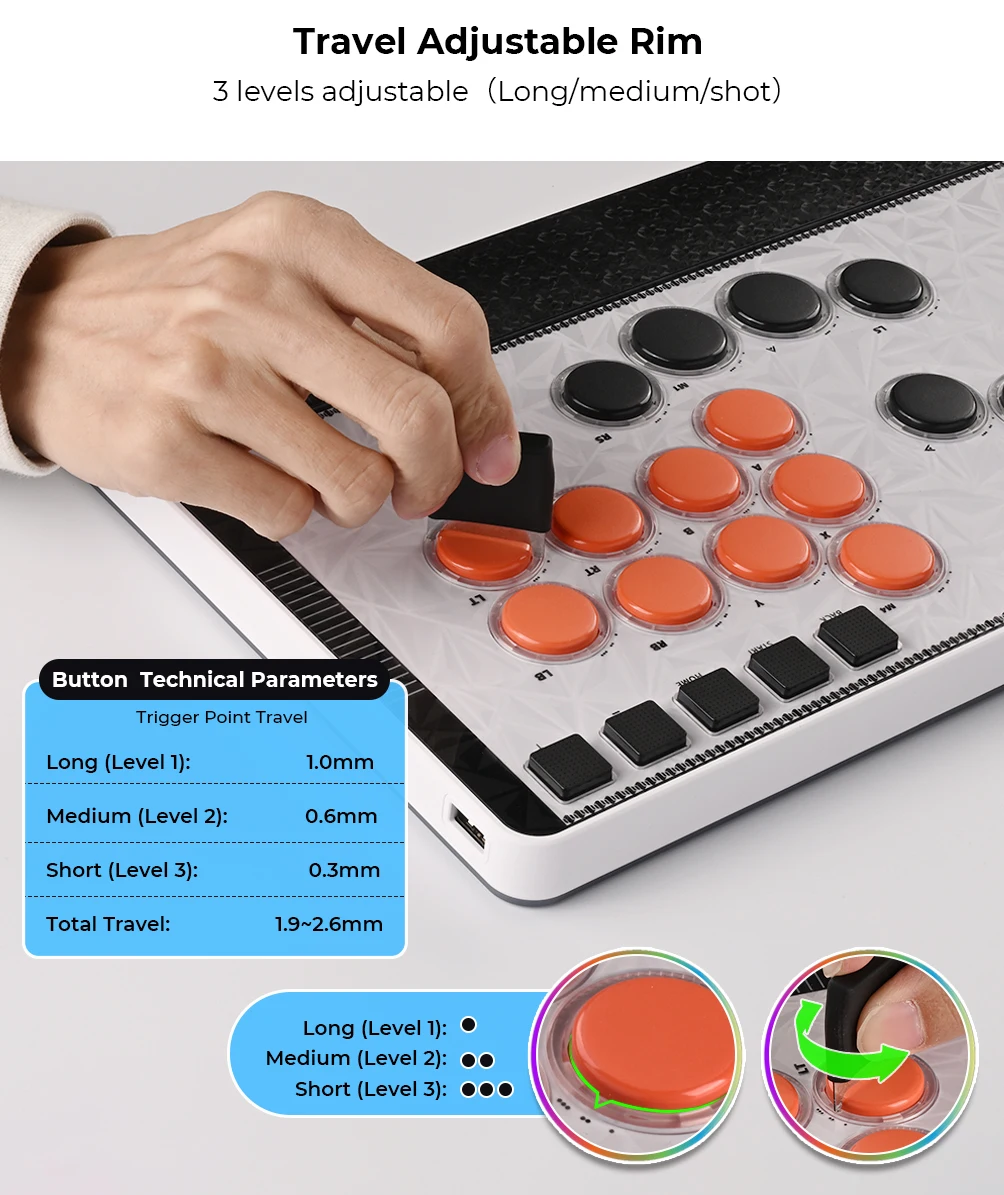
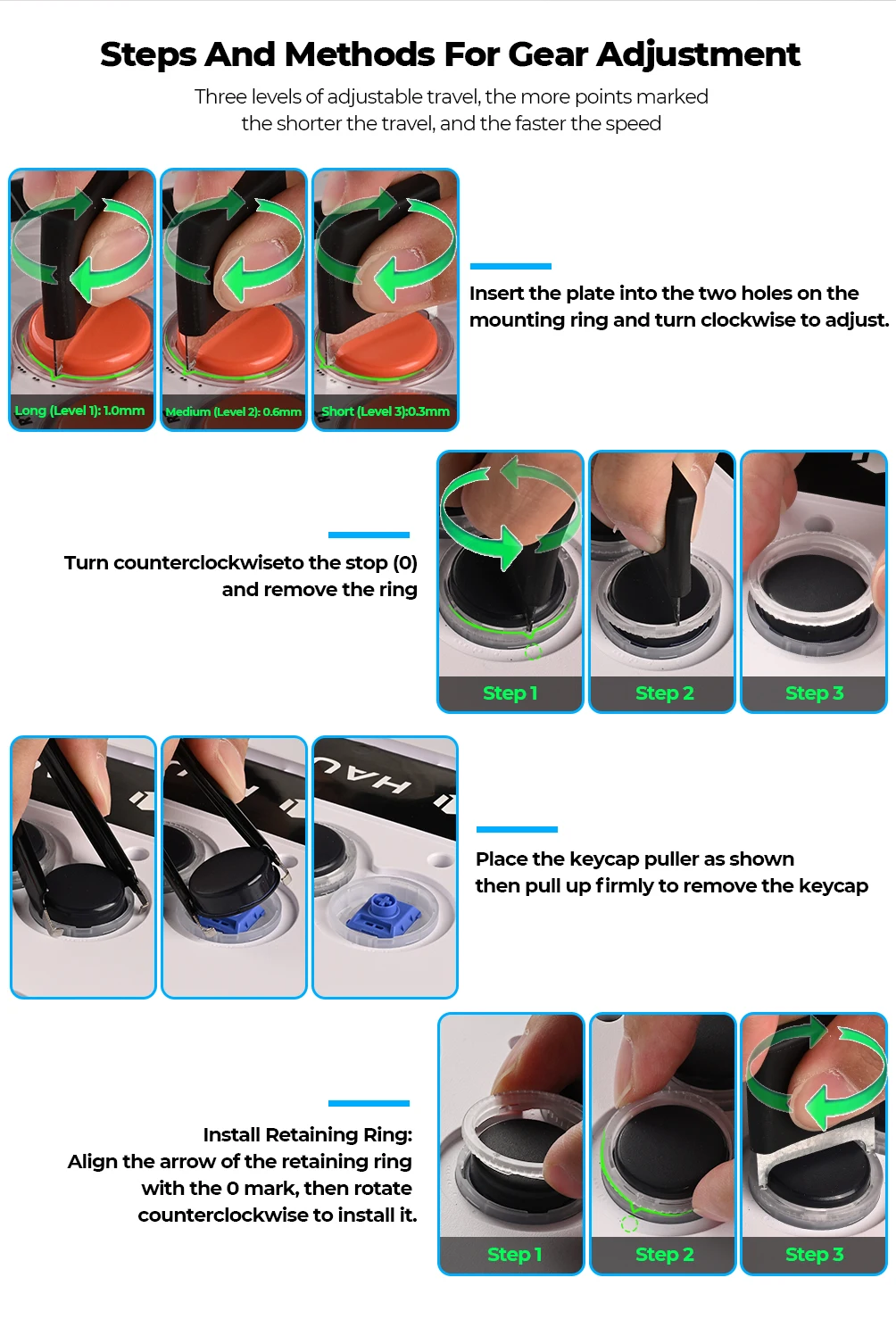
• Adjustable button travel (short/medium/long)
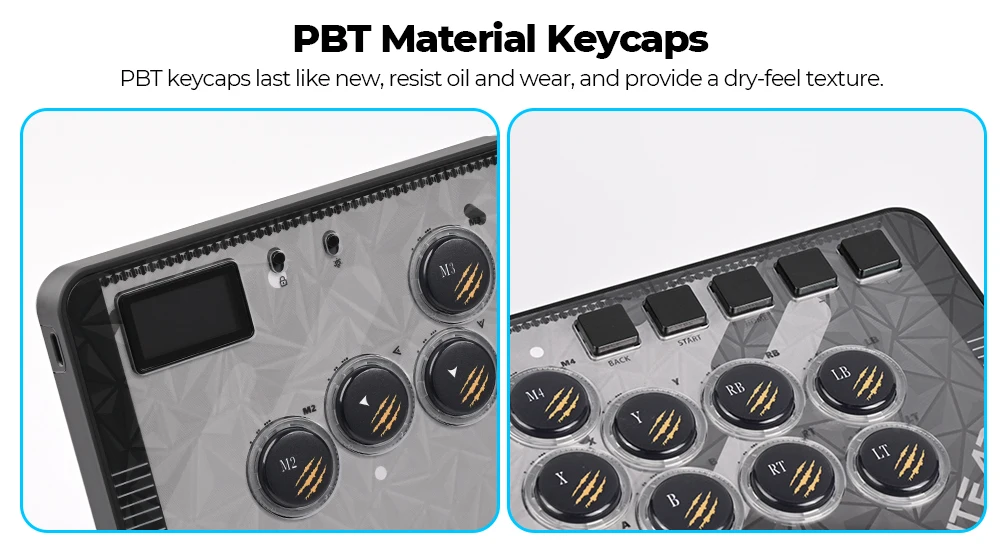
• PBT keycaps (oil‑resistant, long‑lasting)
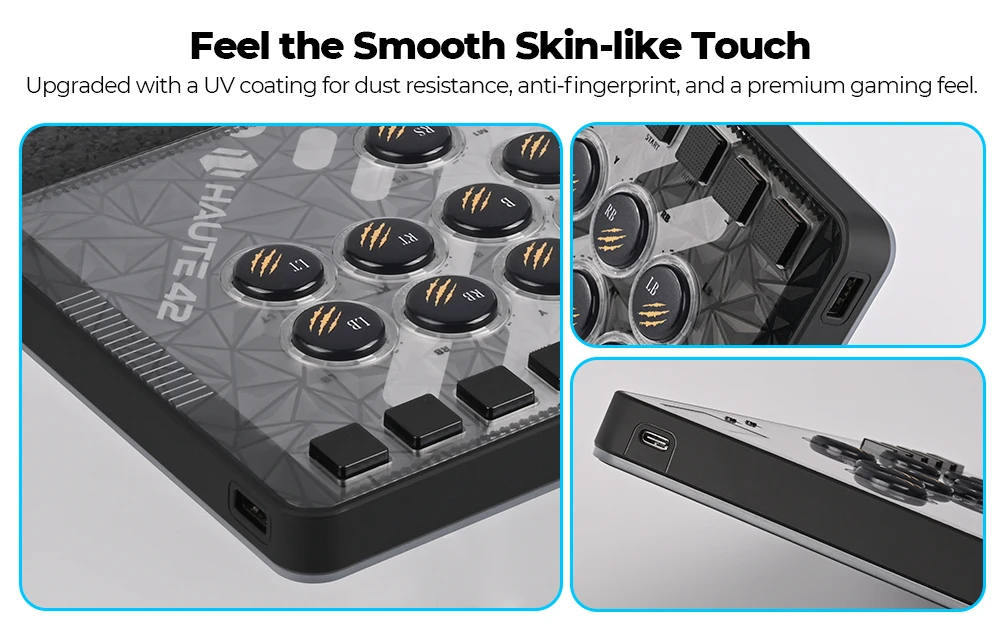
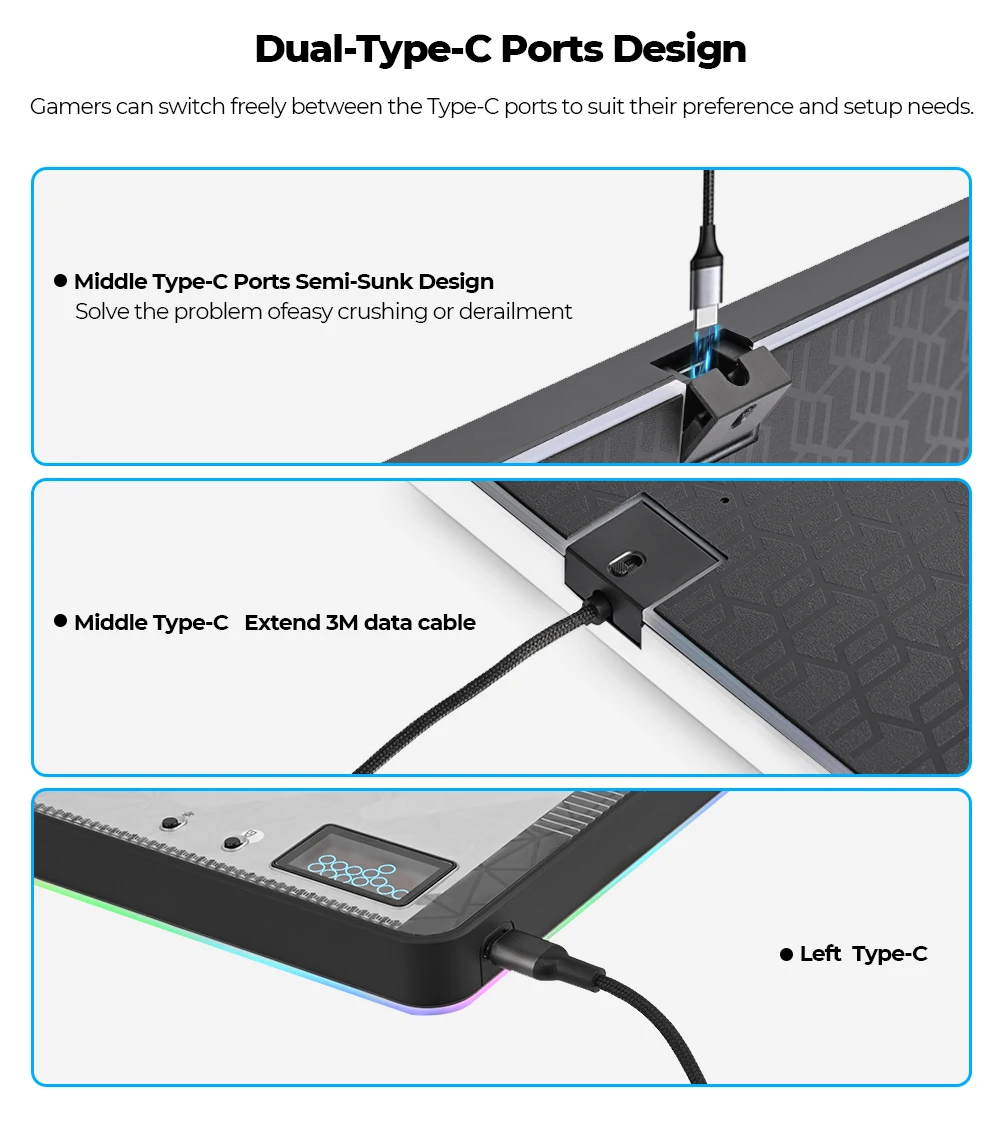
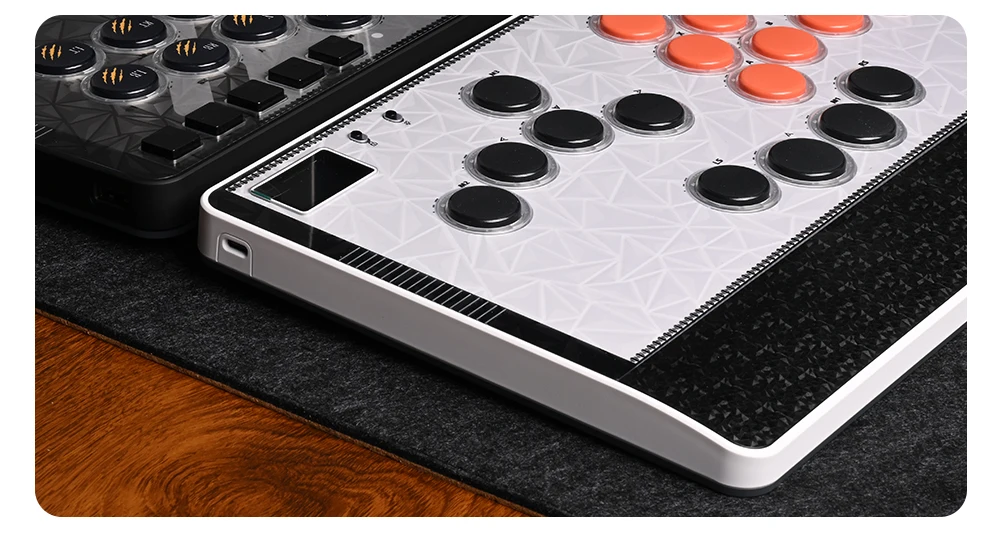
• Reinforced chassis with dual USB‑C ports
🎮 Gameplay & Performance: • Lightning‑fast directional inputs
• Adjustable travel for personalised button feel
• Clean SOCD behaviour for modern fighters
• Crisp action buttons for combos, cancels, and tight links
• Stable, comfortable layout with magnetic wrist rest
• Ideal for Street Fighter, Tekken, Guilty Gear, MK, anime fighters, and Steam Deck play
📦 What’s in the Box:
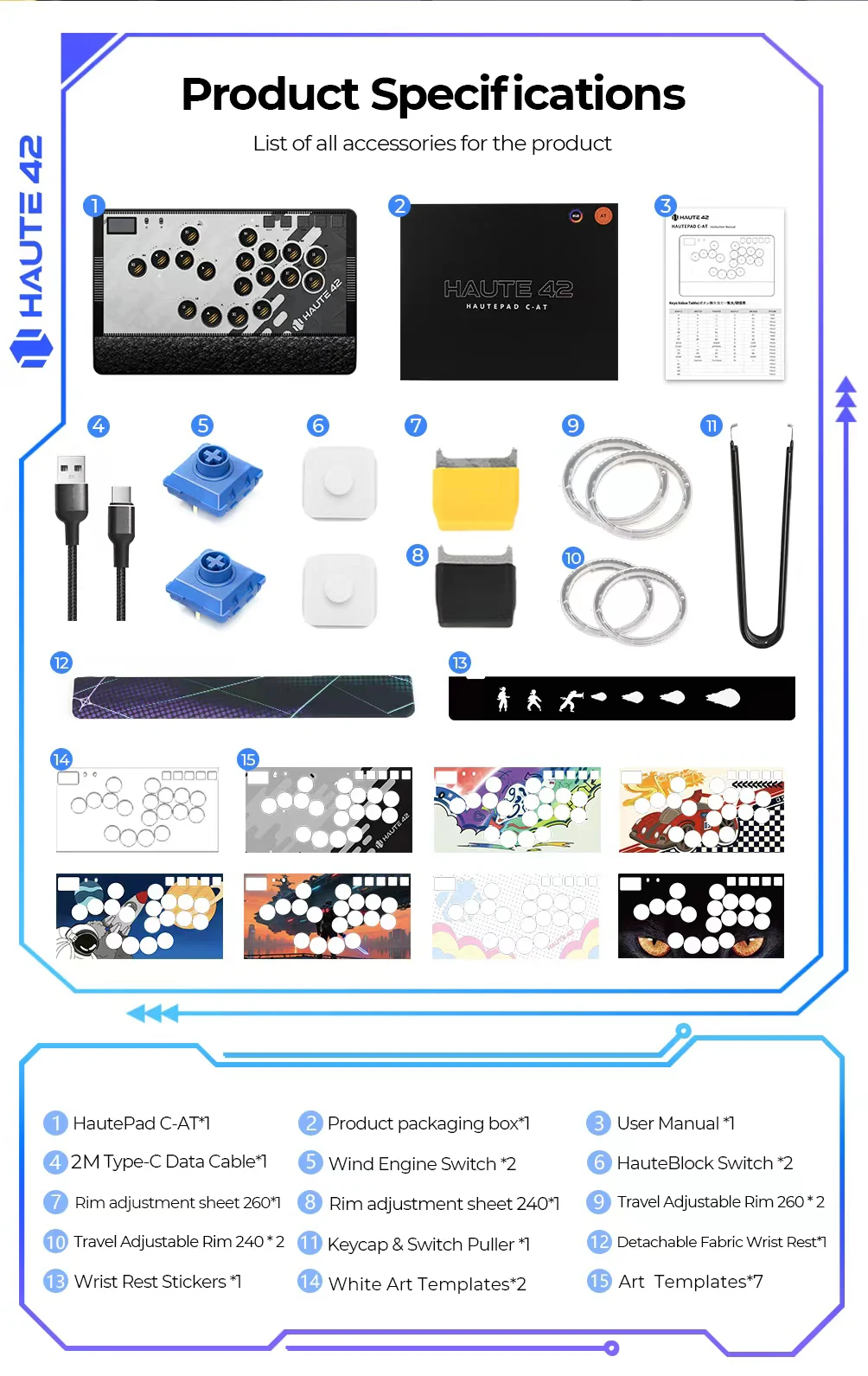
• Haute42 Magnetic C‑AT Leverless Controller ×1
• USB‑C Cable ×1
• Wind Engine Switches ×2
• HauteBlock Switches ×2
• Adjustment Plates (240 & 260)
• Spare retaining rings • Keycap & switch puller
• Magnetic wrist rest
• User manual ×1
🛠 Warranty Information:
This product includes a 1‑year manufacturer warranty. Covers non‑human quality issues. Repairs outside warranty may incur a fee. Shipping for out‑of‑warranty repairs is typically the responsibility of the customer.
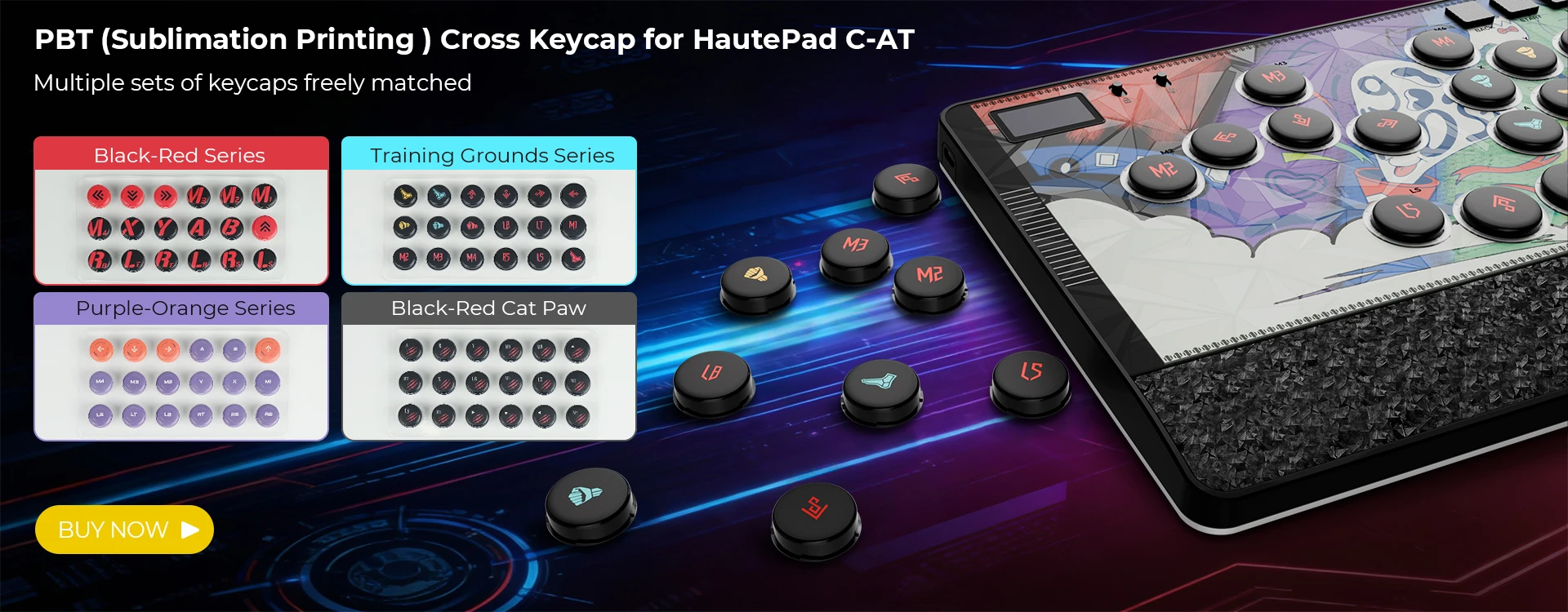
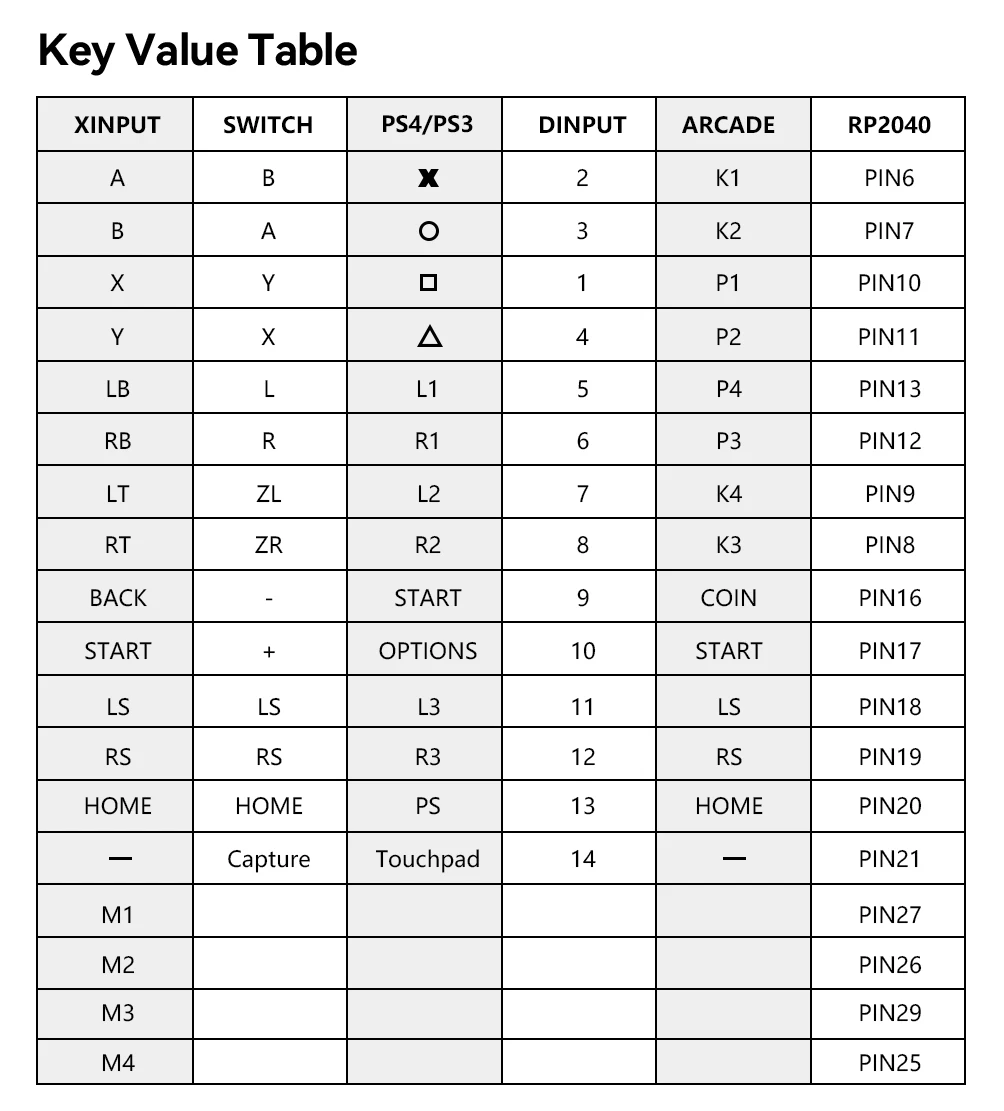
Attention:Regarding the M4 button settings issue, you need to reset the mapping to restore normal operation, change PIN25 to “R3”or “RS”, and change PIN29 to “UP”
If you have any questions, please contact us, and we will help you resolve the issue. Please note that this is not a controller malfunction.
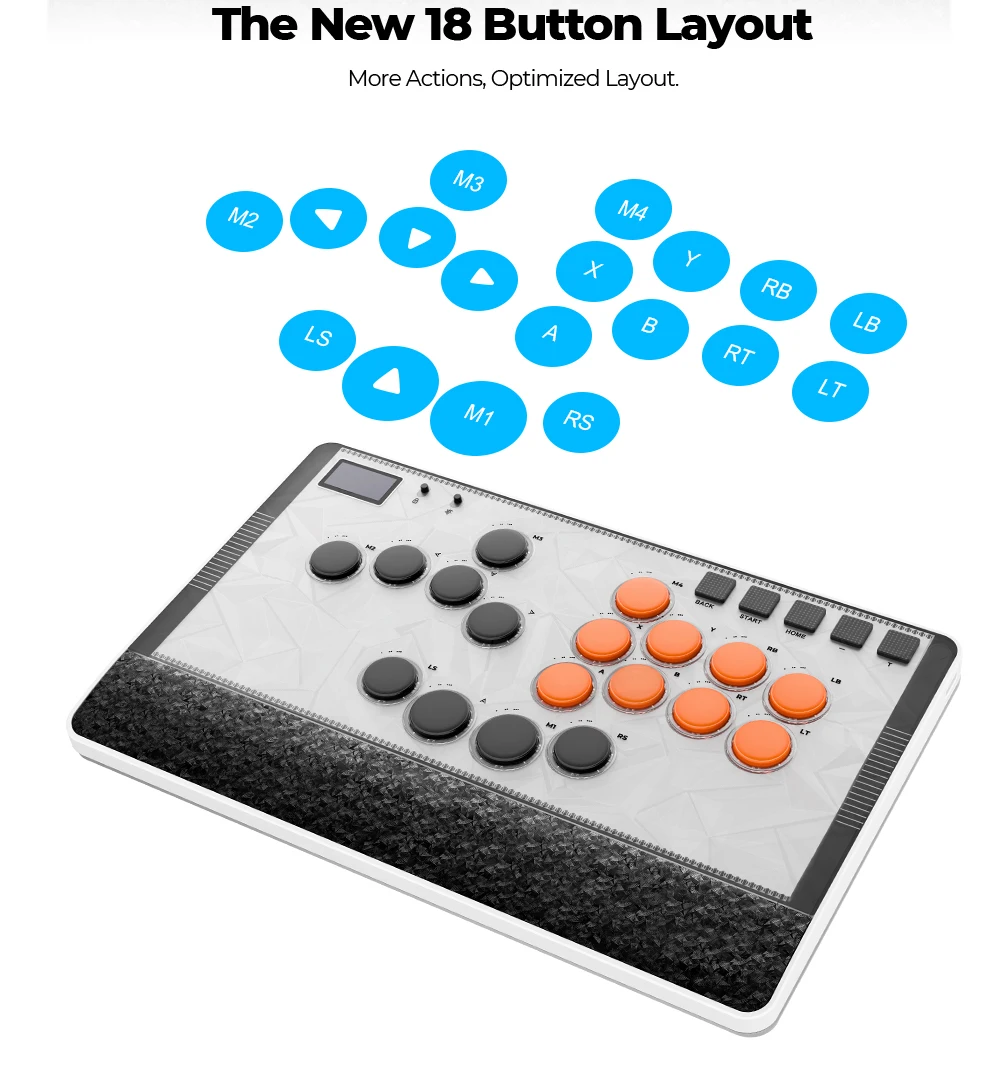
Haute42 18 Buttons Magnetic C-AT Leverless fightstick Hitbox Controller For PC/PS4/PS5/Switch Stickless Arcade Stick Controller
Product Description
Working voltage: 5V
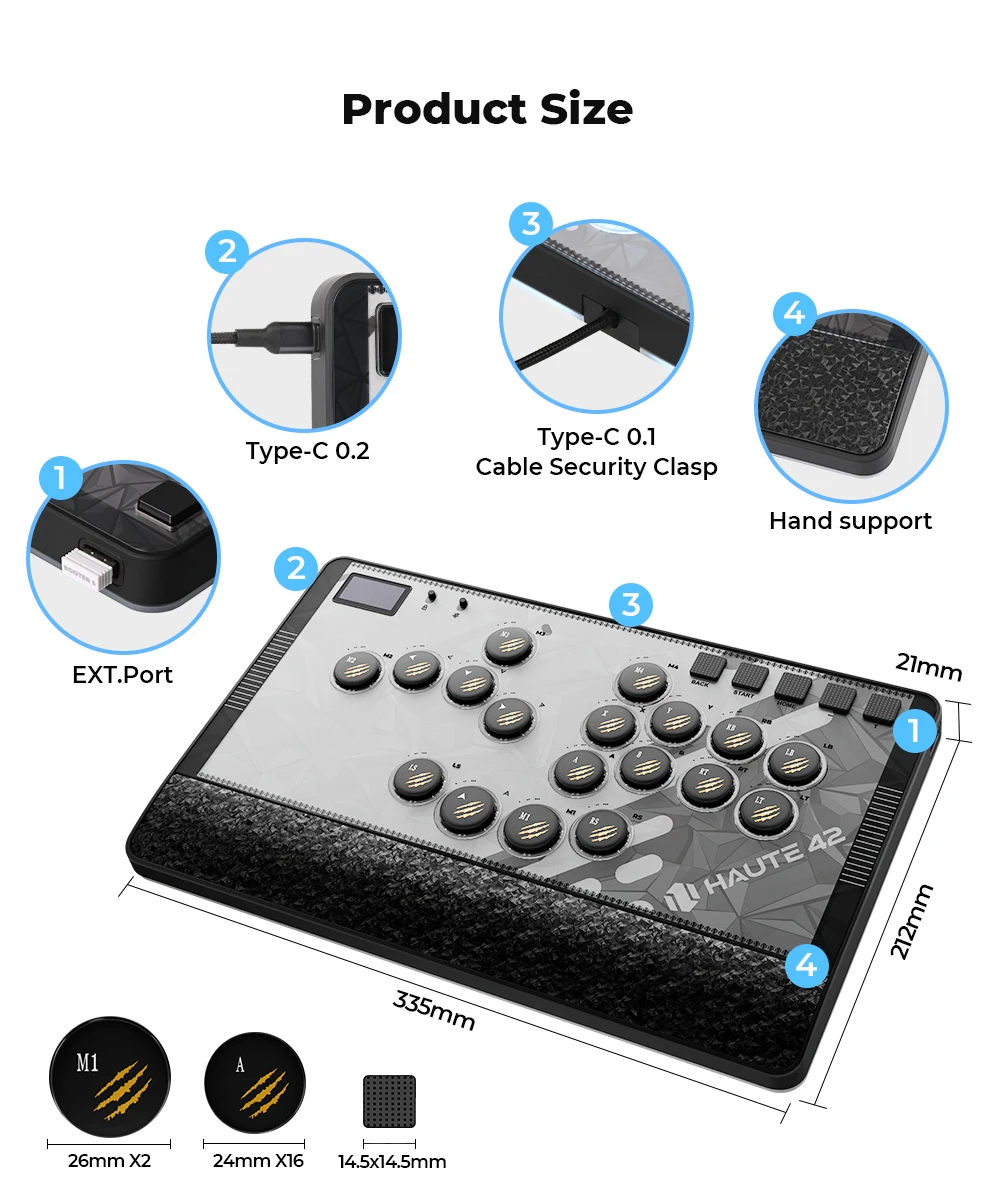
Link method: USB Type-C(Dual Type-C Interface)
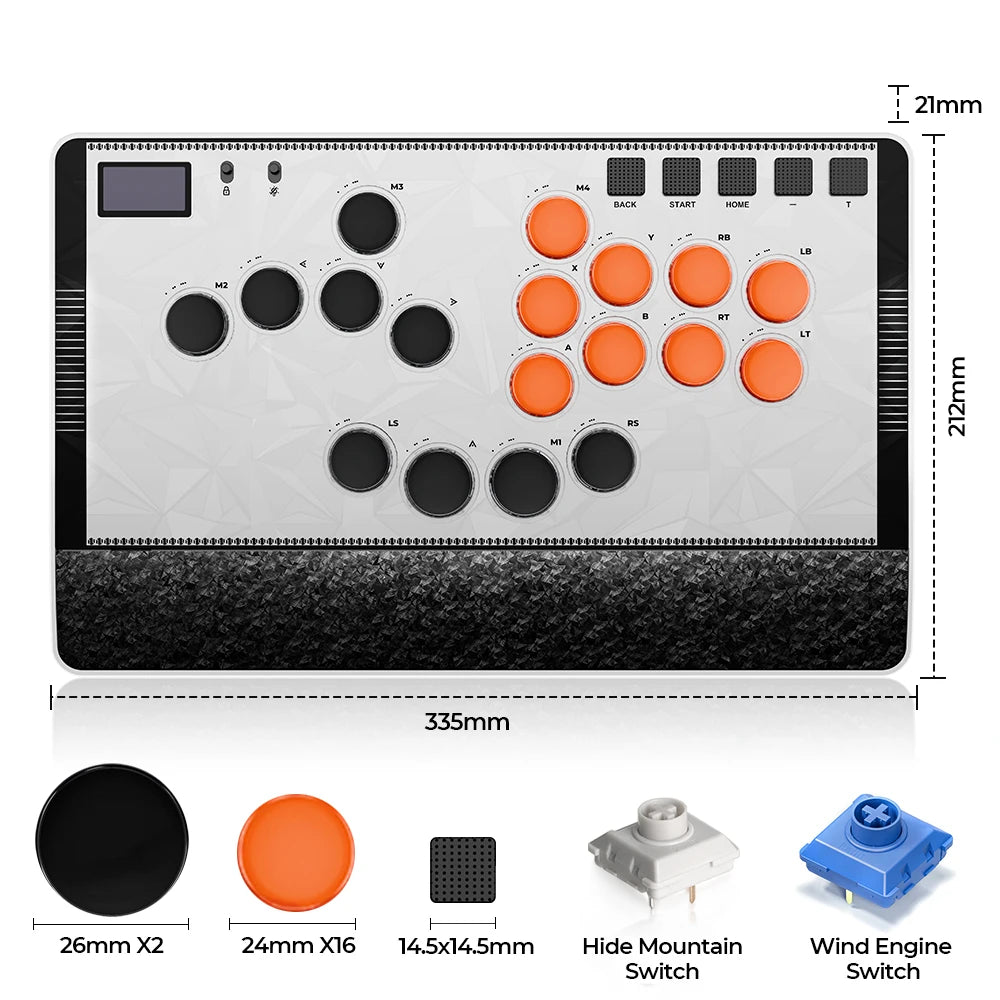
Product size: 335mm * 221mm * 21mm
Supported Platforms : pc /ps3/ps4/switch/ Android/Steam/xbox
Product Specifications: Keyboard*1 ,Data Cable (2M) *1 Keycap Puller*1, Art Templates*8,Wind Engine Switch*2,Adjustment Plate 260*1,Adjustment Plate 240*1, Spare Retaining Ring 240*2, Adjustment Plate 260*2, Wrist Rest Stickers *1 HauteBlock Switch *2 ,
HautePad C-AT
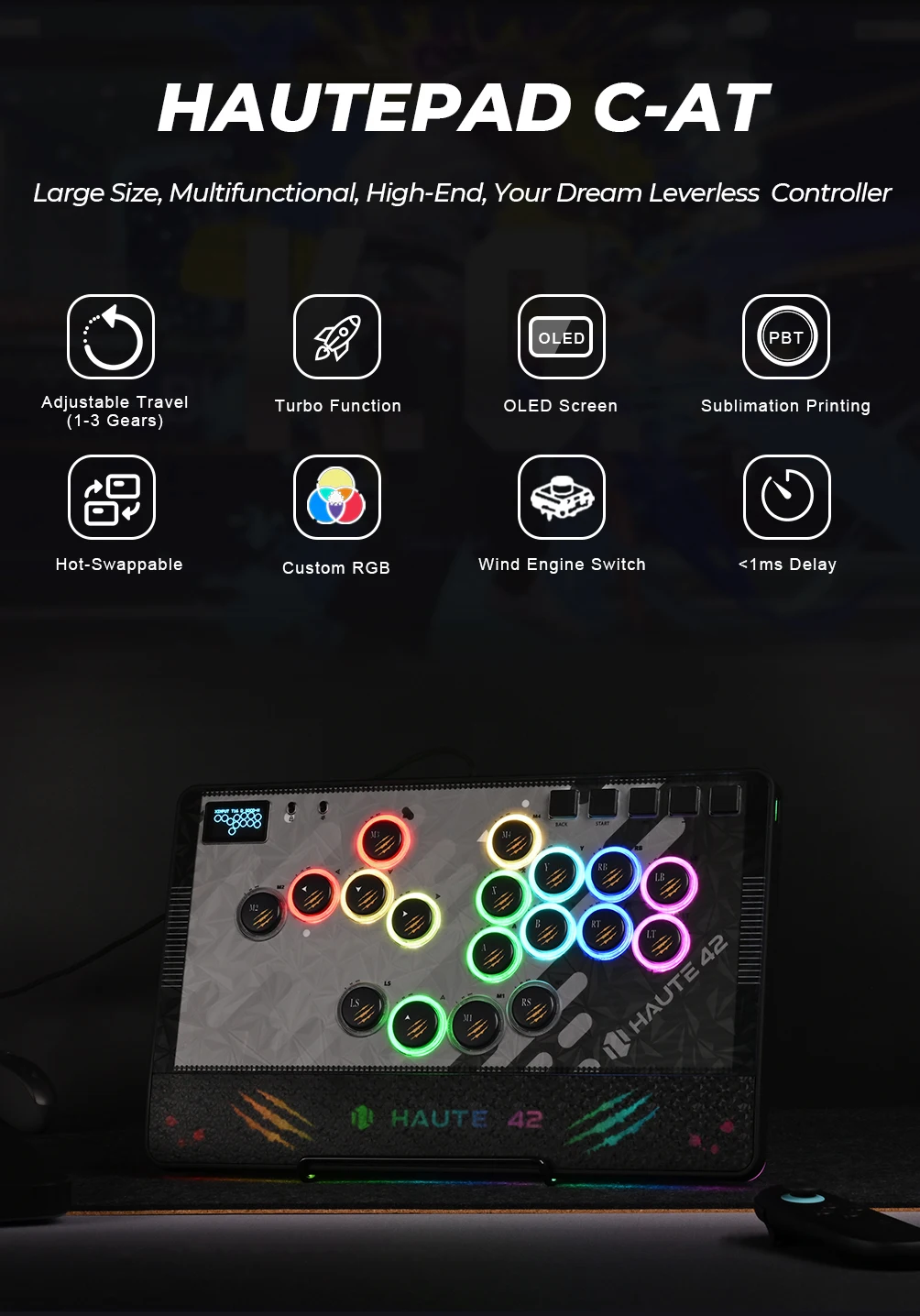
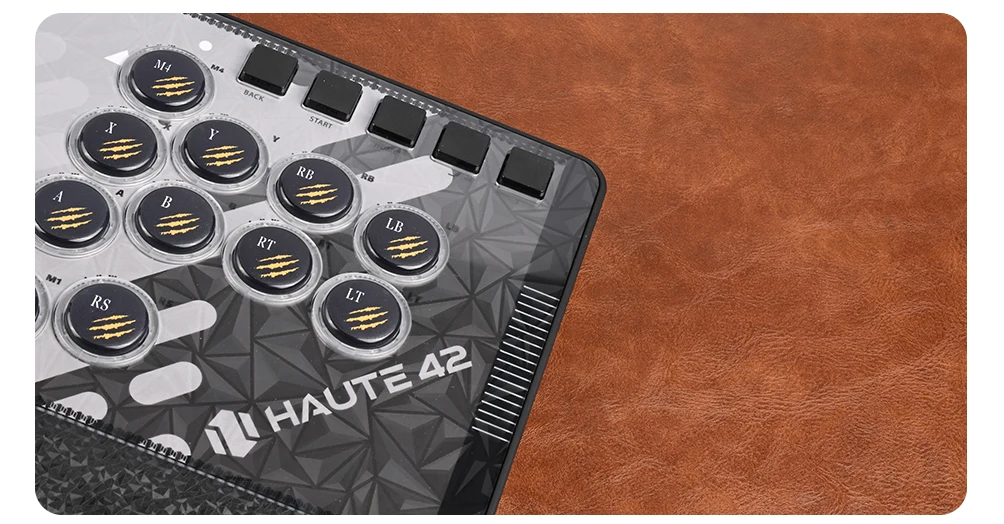
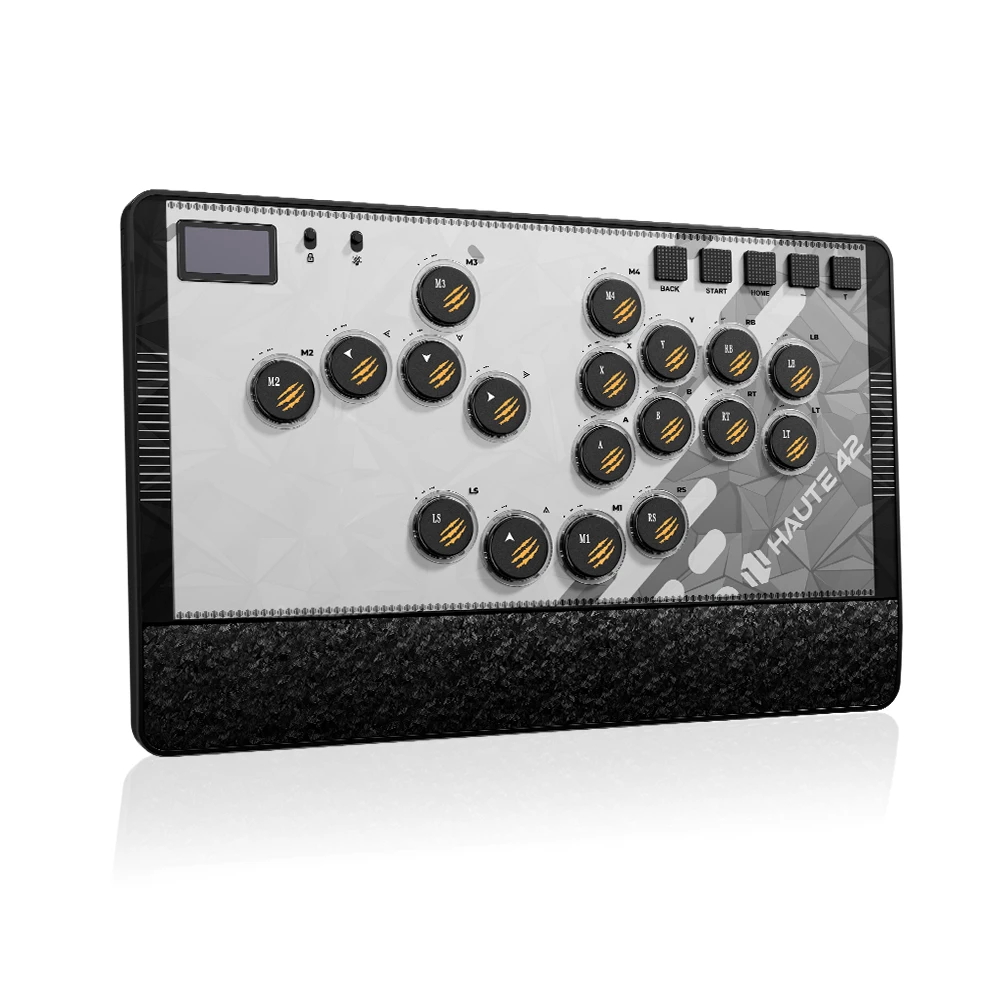
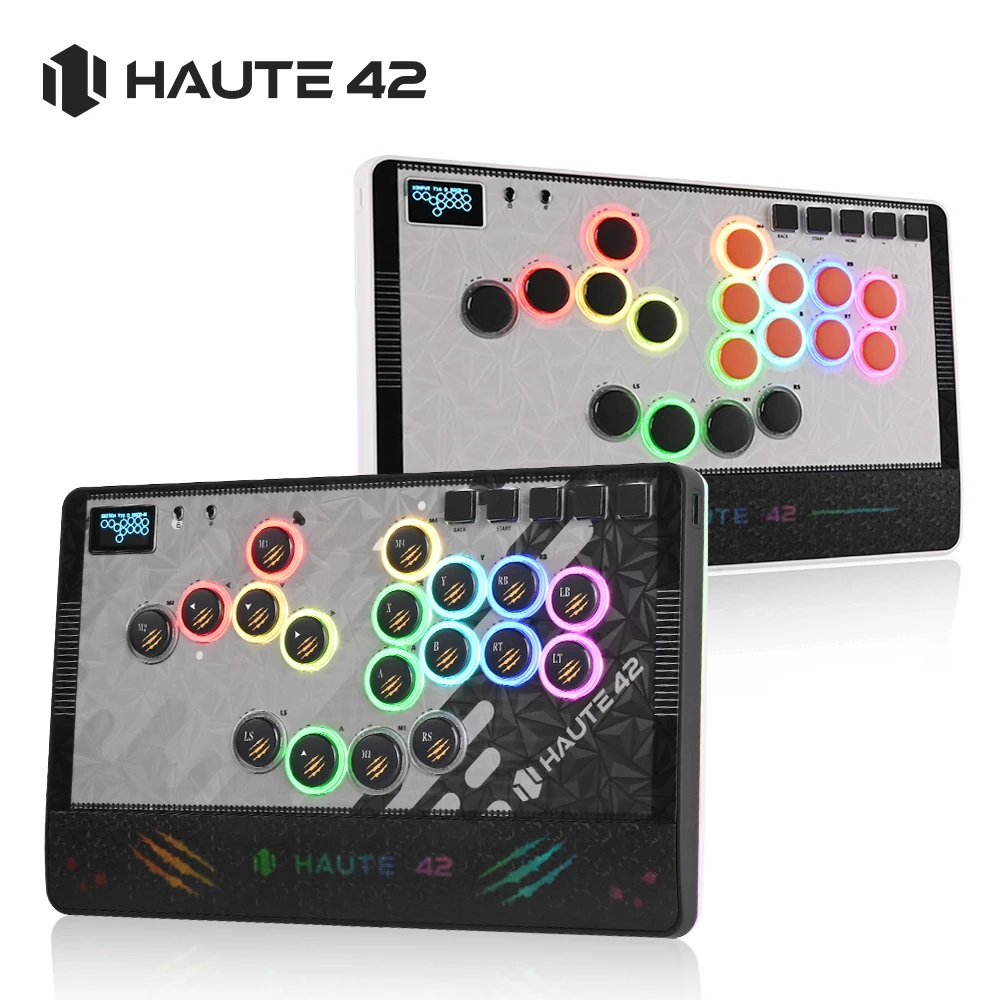
This is a high-value, multi-functional, large-sized Hitbox designed specifically for combat players. It comes with a magnetic panel and a hand rest, which can also have DIY patterns. The buttons are adjustable in 3 levels, and the back is an integrated anti slip pad. We have used PBT material for the keycaps, which are beautiful, oil resistant, and wear-resistant. It is worth having and your dream arcade controller
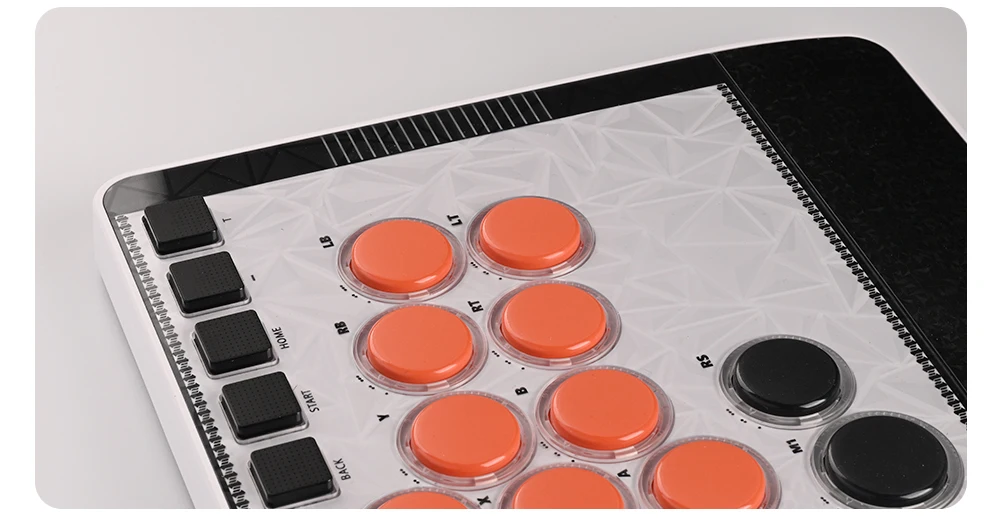
01 Compatibility
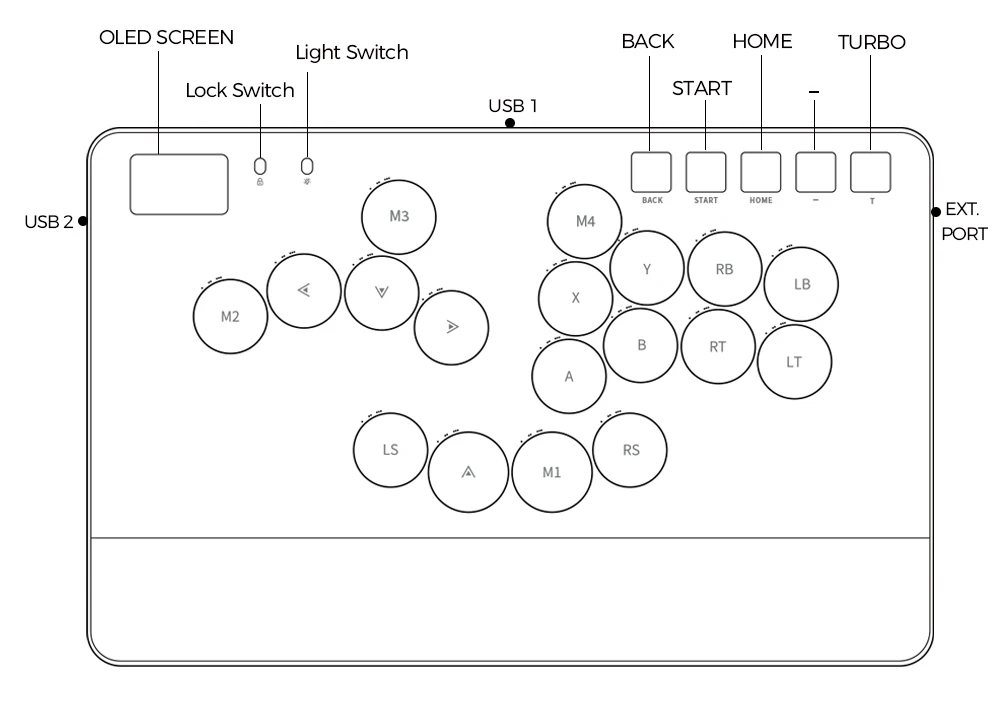
B — Xinput mode (Windows/Steam)
A — SWITCH mode
X — PS3 / Dinput mode (Raspberry Pi / Android)
Y — PS4 mode (Compatible with PS4 games on PS5 console)
RT — KEYBOARD mode
Input Mode
To change the input mode, hold one of the buttons(as shown above) as the controller is plugged in.
Tips:
This product defaults to Xinput mode,Input mode is saved across power cycles.
If there are games that do not compatible the above input modes , you can enter the Web Configurator to modify them for normal use.
PS4 /PS5 Mode
About PS4 /PS5 8 minute disconnection,there are two ways, one is insert a dongle or a officially authorized PS4 wired controller to the EXT.port,We don't have a recommend one,there are too many choices,maybe you can add our discord with other nice players in haute42 group,Oficial Website:haute42-cosmox.com
Web Configurator
This product contains a built-in web-based configuration application which can be started up by holding START when plugging your controller into a PC. Then access http://192.168.7.1 in a web browser to begin configuration.
TURBO
Hold TURBO,then press the button which you need to be set for turbo function,then this button will be continuous sending while you press it,to cancel this turbo key,just repeat the privious step.
The turbo key that set will be cleard when power off.
These keys can be set as a Turbo key: A / B / X / Y / LB / RB / LT / RT
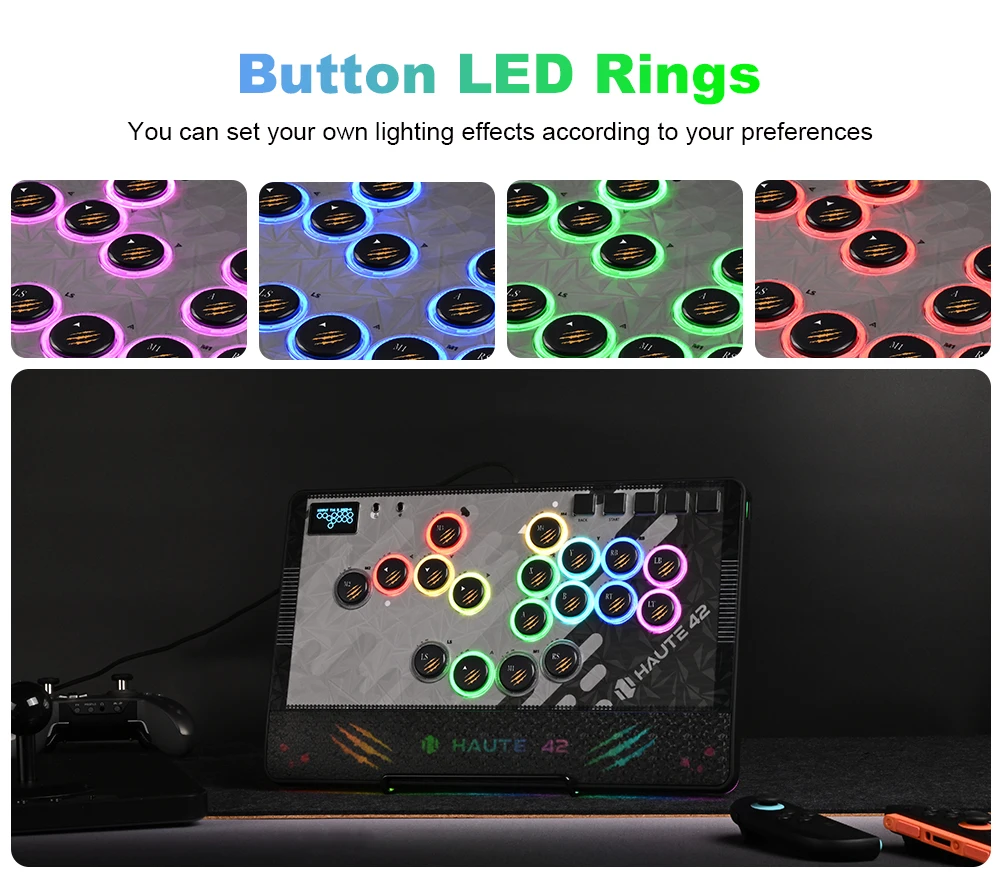
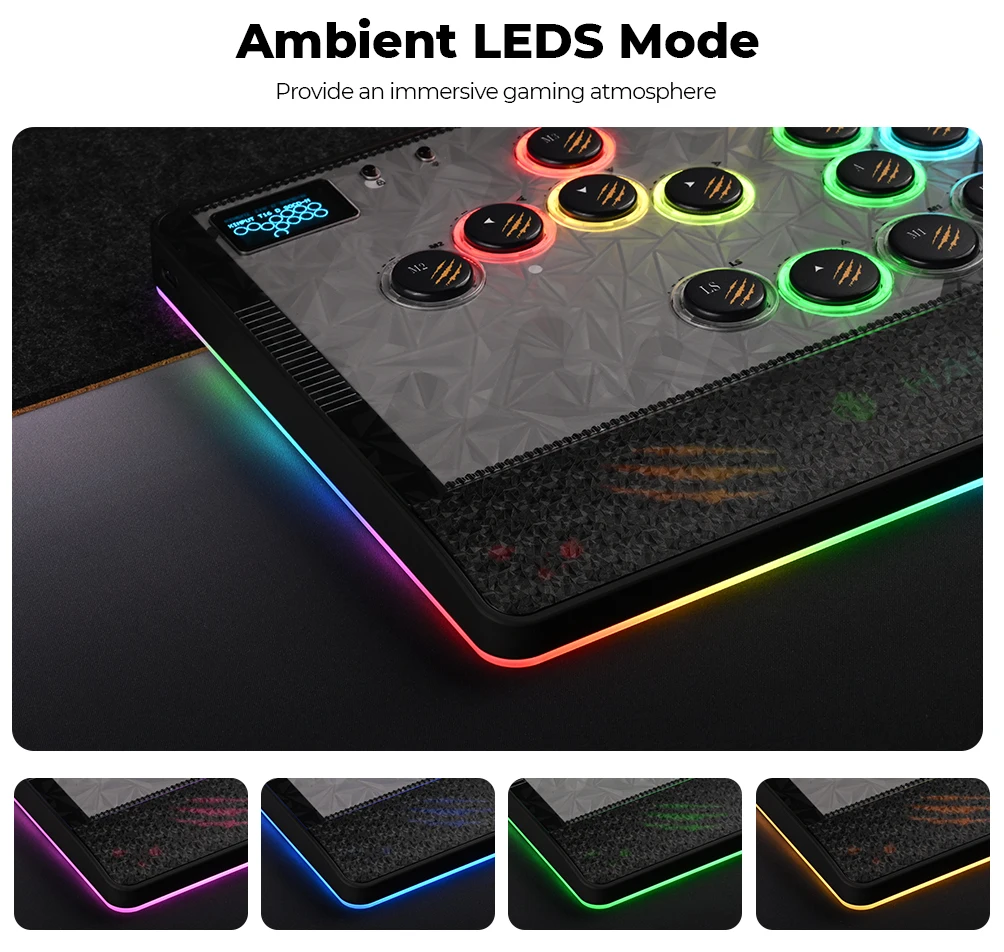
04 RGB LED Setting
●BACK + START + X Next Animation
●BACK + START + A Previous Animation
●BACK + START + Y Brightness Up
●BACK + START + B Brightness Down
●BACK + START + RB LED Parameter Up
●BACK + START + RT LED Parameter Down
●BACK + START + LB Pressed Parameter Up
●BACK + START + LT Pressed Parameter Down